TheChickenWizard
-
Posts
11 -
Joined
-
Last visited
Content Type
Profiles
Forums
Blogs
News
Store
Everything posted by TheChickenWizard
-
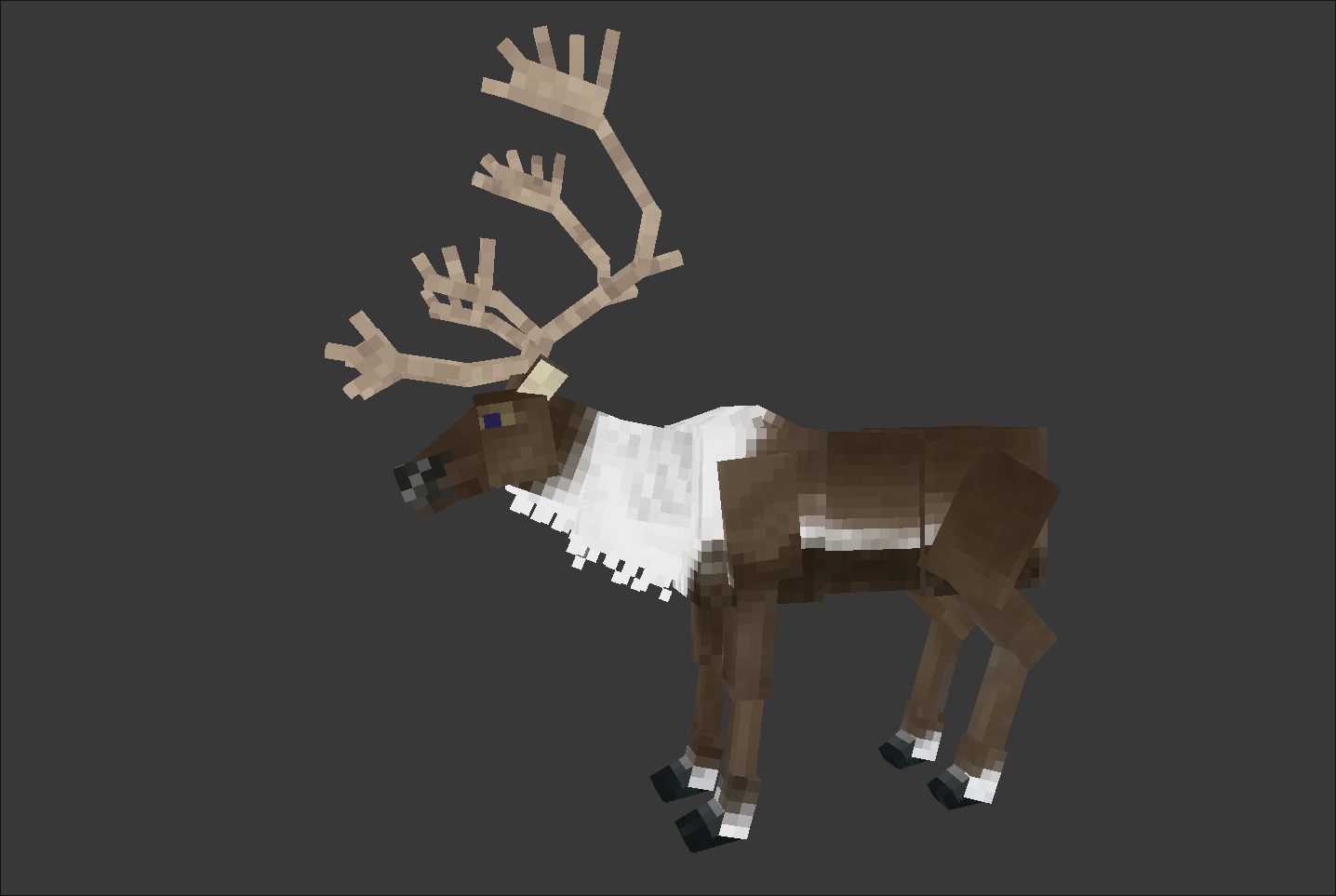
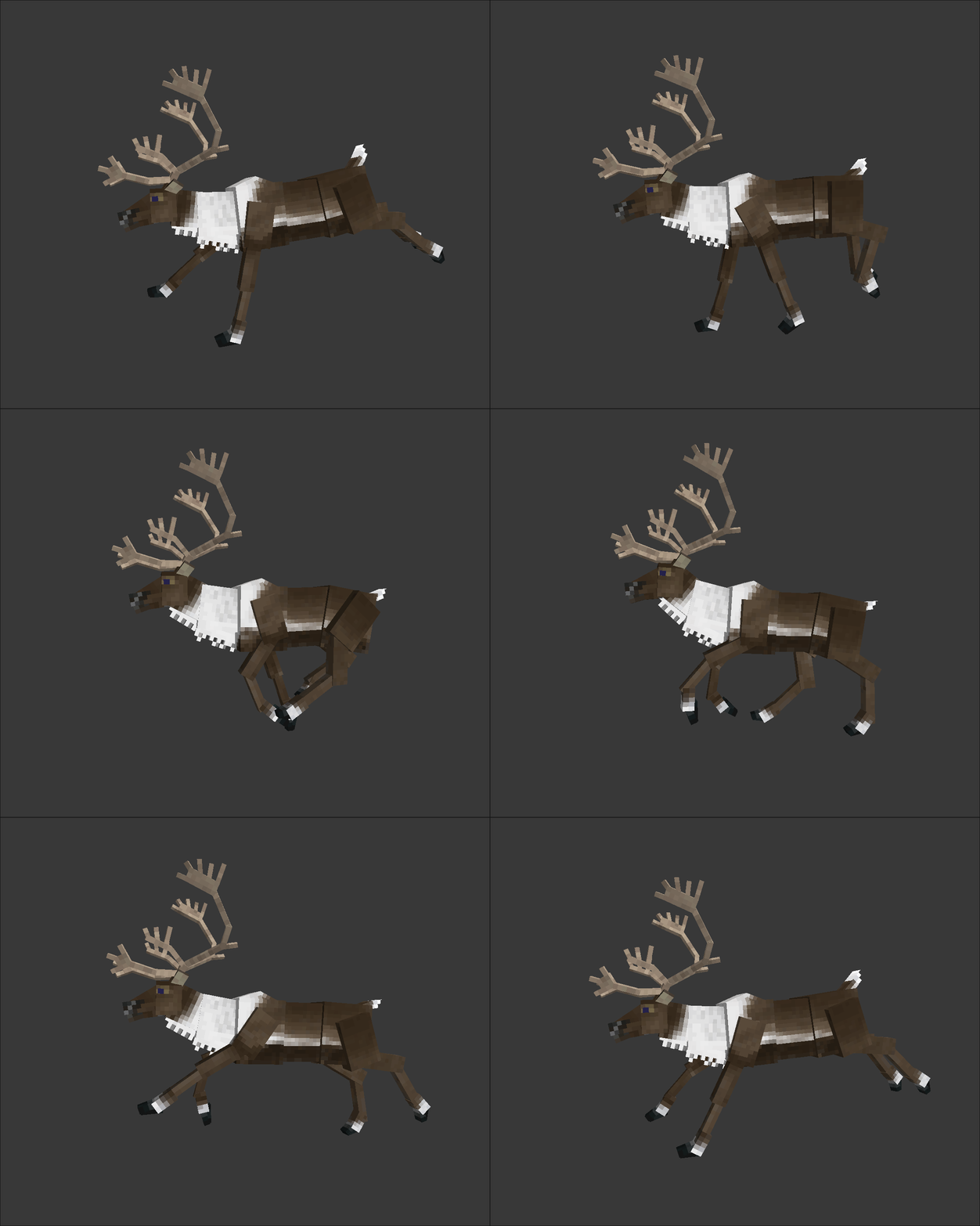
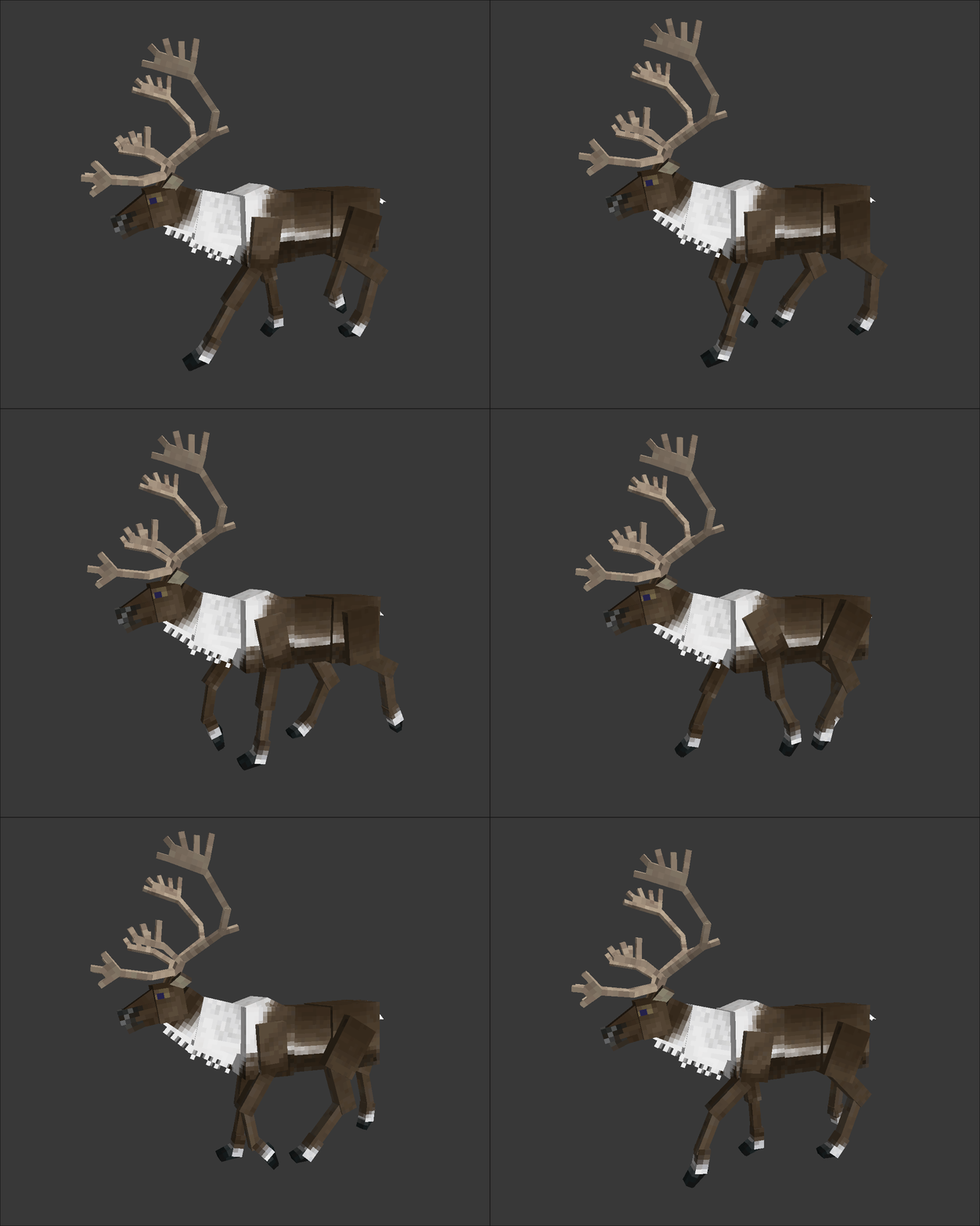
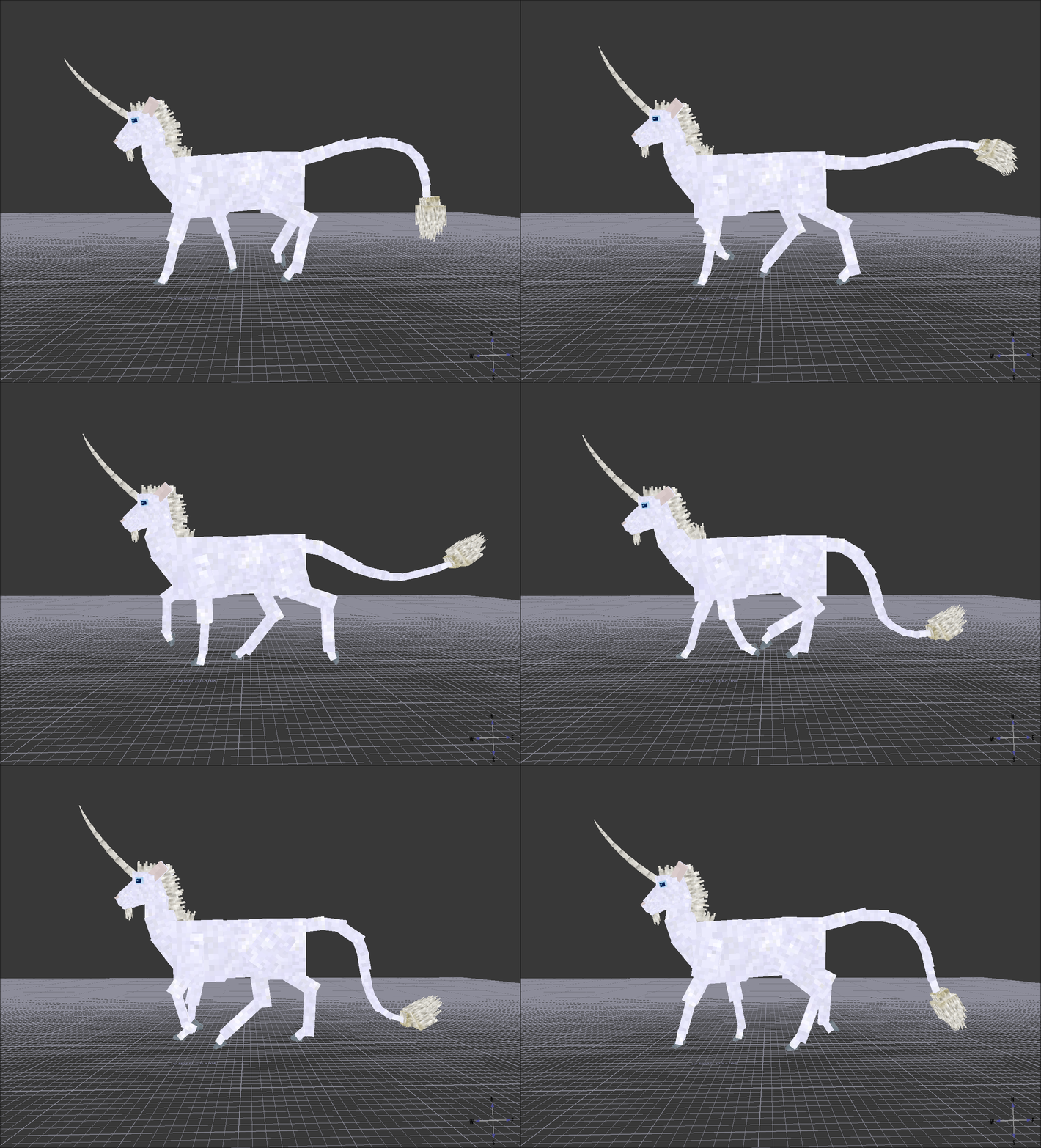
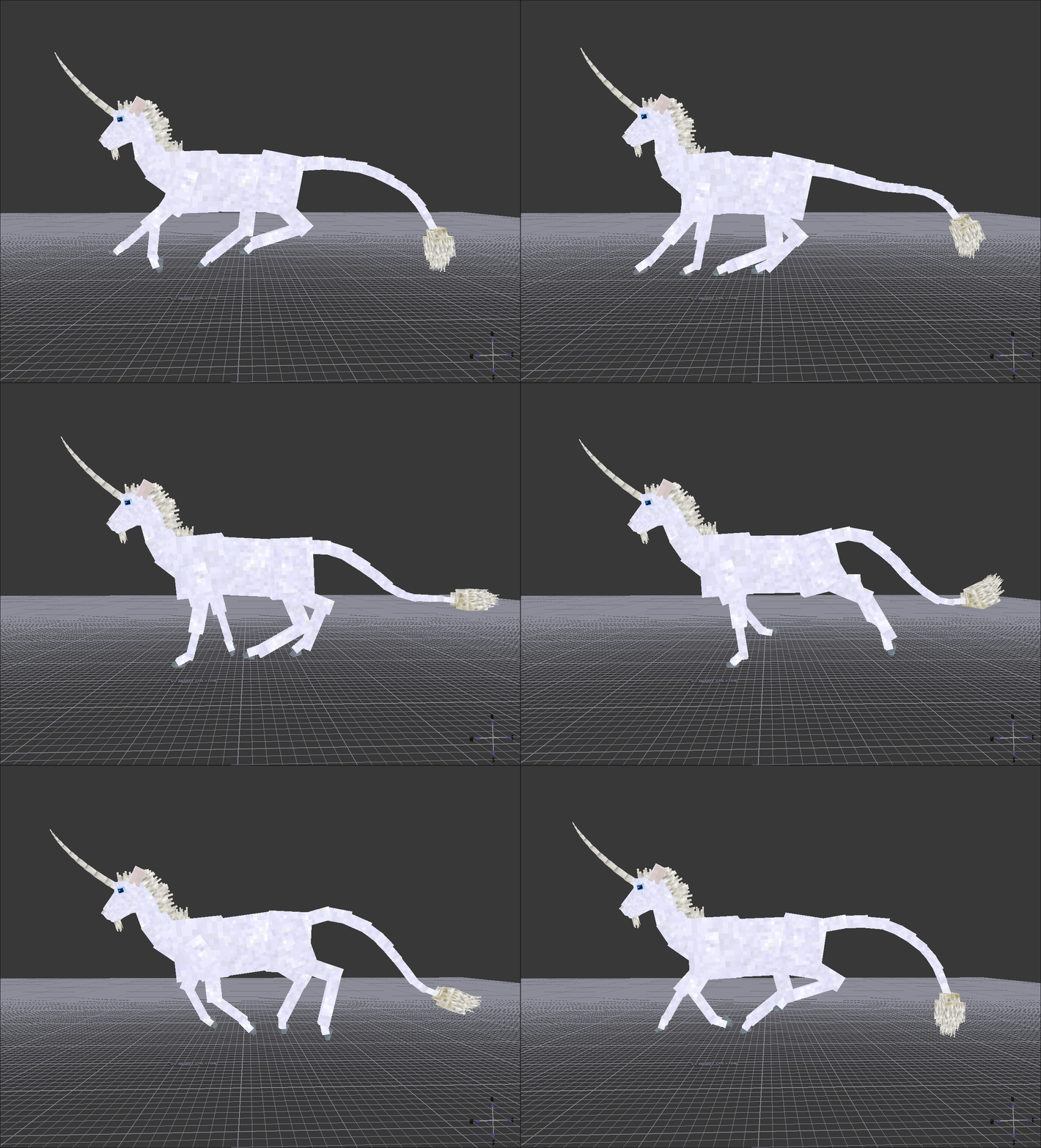
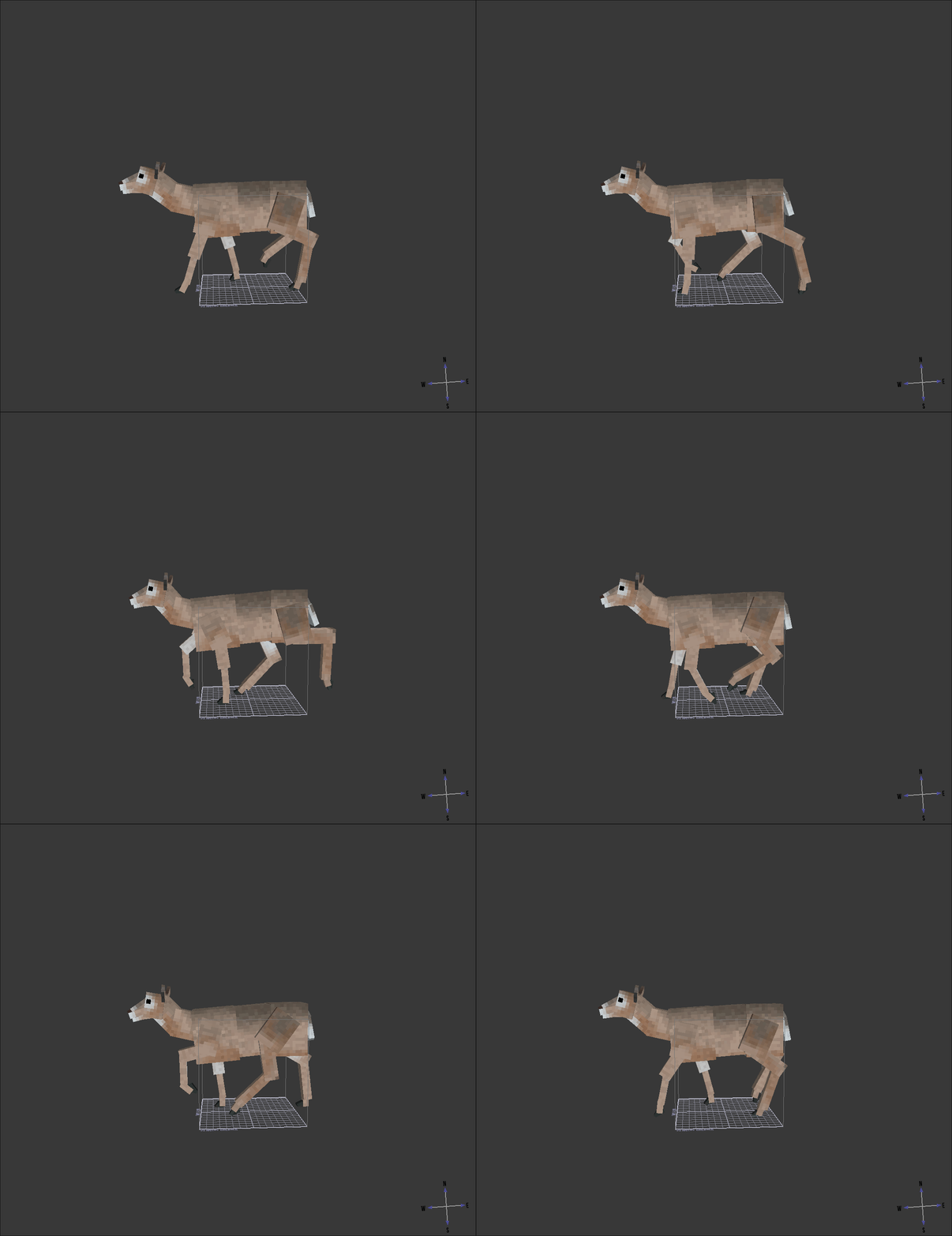
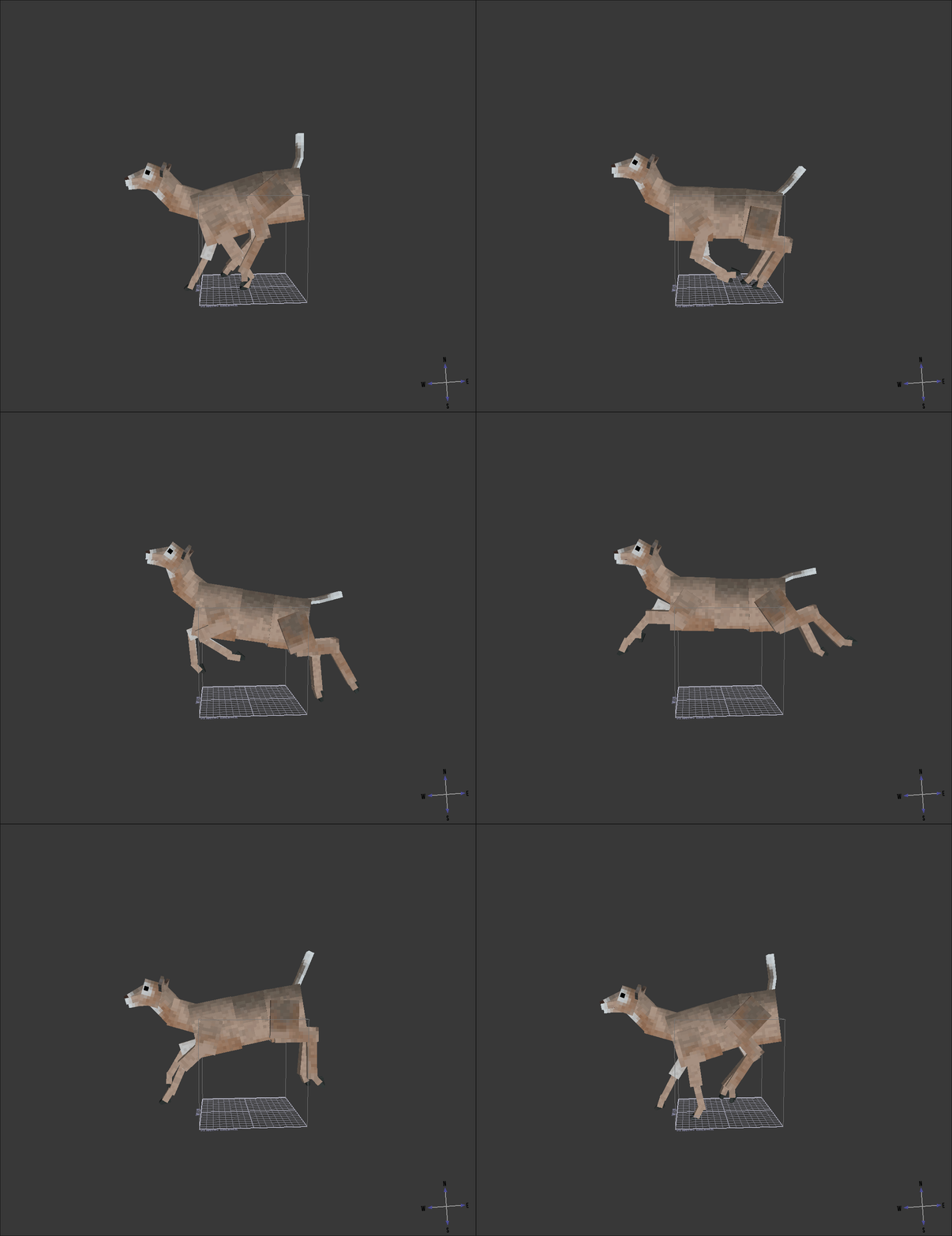
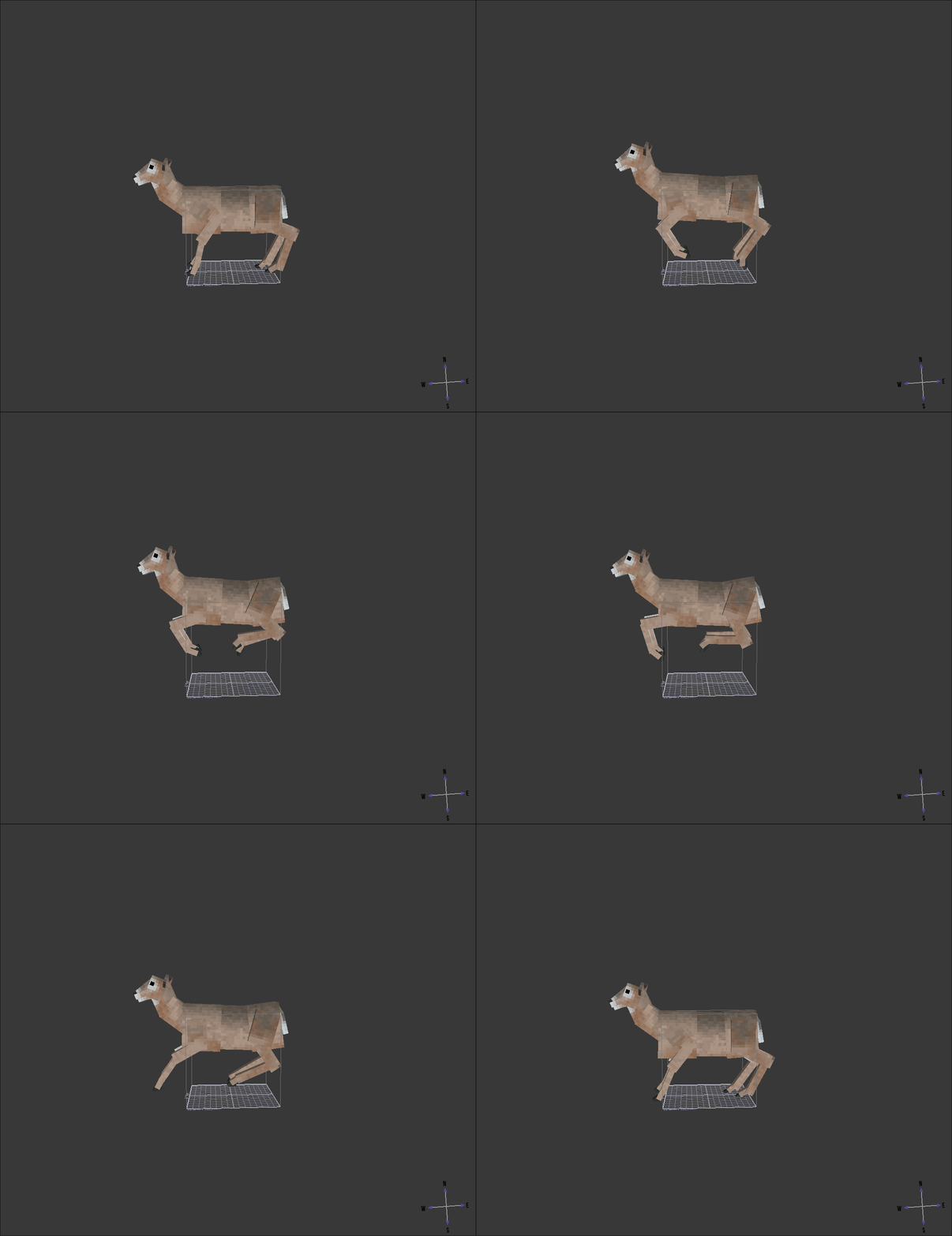
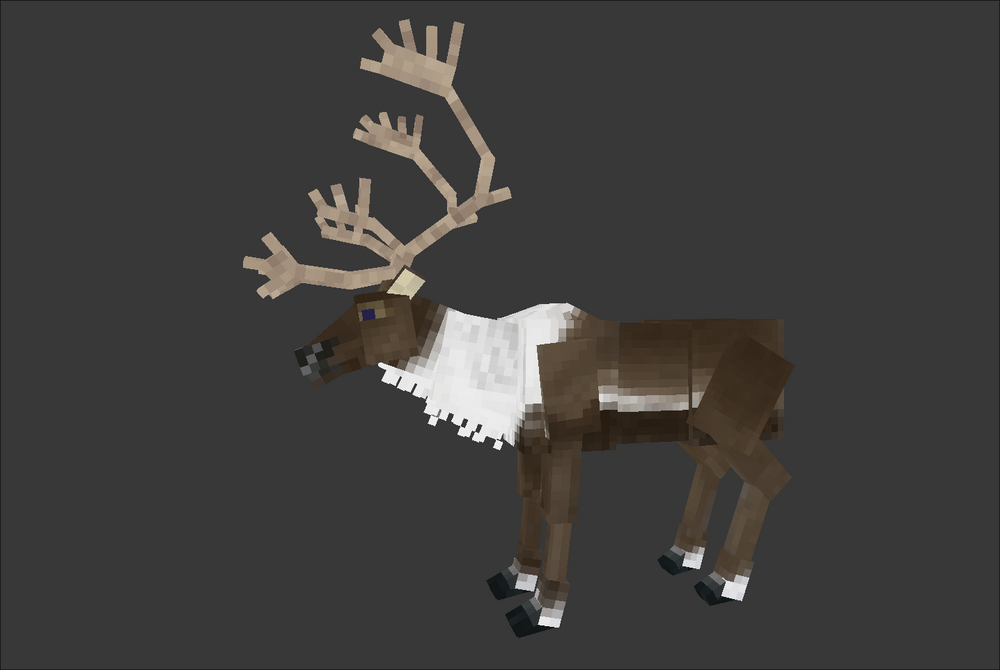
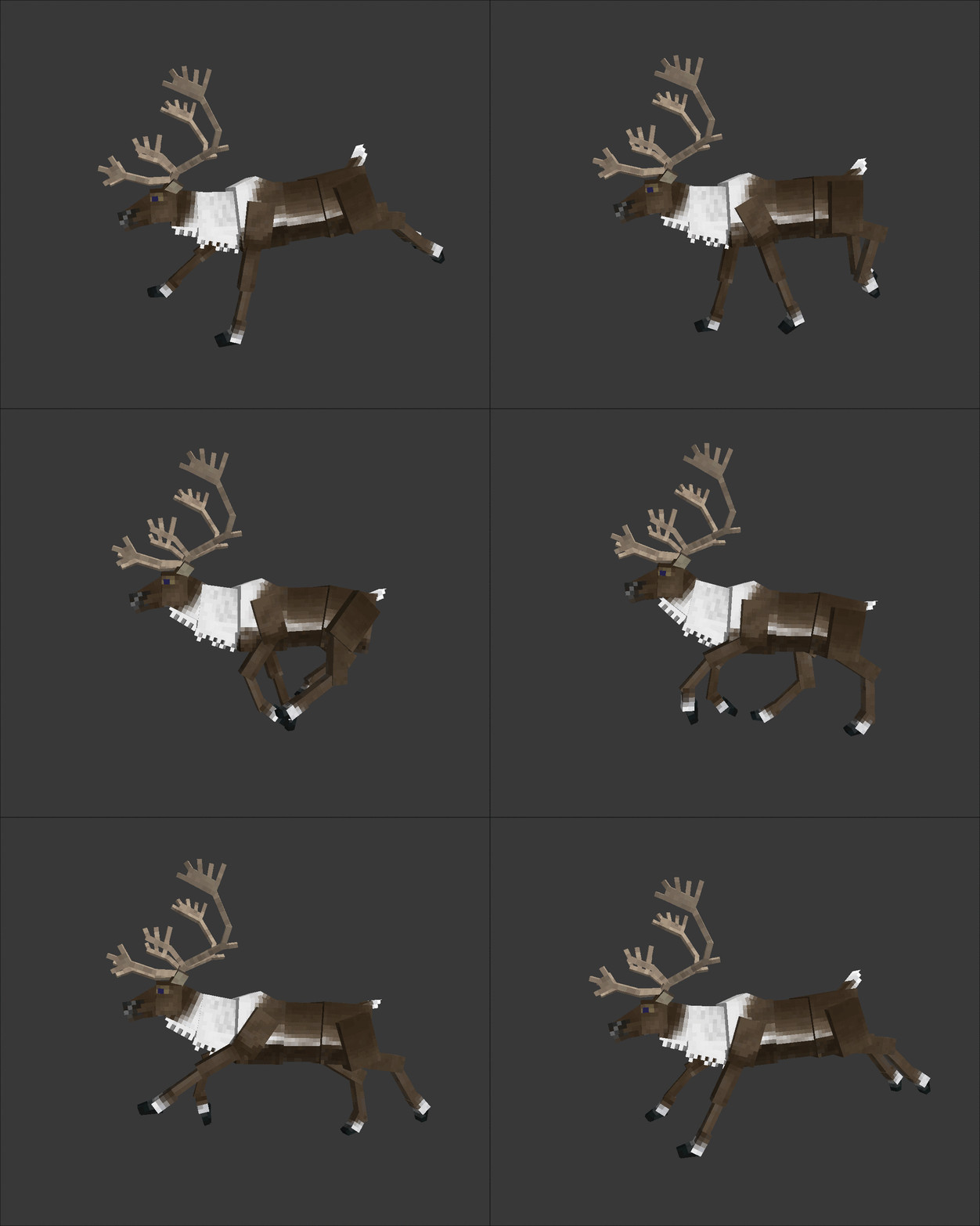
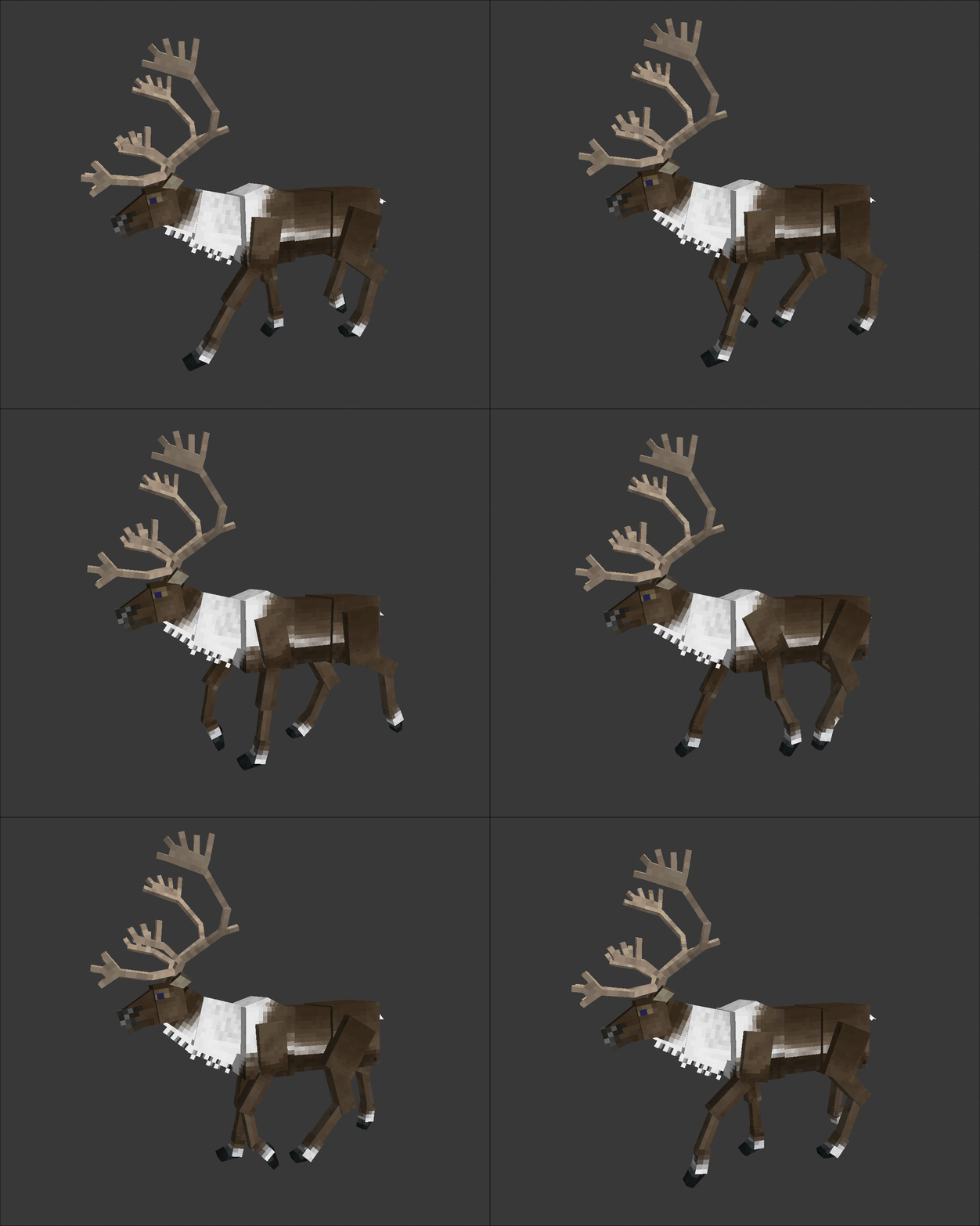
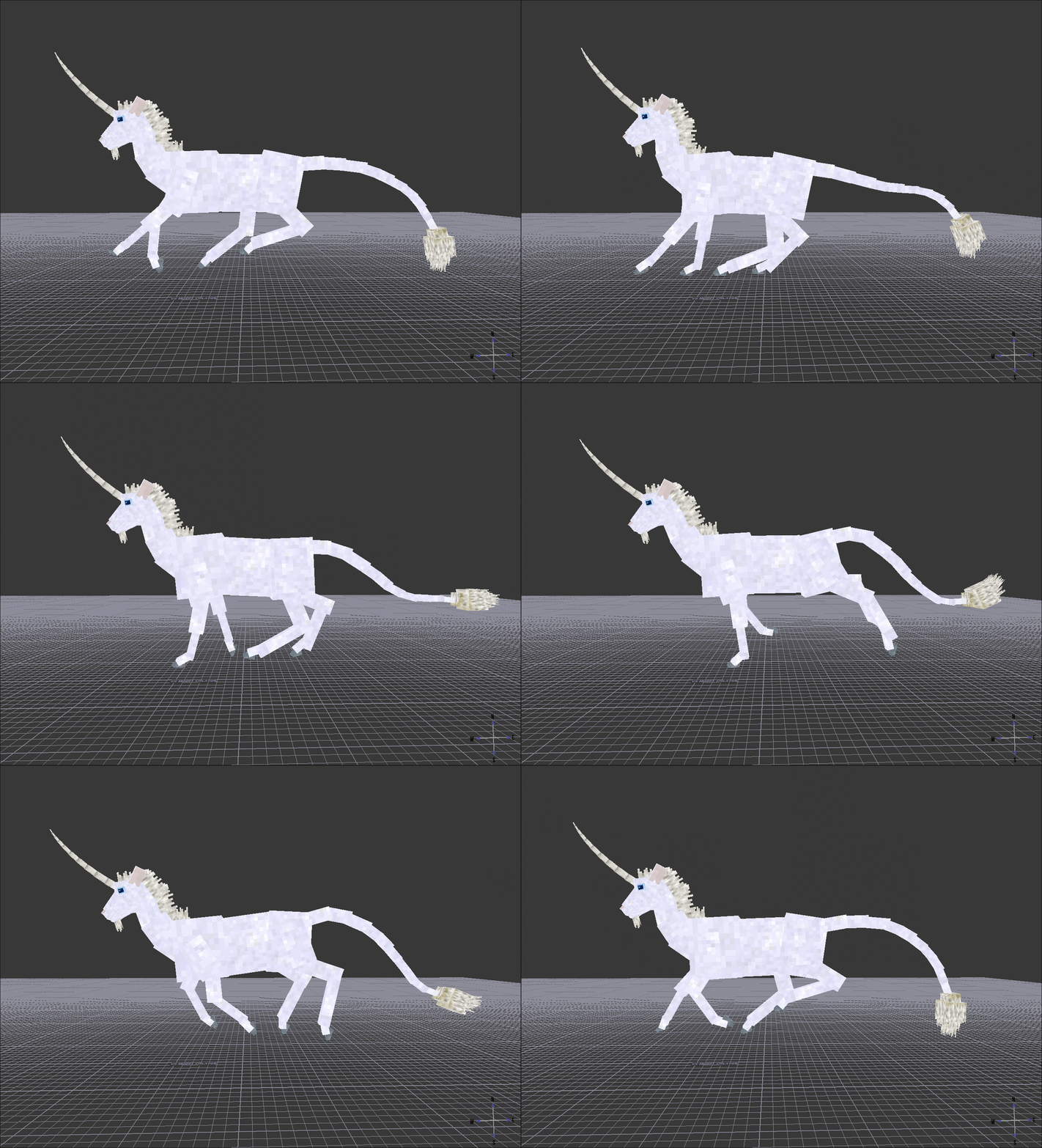
I thought the base game caribou looked pretty drab, so i went ahead and made a new skin as well as touched up some of the animations. I also started wondering while making them if it would be possible to make a mod where you could hitch elk, caribou, or other animals to carts, sleds, wagons, etc., and how it could be done. it seems like a pretty fun thing to add to the game. Anyone know if this would be doable without being a coding wizard?
-
Edit: fixed it, just had to uninstall and reinstall java 8 for some reason, maybe an update? either way got it working again
- 1 reply
-
- 1
-

-
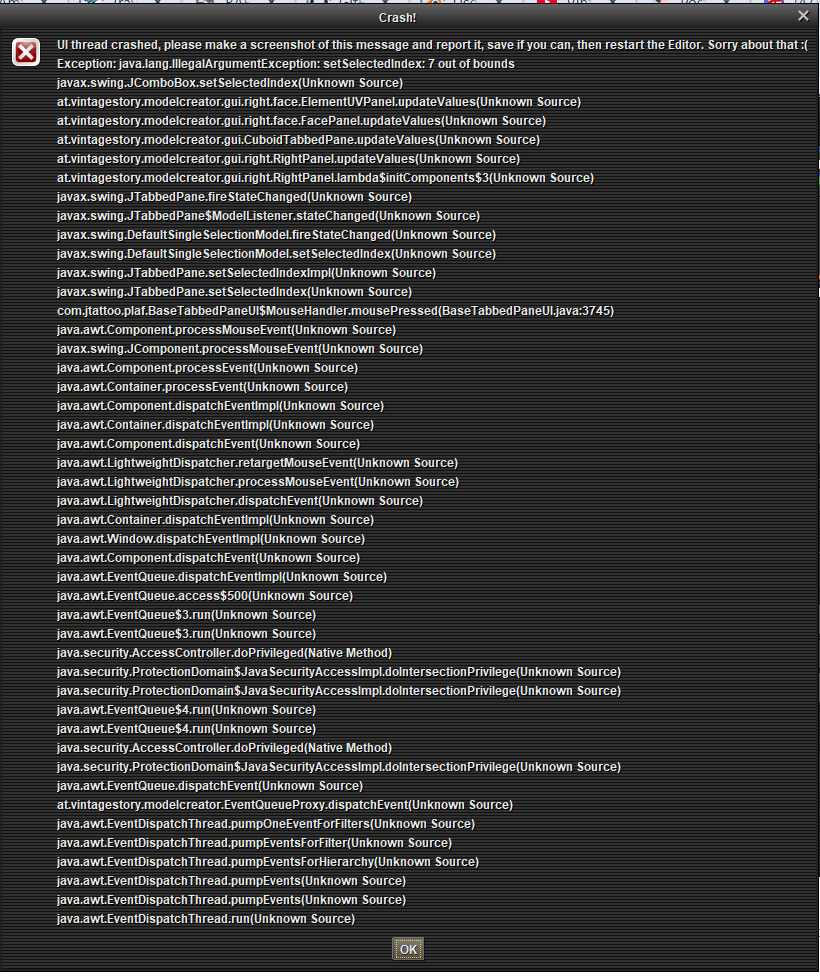
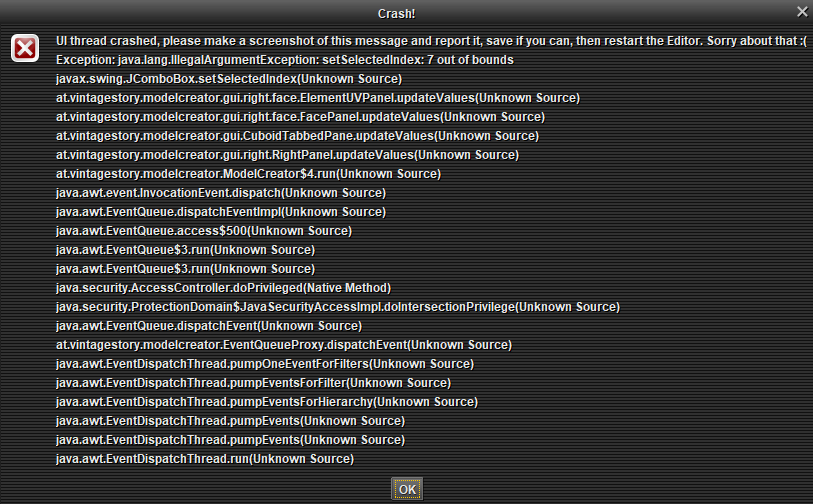
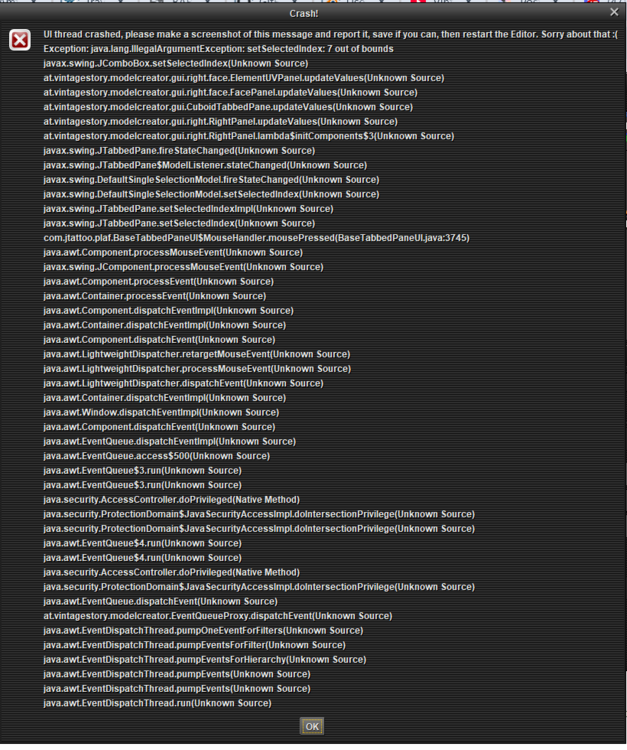
I keep getting these two crash pop ups when I open an entity and select one of it's elements from the dropdown. Can anyone decipher what the issue might be from all this?
-
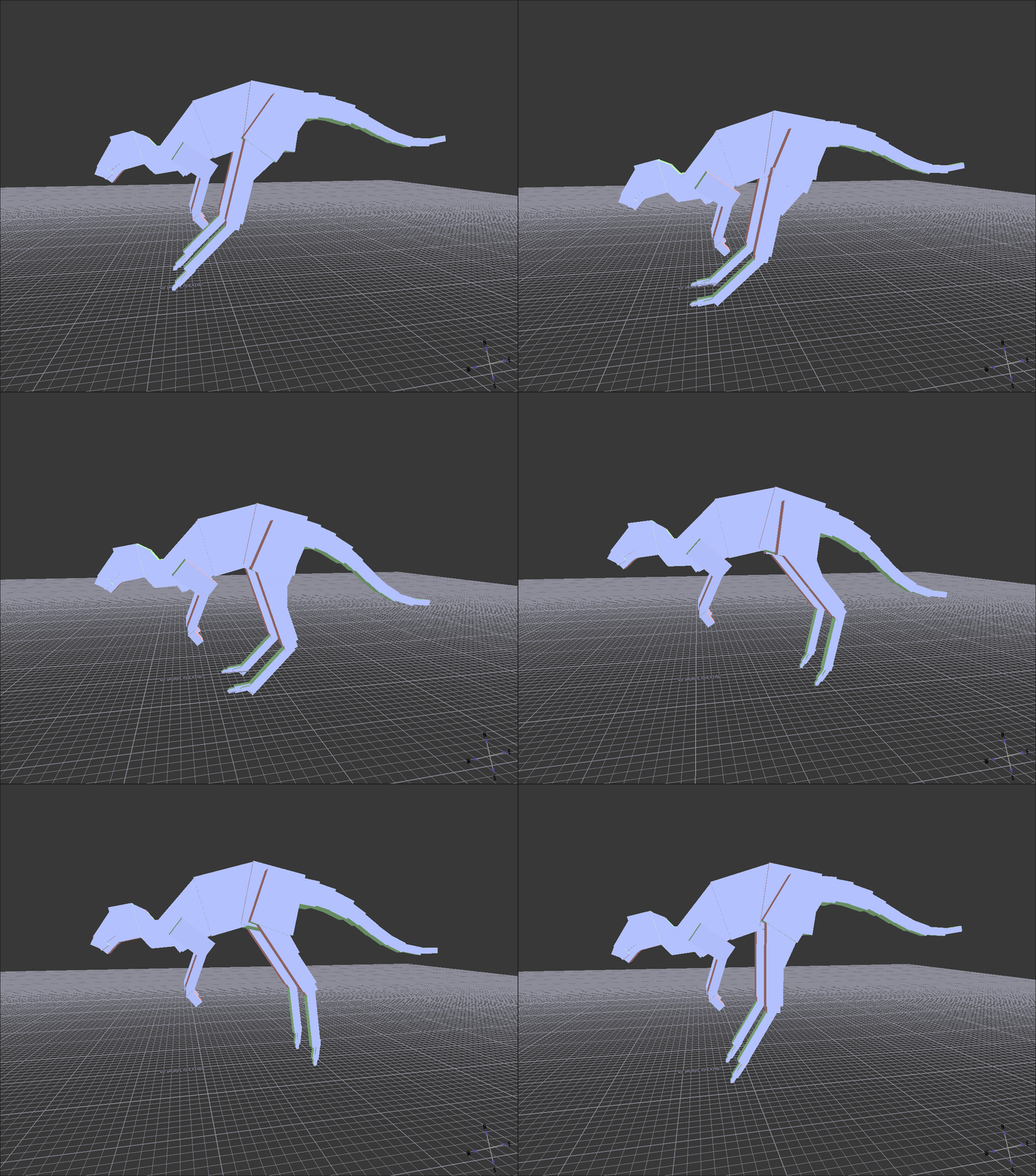
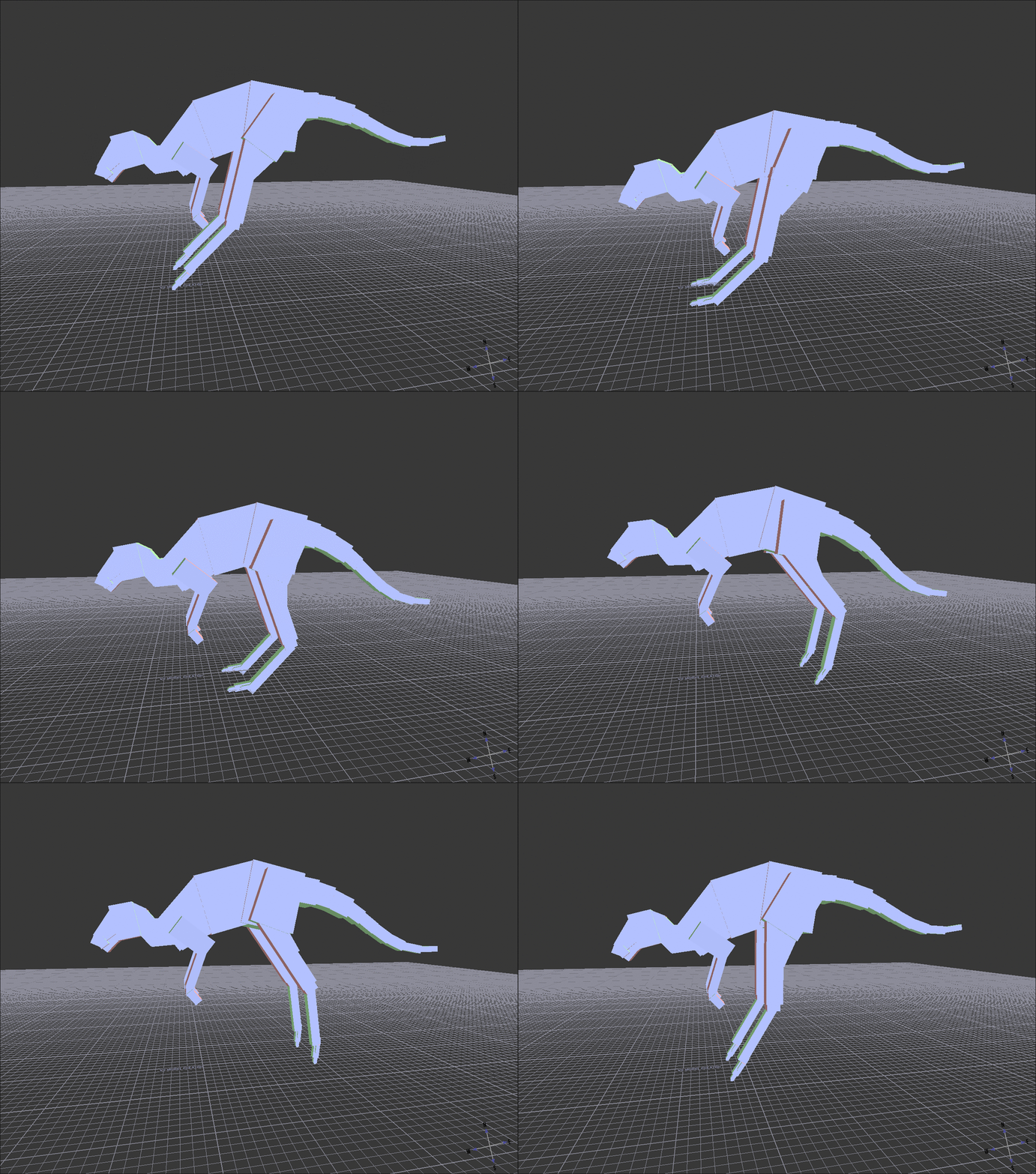
Still trying to teach myself the modding tools, and made and animated a kangaroo is VS model creator today for practice and as a potential future mod. However as you can see it doesn't have ears yet, which is the most expressive part of the animal when animating it. I was struggling to figure out how to get them in a way that both read as a kangaroo without being overly detailed and time consuming to make. Most of the critters only have one or a couple cubes for ears which work alright for them, but they looked a bit wonky on the roo. Does anyone here have any good techniques for modeling less-blocky details like ears in a way that doesn't look too out of place in the game?
-
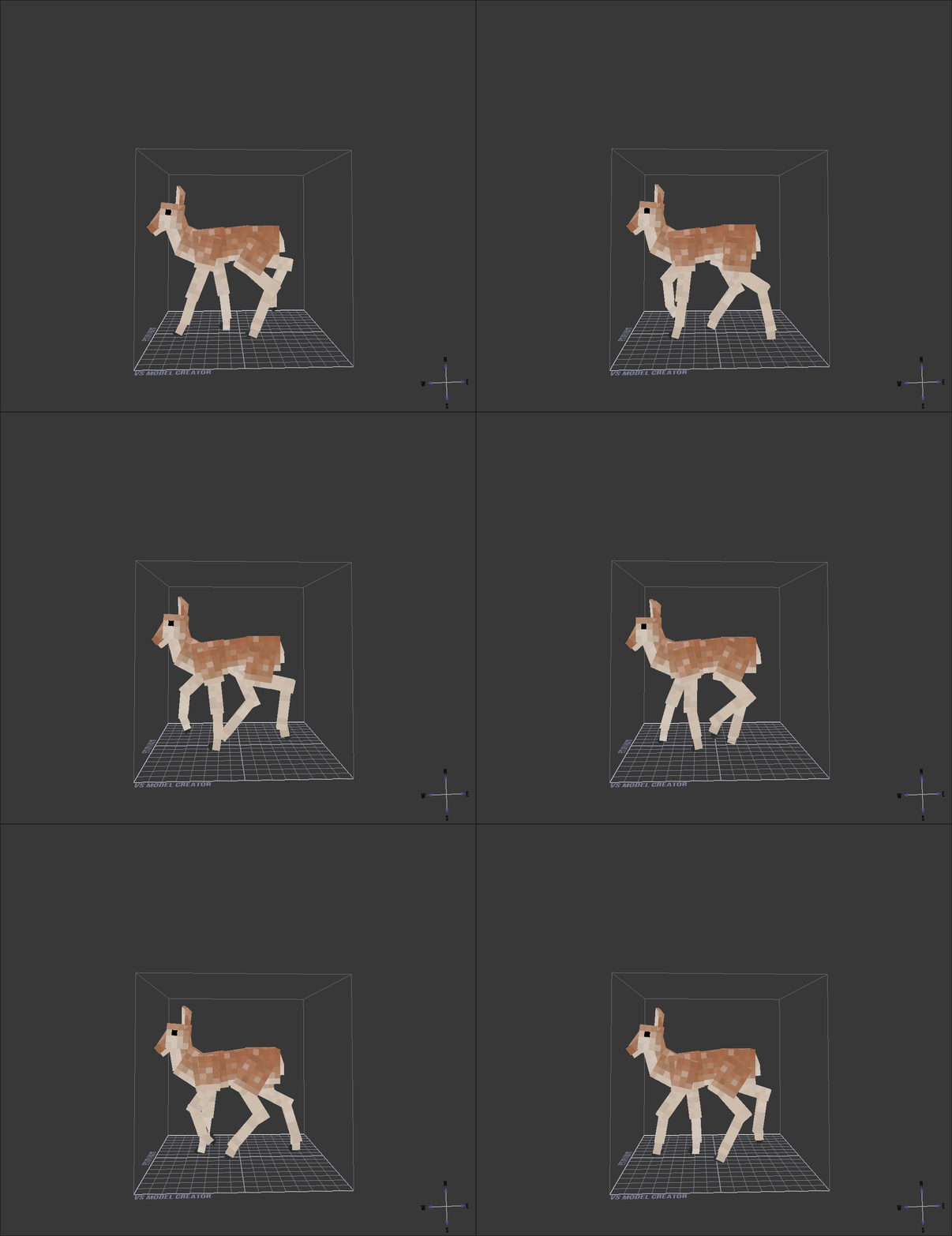
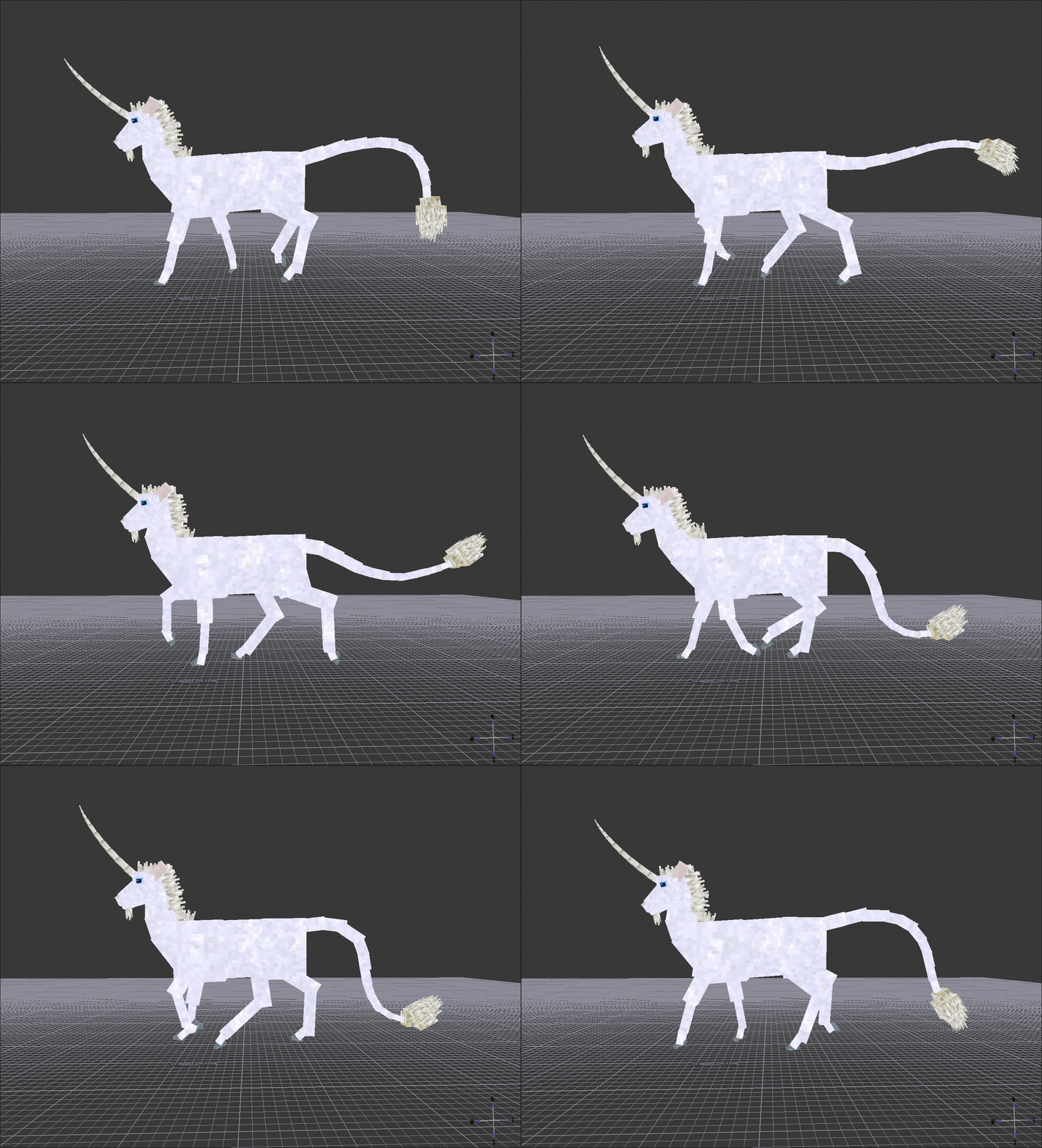
Using deer as a base, with my own added features and animations.. Finally figured out how textures work and so far like the look of him. Programing all the behaviors and such is probably gonna be a challenge though.
- 1 reply
-
- 4
-
-
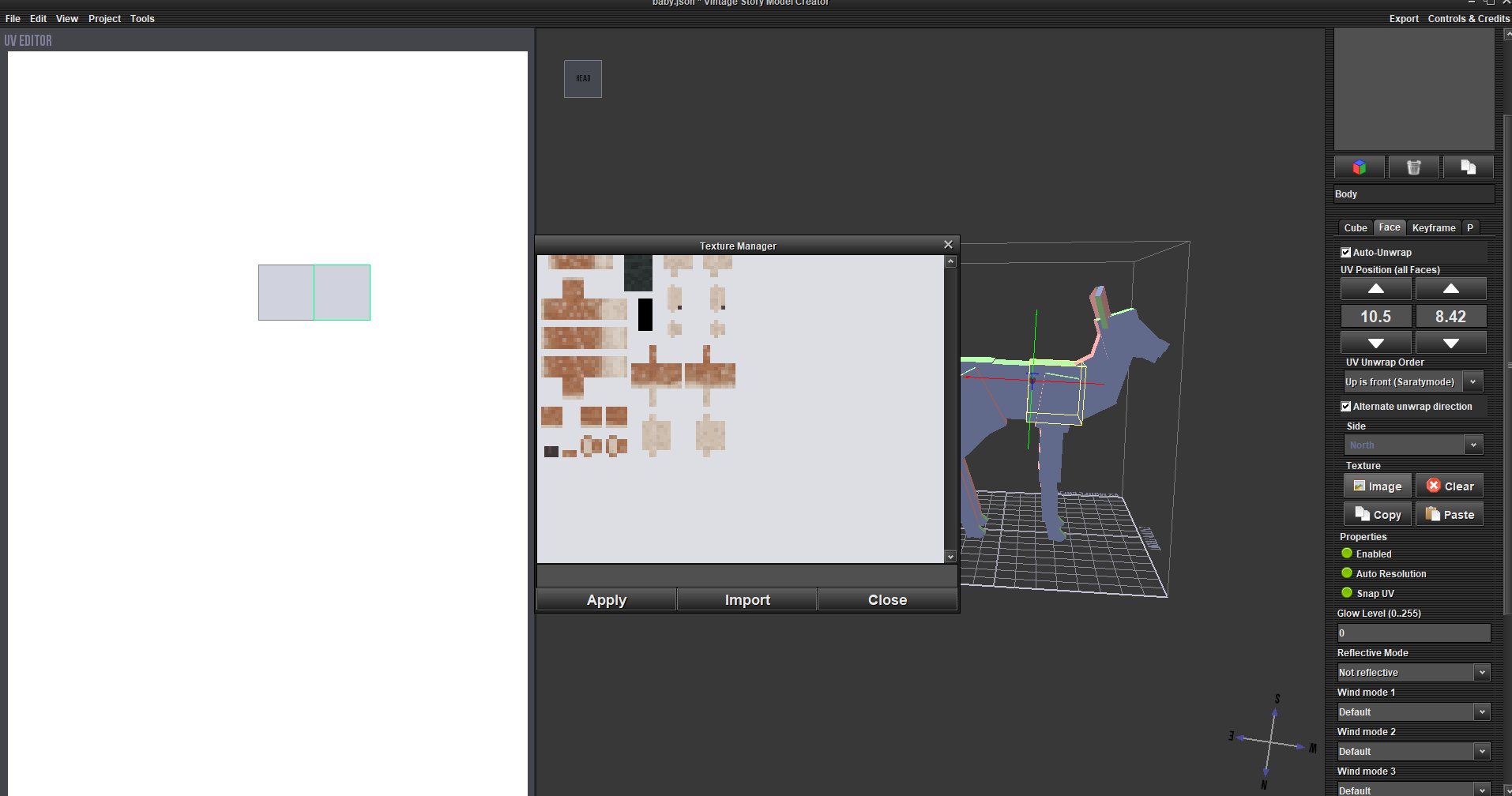
The tutorial explains how to import and apply textures, but I'm a little confused on how to get those custom textures to begin with.
-
Experimenting with making new entities, and am a little confused as to how to make textures. there are plenty of tutorials on applying said textures onto your model, but vs model creator doesn't seem to have an easy ay to color your own textures onto your model. is there a separate program, like block bench or something similar, I should use instead?
-
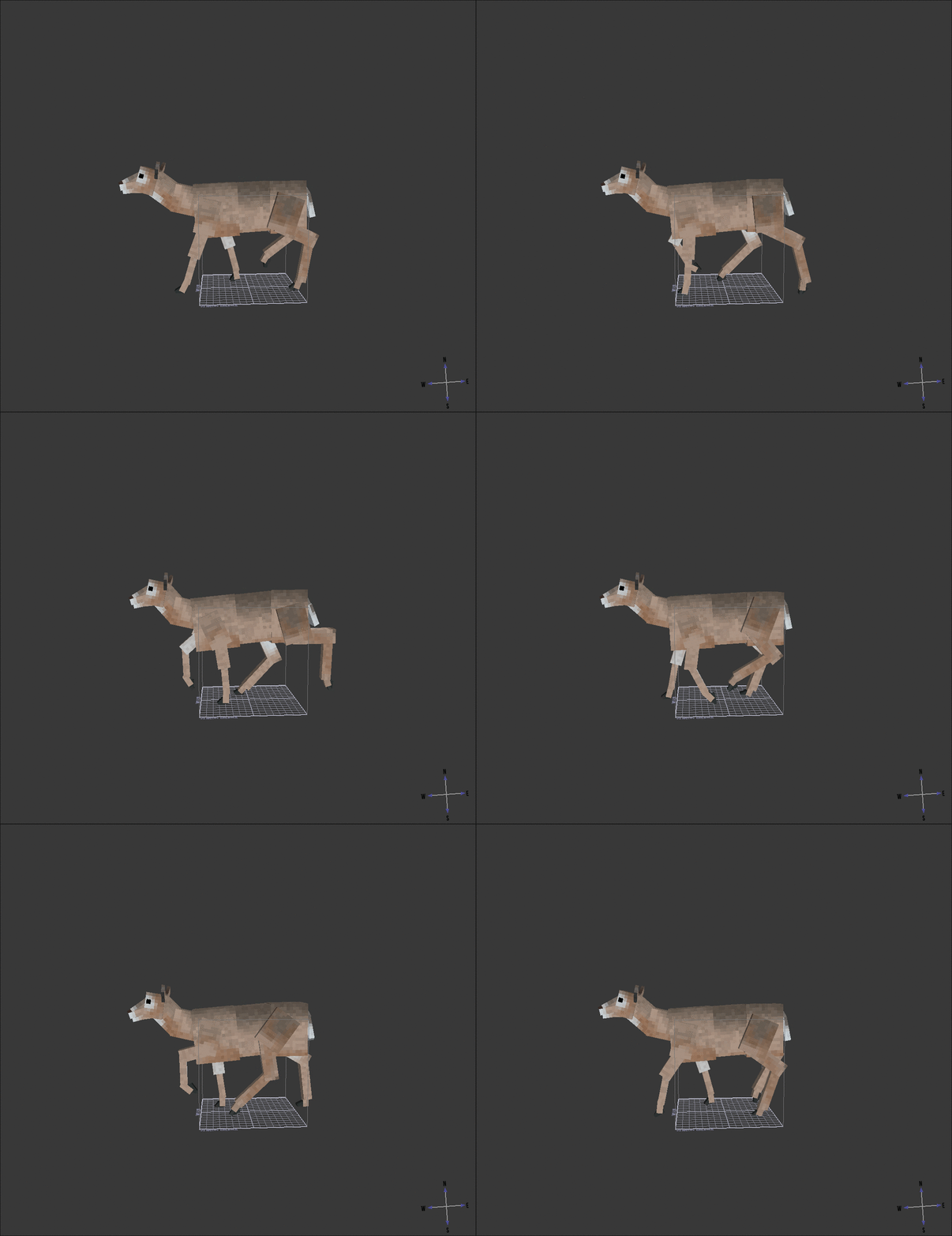
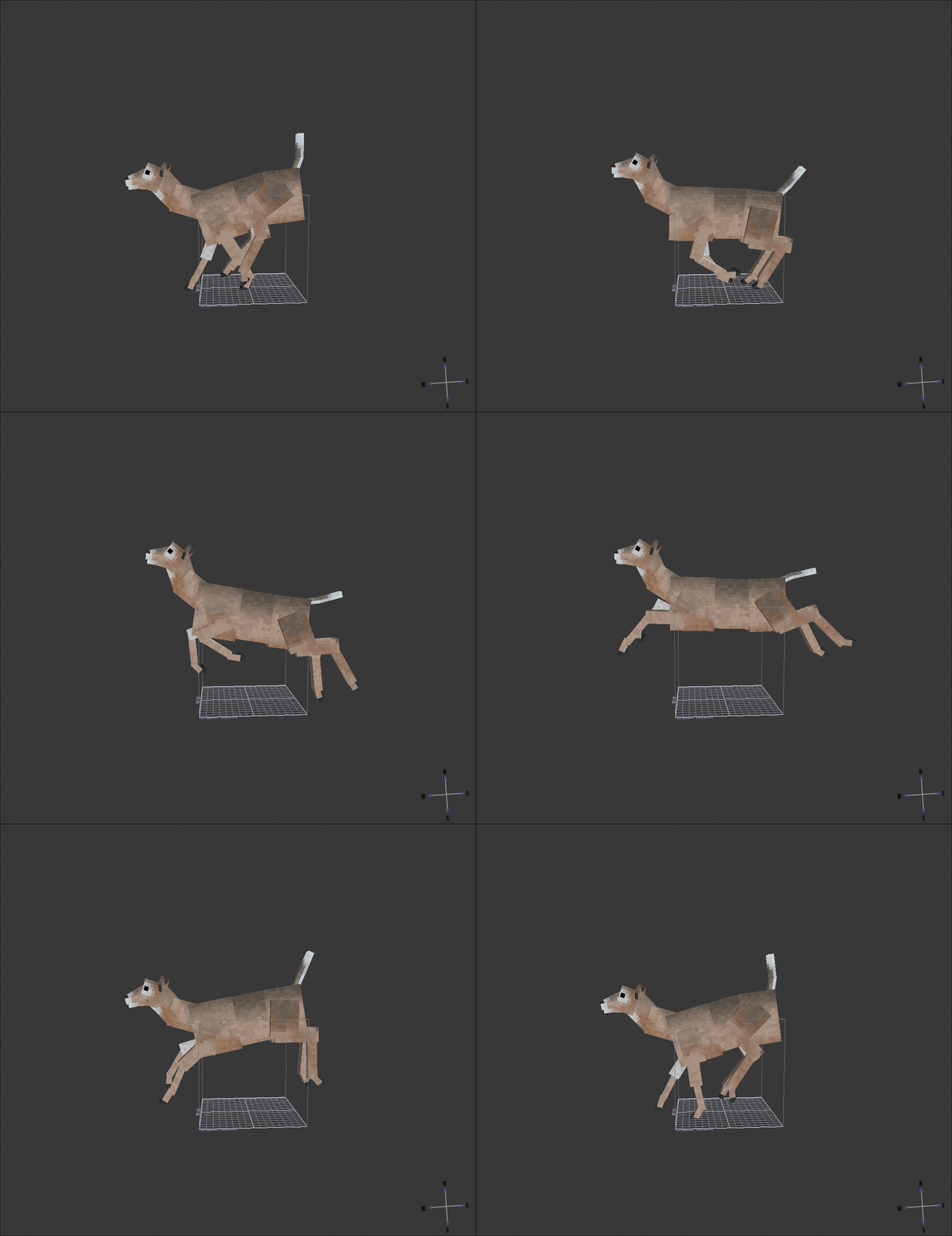
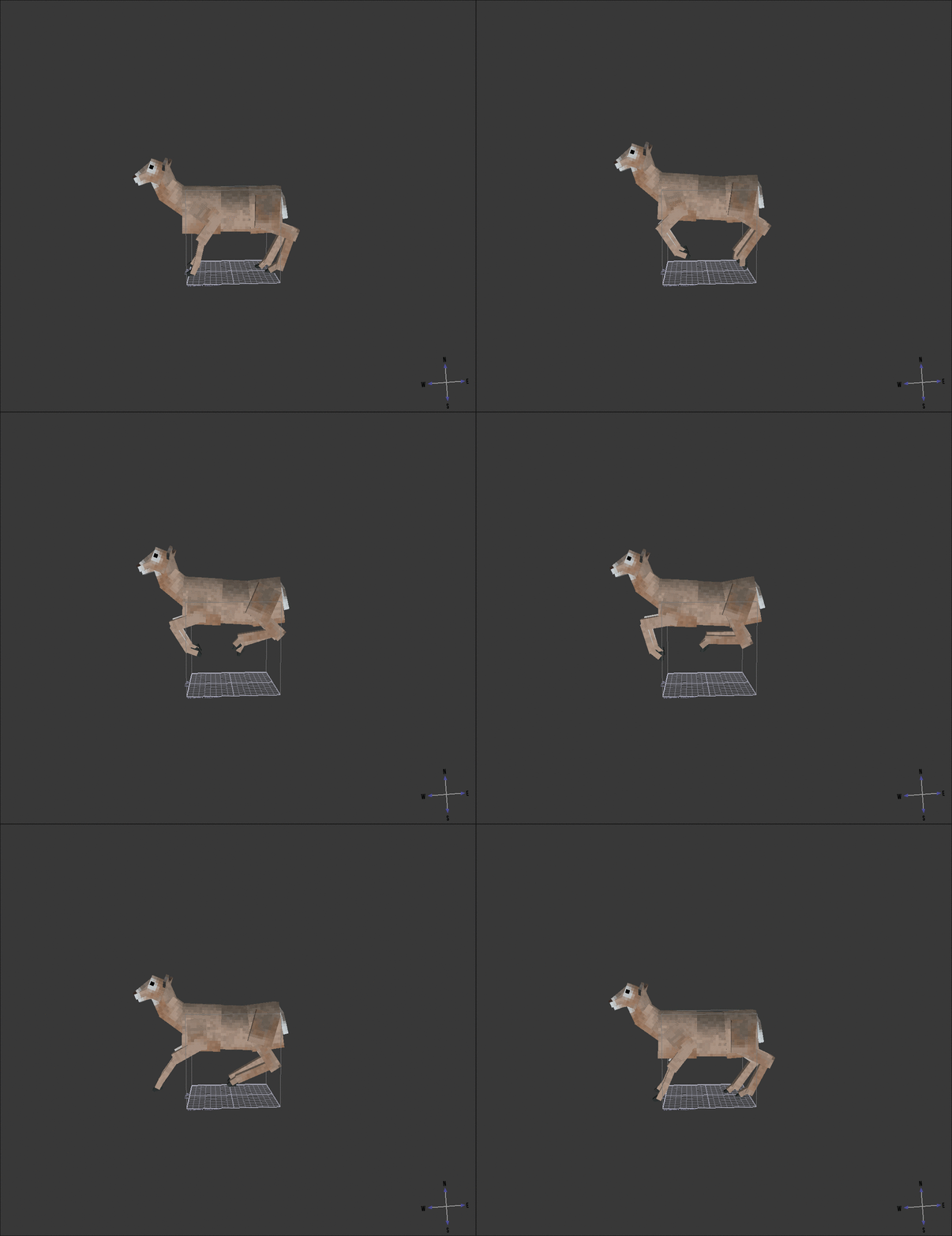
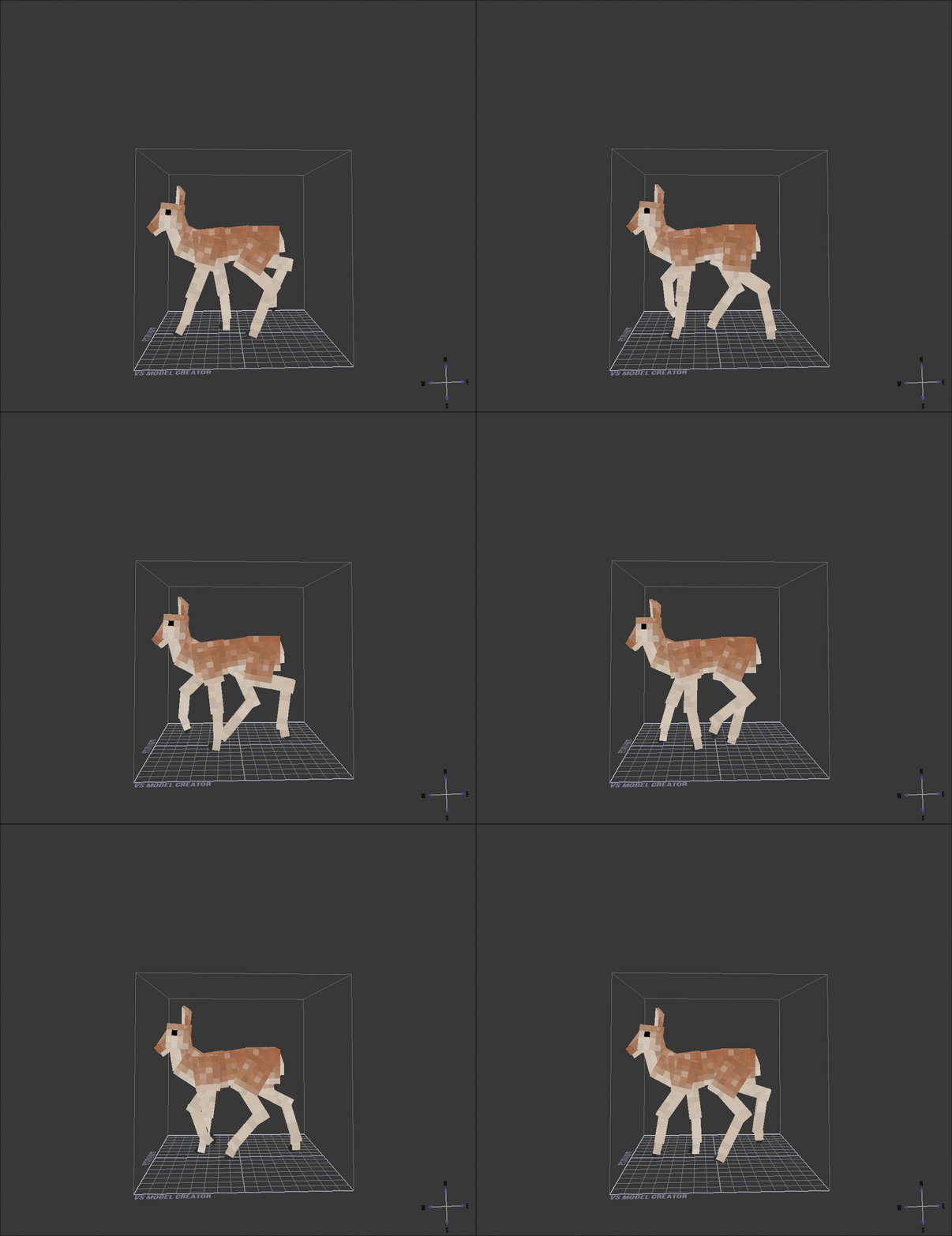
Howdy, just though I'd share what I've been trying out recently. Always thought the base game animals were great, but could be even better with smoother movements (update 1.20 proved this with the wolves) so I tried out animating some of the vanilla creatures, mainly deer for now. took some figuring out but honestly it's really fun, would love to learn how to eventually make and animate my own custom critters. For now though enjoy some livelier deer
-
- 6
-
-
-
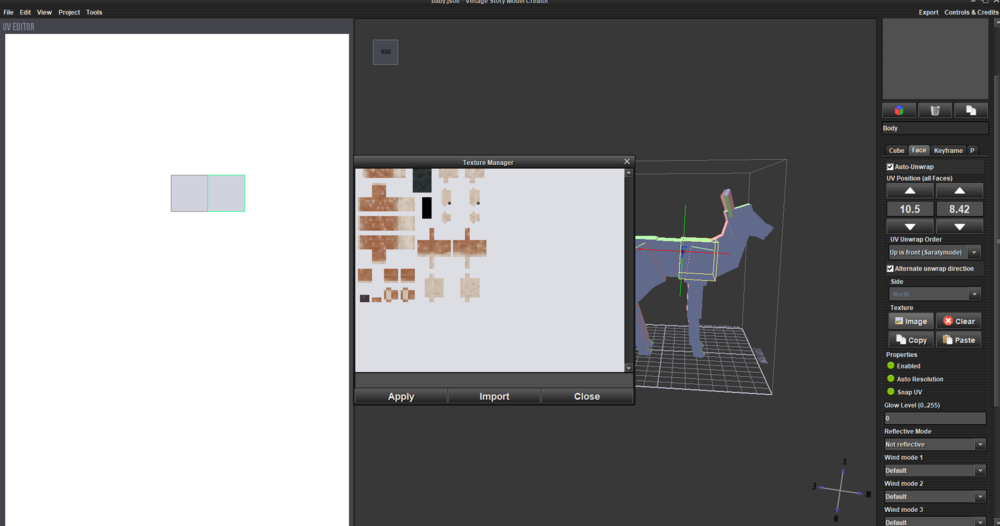
just figured it out, kinda; I'm able to drag and drop the textures in no problem, they load up just fine and I'm able to edit from there. Don't know why I cant just add them through the app itself, but hey it's at least a workaround for now
-
Yup, just made sure of it and i still can't seem to open up the texture. am I supposed to have clicked/selected the model or certain boxes for it to unwrap?
-
So I decided to throw my hat in the ring and try animating some new movements for some of the animals, starting with deer. While I've quickly figured out animating (and gotta say, I'm pretty pleased with how smooth I've gotten their movements so far) I'm stumped as to how to import existing vanilla textures and edit them in vs model creator. followed a bunch of guides, tried clicking on it and applying the texture but it just won't show up. Can anyone help me out here? Also the textures show up in game on the entities, but not on their creative mode spawn item or in the vs model program. It's not a huge problem but it would be nice to see how the textures interact with the animations before I save them.