kleptomanisch
-
Posts
15 -
Joined
-
Last visited
Content Type
Profiles
Forums
Blogs
News
Store
Everything posted by kleptomanisch
-
I honestly never thought of it that way, since I use my computer all alone. Might be a bit narrow-minded, because Windows is not always privately or for one person used. Although some games do ask if they are meant to be used for multiple users. So that seems the better practice, just my personal opinion. And my computer does have different drives. Eight, in fact. Even in the nineties, I used to split the one drive at least in two, to have a space alone for Windows and system programs. This was just the easiest way for me, since I often renewed my Windows, as in re-install. Everything on C could be tossed out, everything else was games, big programs and especially save games. Sorting out what I wanted to keep was easy that way. That is the reason my C drives is always the smallest one, and tends to get crammed. Maybe my idea is just not the best anymore.
-
@idiomcritter That was the easiest way! And I did not think it would be THAT easy, so I didn't even try it. Because I saw some strange folders in the game files. The kind where the folders have a string of characters as a name. Something Windows sometimes creates, where the strange number is specific for the user account. Like 3f3ed6bc-40b2-2886-ef1f-c4cd0d5a8a1b.db. Of course, I did not see the ending .db at the time, because then I would have known that it might just mean I am looking at databases. @smith This is exactly what I was looking for. Just rerouting Windows to a path I approve of. I never would have thought of this kinda obvious way, because I suck at remembering how to… "talk" to Windows. I'll mark the second answer as solution, but both were equally helpful. Thank you!
-
Greetings, forum! Trigger warning: Heavy use of the word "AppData" in question 2! Question 1: I bought the game about two years ago, and now, annoyingly, I might add, it is time to move to Windows 11. So I've downloaded the game again and tried gathering my save games and the mods I like to play with. To my absolute horror, all the terrain I have seen and set markers all over the place is no longer visible. If it weren't for my colorful markers, the map would be empty, save the place (chunk?) where I live. For example, I use the mod "Prospecting Together," and although there are still points on the map, the pretty squares "Prospecting Together" draws on the map are gone. Do I really have to do all that again? Question 2: And, since we're talking about save games, why, oh why, dear developers, do so many of you use the Windows folder "AppData??!?" My "AppData" folder is so gigantic that it is no longer feasible to leave a chunk of my drives alone for Windows and my system programs! I honestly need a bigger data drive, only for all the developers who think "AppData" would be a great place to store things in. Windows alone does a pretty good job giving everybody who looks for specific data, finding ANYTHING, a hard time! If there is a way I don't know of to get my files without problems out of there or the game could save its folder "VintagestoryData" somewhere else in the future (or do it now, so I can grab my stuff easily), nobody needs to read my full rant. [rant] This kind of bad behavior started for me a long time ago with this other block game that I won't name here. Windows is very protective and greedy for everything it deems "MINE!" I, for one, installed Windows 11 on a new drive and use a dual boot until everything is copied to where it will need to go. It wasn't as easy as opening Win 11 and going to the system folder of Win 10 to copy my files, but after I finished and wanted to load the game under Windows 10 again, the save games could not be loaded, because Win 11 had its sticky little fingers on the files and marked them as "MINE!". Which meant I had to go to my save games, give Win 10 the rights it lost, and boot again. I really love Vintage Story; you are doing an awesome job, but please forget the folder "AppData" ever existed. Moving to a new system is, for somebody like me, who plays all kinds of games more or less at all, a disaster! I want to easily find my save games, as I am able to read a well-structured code in Pearl, Java, or whatever computer language. Please, give the same care you undoubtedly use for your game code to the game itself and how it stores its files. This use of "AppData" has, at least for me, gotten to be some kind of serious "misbehavior" and makes things unnecessarily hard. To be honest, "AppData" is one of my absolute pet peeves. I don't want anyone to take my personal opinion the wrong way. But I don't think I am the only one who hates the chaos Windows likes to make of things and prefers another place to store important game files. Even using the folder "My Games" on every Windows user's drive would be better. I guess it was even INTENDED for exactly that. Why don't game developers use this folder instead? No harm intended, but I really needed to vent after I ran into the "AppData and its characteristics" again yesterday evening. [/rant] And thanks for a really great game!
-
I've found these: https://www.youtube.com/@Oscillascape challenges himself https://www.youtube.com/@TimmyTwoNipples funny / modded https://www.youtube.com/@GGBeyond complete playthroughs https://www.youtube.com/@Solstin builder
-
I've been wondering about that myself. Are these doubles, or are they even useful? Because if not, I've got three of them lying around, and could throw them out.
-
Copper casting not working
kleptomanisch replied to kleptomanisch's topic in [Legacy] Mods & Mod Development
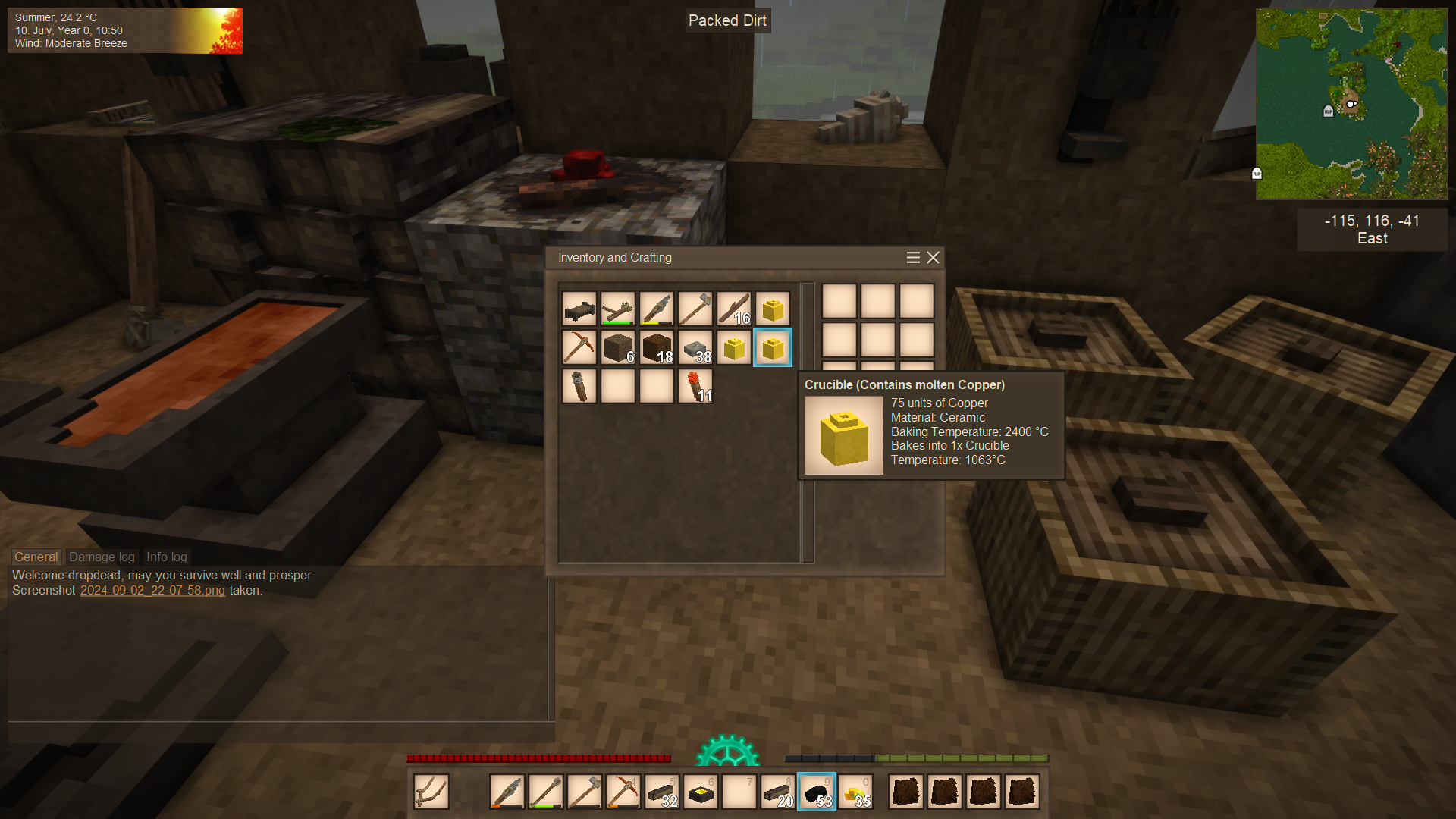
I now understand what I did wrong. I didn't have enough patience! @LadyWYT: I HAD tons of nuggets in the crucible, and would have had to wait much longer for it all to melt. That actually takes quite a bit of charcoal. @idiomcritter: Looking for the word 'molten' is exactly what I ended up doing. I was waiting for the crucible to appear on the right. I could have waited til the cows come home! My crucibles could all be poured. It was a bit strange that for a while I had a mold that was missing exactly one unit of copper. But that evened out later after I had cast a few more ingots. Thank you both for your tips! And for fairness: I use LanguageTool and DeepL for checking typos and mix-ups. I tend to write 'habe' instead of 'have' or such nonsense. Somehow I often mix German words in my English texts, when writing, and that is, while funny in German, not always understandable in English. And in English one can make pretty bad mistakes, and will still be understood. So, shoutout to LanguageTool and DeepL. If I wanted to write my postings first in German, I could totally do that. There a some things that DeepL doesn't get right, and a special meaning gets lost in translation, but aside from that, it's absolutely great. -
Copper casting not working
kleptomanisch replied to kleptomanisch's topic in [Legacy] Mods & Mod Development
I'll try that one out. Not that I don't have enough copper, but it rubs me the wrong way to have a crucible with 350 and one with 80 units. It's just ... wrong. -
Copper casting not working
kleptomanisch replied to kleptomanisch's topic in [Legacy] Mods & Mod Development
Wow, and how long will that take? I've tried to remelt a crucible with about 350 units and it used 25 charcoal and nothing happened. Does that mean it needs even more charcoal? -
Copper casting not working
kleptomanisch replied to kleptomanisch's topic in [Legacy] Mods & Mod Development
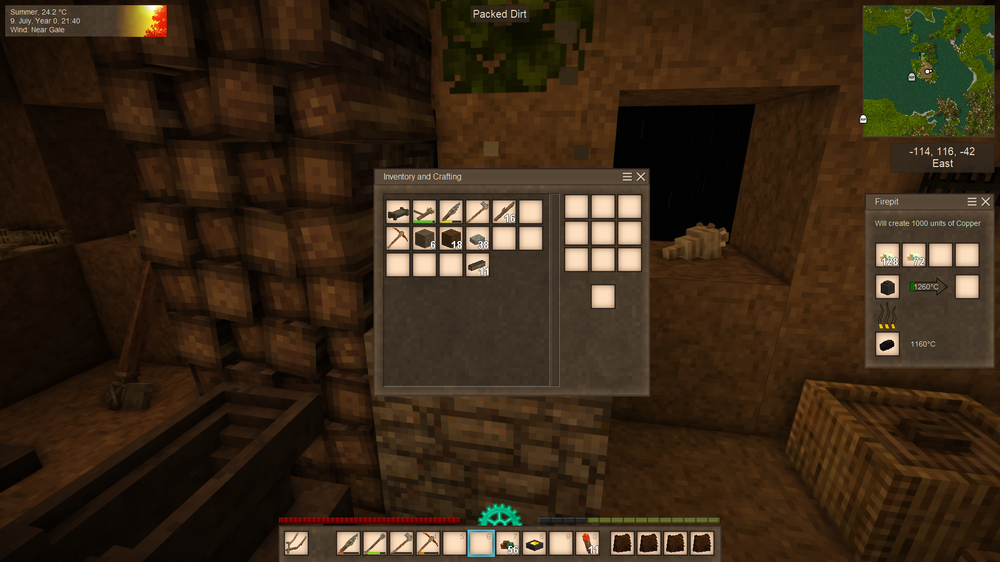
Thank you for your answer. I do know, that large amounts of copper should need longer, than just a little but, casting 7–15 units is a bit much. As I've written, if I always take half of it out of the crucible, it MIGHT suddenly be finished, but with a minuscule amount (always take half if it). I was being lazy and really didn't want to start a new game. And I'd rather not do it with my latest save game, because this will leave me with some things the vanilla game doesn't recognize. Edit: So, before I try around a make the same mistake over an over, how much copper is okay to smelt in one go? I've tried around with a new game without any active mods, where I gave myself copper nuggets, and smelting ten seems to work fine. Twenty ingots works, too. Obviously I was too greedy, and put too many nuggets in the crucible. But I'd still appreciate it, if you could tell me, how much copper one crucible can have without issues in your experience. For example, is one toll (100 units) okay, or can I smelt two or something. -
Copper casting not working
kleptomanisch replied to kleptomanisch's topic in [Legacy] Mods & Mod Development
Ups, I've grabbed the wrong one.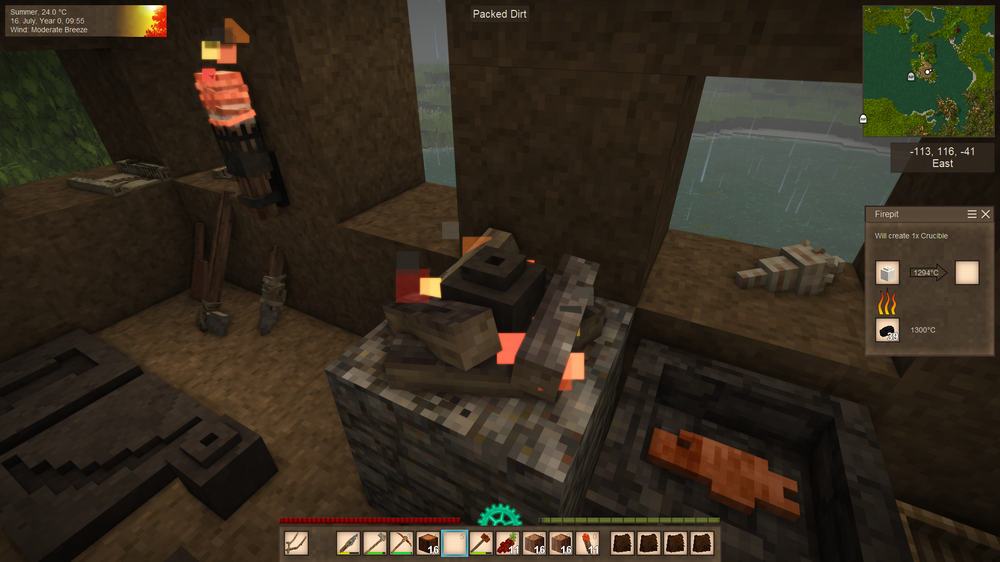
-
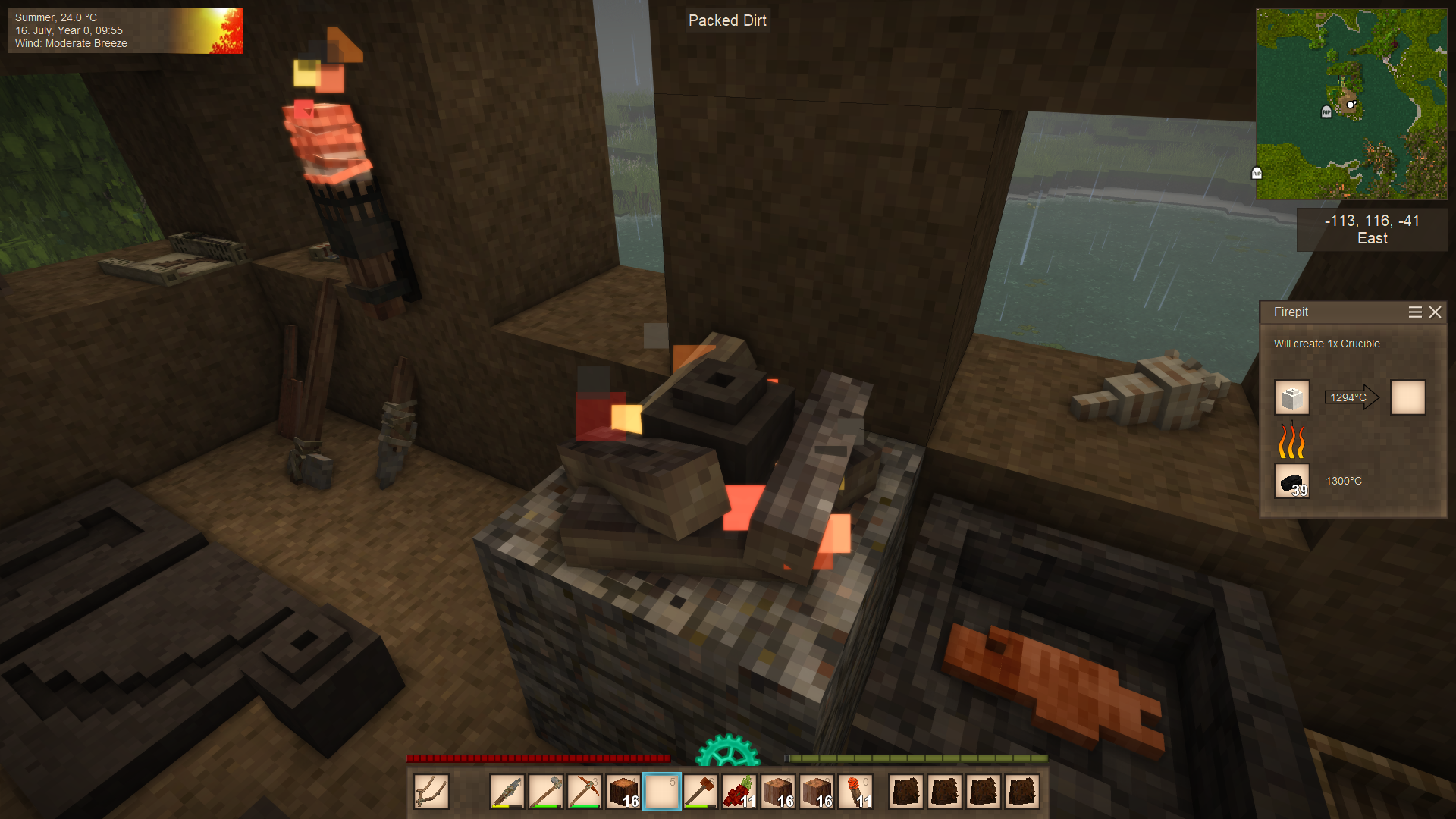
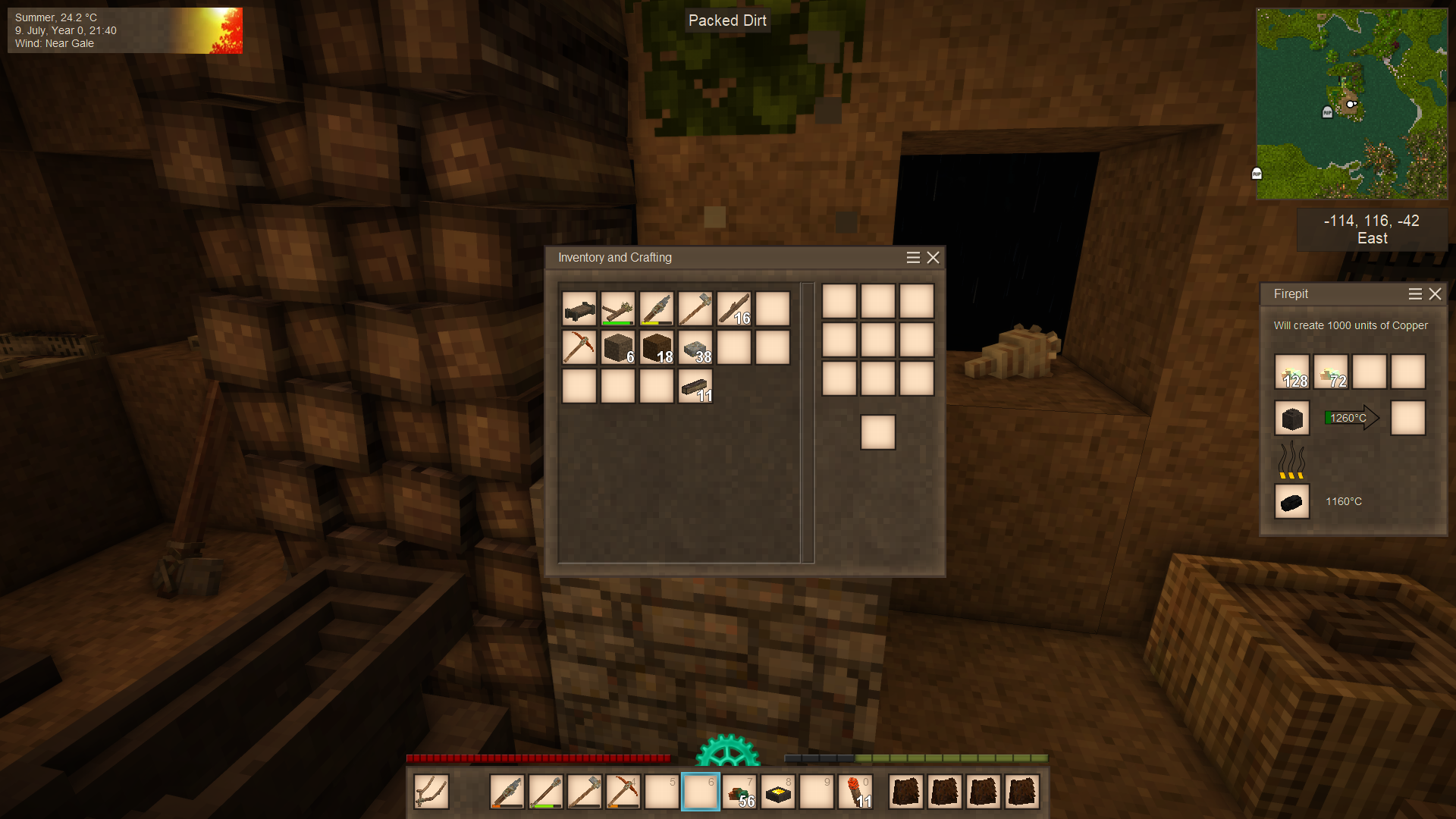
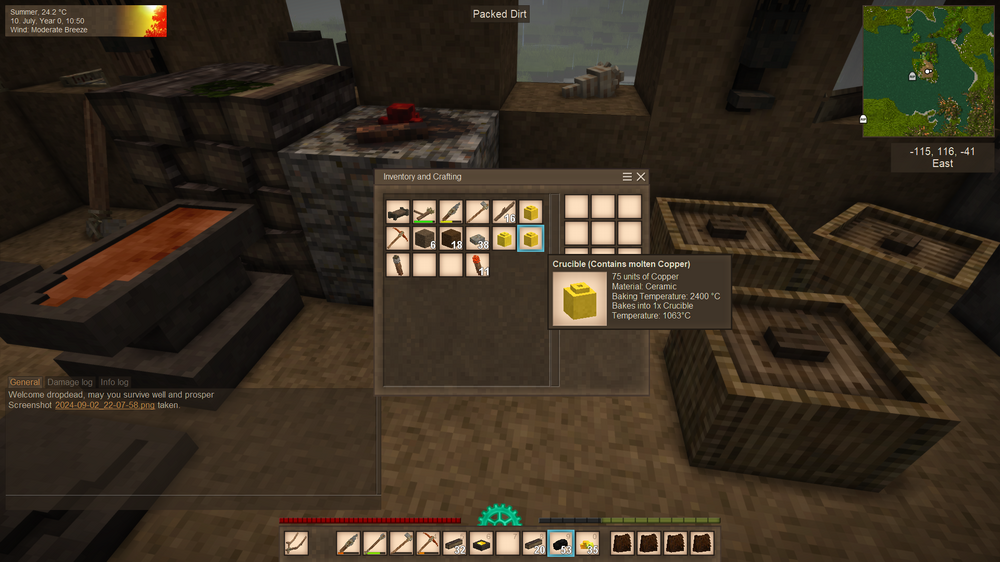
Hello, I am having a hard time to cast anything in Vintage Story. Since I use a handful of mods, this might be related. After I've put my copper nuggets into the crucible, I heat it up with some wood, and change to charcoal after that. The problem now is, that the copper just won't melt when it reaches 1084° Hello, I am having a hard time to cast anything in Vintage Story. Since I use a handful of mods, this might be related. The first copper things I cast, worked well, I made a copper pickaxe and a prospecting pick. The hammer, however, was a bit more difficult, but still worked. Then I started to make an anvil and tried to cast two copper bars, but had a hard time getting them full. Now, when I am trying to progress, it goes something like this: I put my copper nuggets into the crucible, heat it up with some wood, and change to charcoal after that. The problem now is, that the copper just won't melt when it reaches 1084° Celsius. The more copper, the longer it takes (which seems sensible so far). When I put in say about 50 copper nuggets, the temperature starts rising. Near the temperature to cast, the green bar should appear and rise steadily, until the crucible is hot enough, and appears in the right slot, to take it out. But when the green bar shows, the temperature goes steadily up, without showing the progress in the bar, until it reaches 1300° Celsius, gets to white-hot and nothing else happens. If I take out the half of it, it might suddenly pop over, to be used, but this doesn't always work. And casting with miniscule amounts is more than annoying. I already have three crucibles with left in copper, which I just can not smelt again. It doesn't seem to make a difference, how I start to heat up the crucible. Sometime, when I burn ridiculous amounts of charcoal, it MIGHT suddenly turn over to be taken out. I use these activated mods: Auto Map Markers Better Ruins Better Traders HUD Clock Knapster Rivers Th3Dungeons Th3DungeonsTopEntrance VS Villages Whole Lotta Tree Seeds In my mod folder are some other mods, which are turned off: Charcoal Pit Door chiseltools Mannequin Stand Prospect Together Scarecrow Spyglass Am I doing something wrong, or is one of the mods known to cause this behavior?
-
Looks like I have to read about that. So far I am still mostly dying, I am not used to such harsh conditions. Lucky for me, the game is customizable.
-
Ooh!!! Yeah, that was it! I obviously didn't really read what you wrote. I even looked in the Settings but didn't see it either. That's ADHD for you, it is great for all the ignorance one could ever need. Bane of my existence. Thank you SO much! And by the way, what is this Immersive Mouse Mode for?
-
No Immersive Mouse Mod. Even if I deactivate ALL my mods, nothing works. Now I have downloaded the game again, instead using the updated version. Which was an oddysee of its own. I had to download the game via cell phone, and since Bluetooth didn't want to work, I had to use Telegram to load up and my computer (installing Telegram before) to load it down. But only with WLAN, because there is obviously no internet to be had, although the TV uses it for hours without problems. After an hour I have a NEW installation of VS, no mods, and still can't craft anything. What's this about?
-
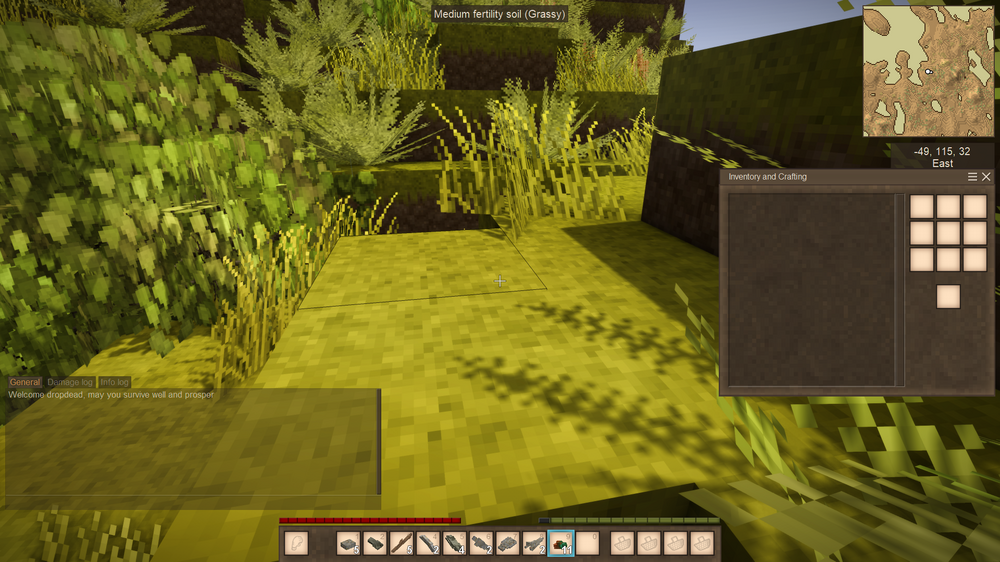
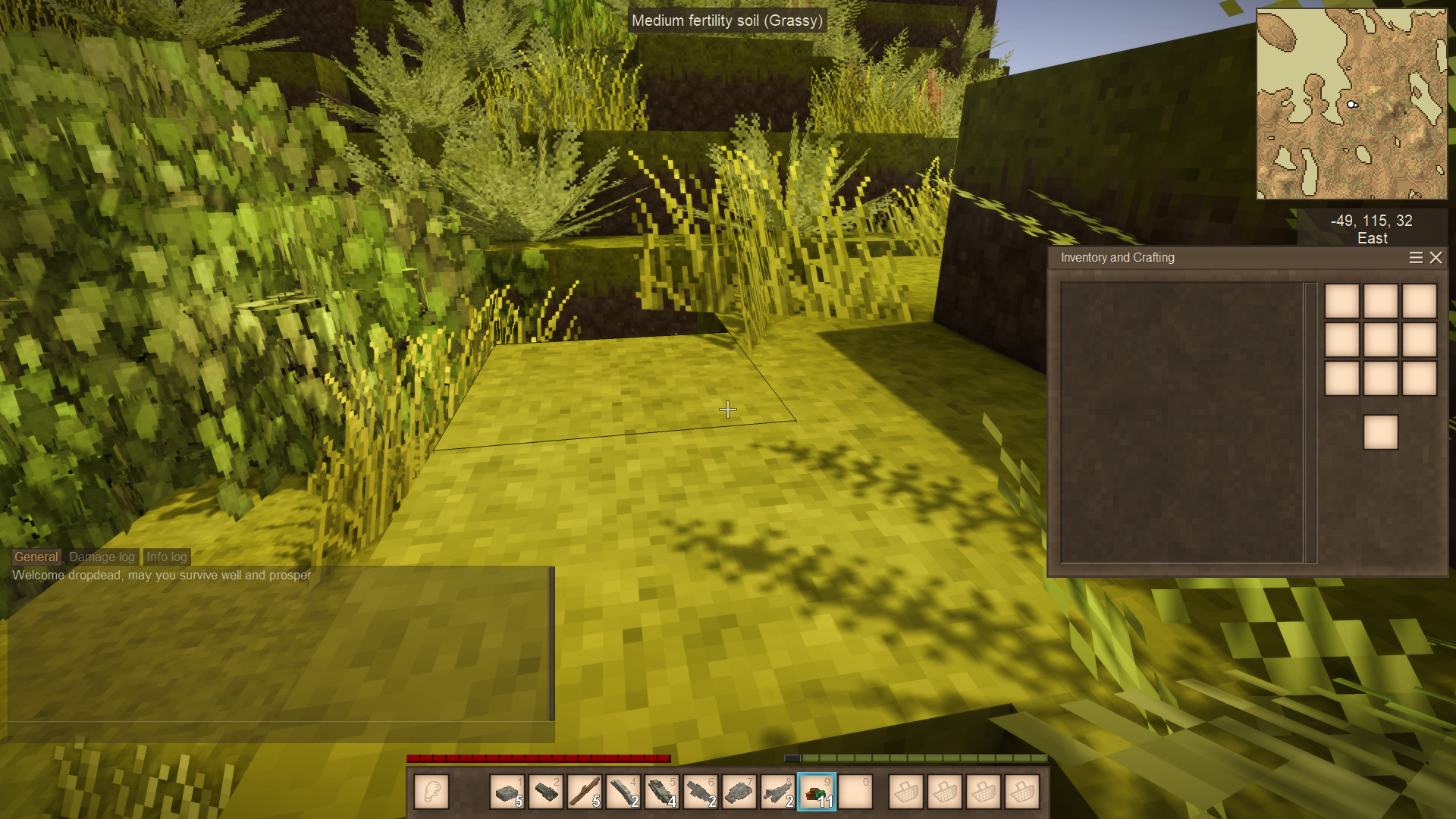
Hello, this might seem like a stupid question, but I can't figure it out. When I open the crafting grid it appears in the middle of the right side of my screen, but my cursor is still in the middle of the screen as if I am walking. How do I use the grid? I have of course used it before, but I've updated the game, and now it just won't let me use it. I have some mods, but even deactivated the grid seems not to work. Any tips what I am missing or doing wrong?