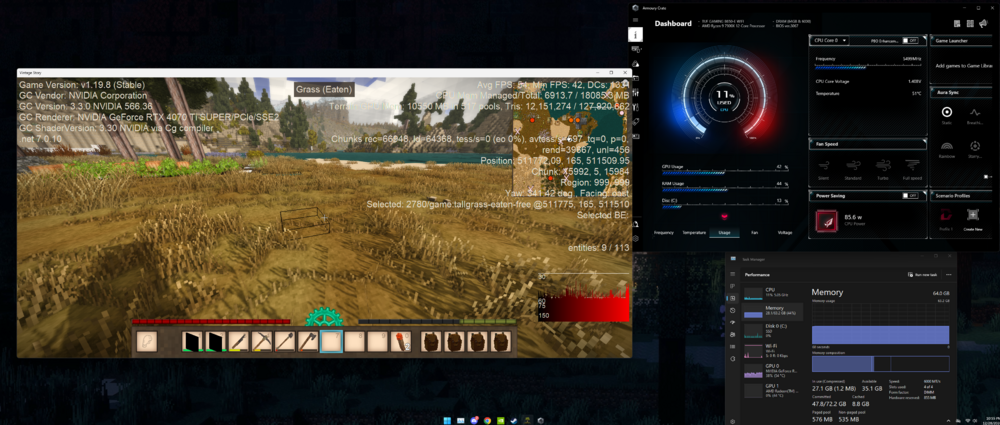
Very recently built my first computer, I am mechanically inclined but a novice at computer stuff. The computer works great so far on other games but having problems when setting render distance to max. I understand that VS may be unstable at those render distances but I feel like the computer has enough power to run it smoothly. AMD Ryzen 9 7900X, Gigabyte Geforce 4070 TI Super, 64 gigs of wam. The game as a whole does not use the full gpu %, ram, or cpu, however its as though it throttles itself to about 40% gpu usage and only gets to around 75 fps. Using Beamng.Drive as a comparison, when the fps is uncapped, the game will use as much gpu as there is available (100%) and settle around 120-140 fps, capped to 90 fps it uses about 45%gpu. (getting these metrics from task manager). I just added more ram sticks today, 64 total from 4 16 gig sticks, they show up in task manager, but the game caps at 27 gigs, maybe it doesnt use the added ram? Does ram even deal with render distance or is it the gpu?? Heat is not an issue, cpu and gpu sit at about 55C when playing games. Still learning computers so any help is appreciated. I guess an easy alternative is to just turn down the render distance.....