caffeine
-
Posts
23 -
Joined
-
Last visited
caffeine's Achievements

-
Incorrect texture in small trough
caffeine replied to caffeine's topic in [Legacy] Mods & Mod Development
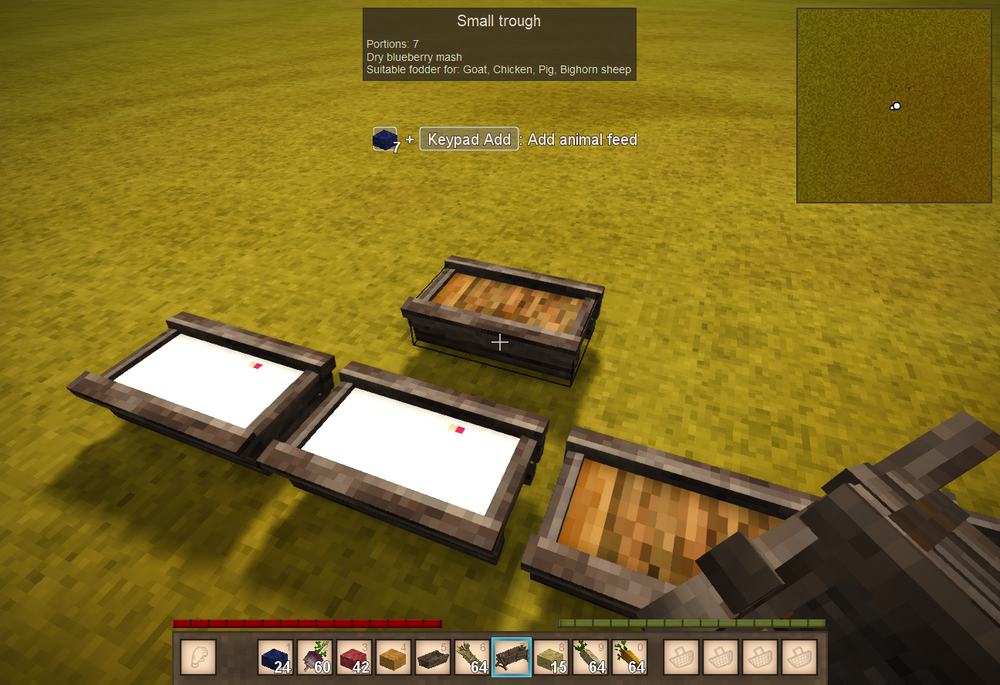
Thank you! I got it working perfectly. Solution is: First, make all the pressed mashes available to be placed in a small trough. { "side": "server", "op": "addmerge", "file": "game:blocktypes/wood/trough-small.json", "path": "/attributes/contentConfig/-", "value": { "code": "fruitmash", "content": { "type": "item", "code": "pressedmash-*" }, "quantityPerFillLevel": 1, "maxFillLevels": 8, "shapesPerFillLevel": [ "block/wood/trough/small/grainfill1", "block/wood/trough/small/grainfill1", "block/wood/trough/small/grainfill2", "block/wood/trough/small/grainfill2", "block/wood/trough/small/grainfill3", "block/wood/trough/small/grainfill3", "block/wood/trough/small/grainfill4", "block/wood/trough/small/grainfill4" ], "textureCode": "*" } } The texture code is being left as a wildcard for the individual mashes. I'm still pretty uncomfortable with this, but the closest analogy I can think of is the texture is being defined as a "virtual function", and we will override the virtual function with instantiated mashes, like this: { "side": "server", "op": "addmerge", "file": "game:blocktypes/wood/trough-small.json", "path": "/textures/contents-pressedmash-blueberry", "value": { "base": "block/food/pie/fill-blueberry" } } The actual texture for the individual mashes is being taken from pie filling (I learned this from taking a peek at how the survival base mod defines it for the large trough). And then, of course, chickens seem to have mashes included in their diet already, so I didn't have to patch that. This was a very instructional exercise. Now I need to pick a new problem to tackle. Thank you! -
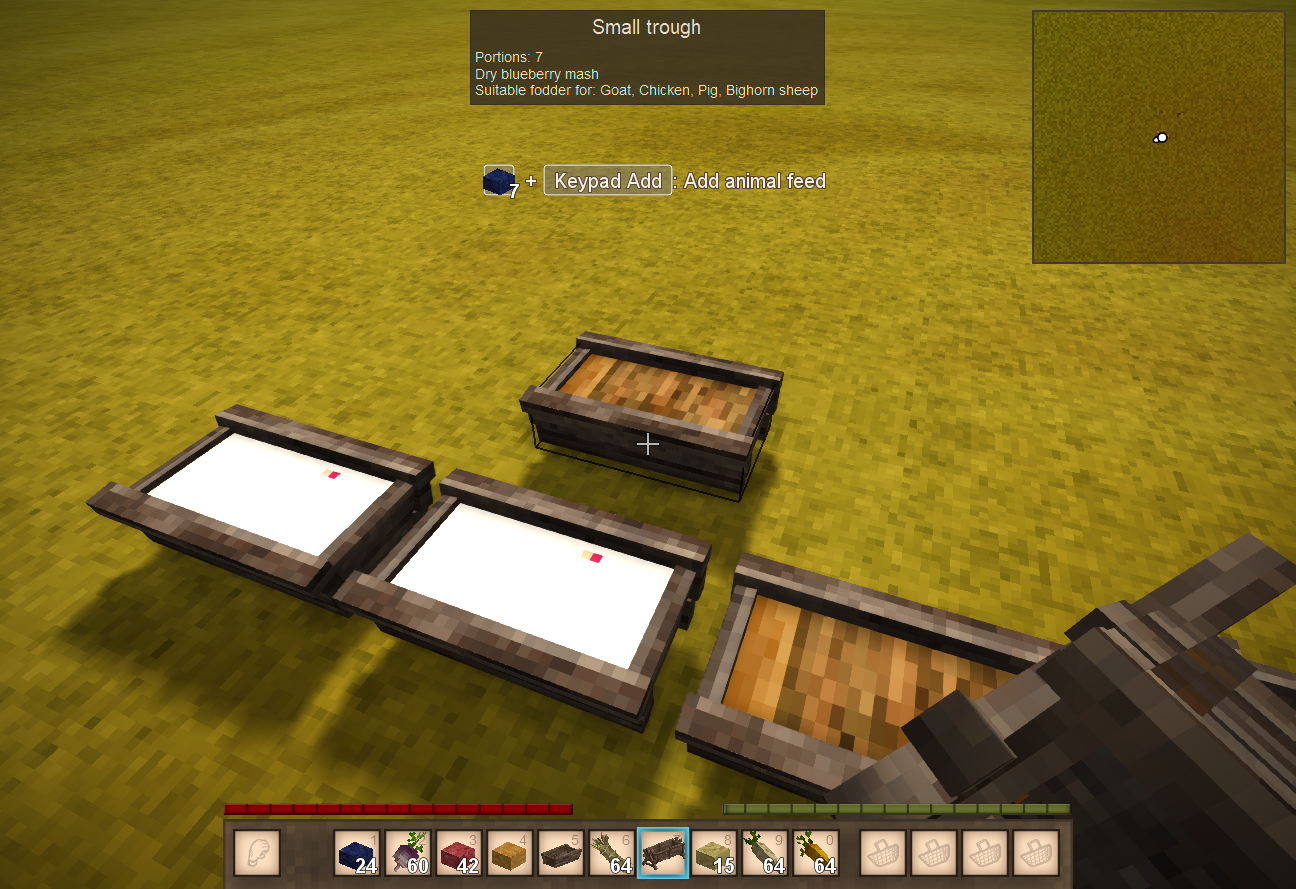
I'm writing a content mod that allows you to put fruit mash into a small trough for rabbit breeding. It works, but the textures are completely wrong. Here's the JSON code: https://pastebin.com/6aqMKJEN I've implemented blueberry, cranberry, redcurrant, and blackcurrant. The problem is that all the fruit mash textures all look the same. They look mangoish (orange), even though I specified the correct texture, i.e. { "side": "server", "op": "addmerge", "file": "game:blocktypes/wood/trough-small.json", "path": "/textures/contents-pressedmash-blueberry", "value": { "base": "block/wood/trough/large/fruitmash" } }, and as you see, the blueberry mash does not look like blueberry. Looks like pumpkin. I haven't implemented mango or pineapple mash, so the texture is missing (white) as one would expect. But I don't understand why my blueberry texture is wrong. I basically copied what was already there in the big trough. textures: { "contents-pressedmash-blueberry": { base: "block/food/pie/fill-blueberry", overlays: ["block/wood/trough/large/shadow"] },
-
If I toss fruit mash into a pen with rabbits, will they eat it and breed? I can't place it in a trough, but will chickens eat it and lay eggs / become broody?
-
Oh, cool! Thank you! They should've made the command /debug room hi, because I noticed it only highlights the room (if it's a room) that you're currently in. I was confused for a minute because I walked into a different room and was wondering what about the room was breaking its "roomness" until I tried the console command again and it highlighted the current room (and unhighlighted the previous room). I see I was WAAAAAAAAY too overzealous with my water. OK, then. Every 3x3 block. That should leave you with a ratio of 1:9 water to farmland. If you don't include the ends, my ratio was 1:3 water to farmland. Thank you for showing me the light! Thankfully, I haven't found high fertility soil yet, so tearing up my farmland won't be painful. It does make the max greenhouse size rather awkward since 9 doesn't go into 14.....
-
I'll play around with this. It's weird I've never really had issues before. I wonder if the game somehow got confused between absolute and relative coordinates.
-
I'd like to understand this better. What does /debug rooms hi do? Also, I'm curious about your water. I've been making my greenhouses like this: WWWWWWWWWWWWWWWWWW WDDDDDDDDDDDDDDDDDDDDDW WDDDDDDDDDDDDDDDDDDDDDW WWWWWWWWWWWWWWWWWW WDDDDDDDDDDDDDDDDDDDDDW WDDDDDDDDDDDDDDDDDDDDDW WWWWWWWWWWWWWWWWWW where D is farmland and W is water. Is this overkill for keeping farmland moist?
-
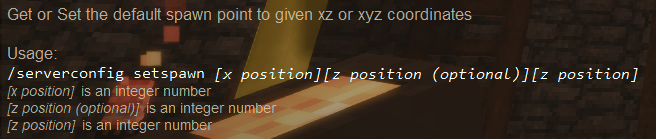
Trying to set my spawn point (game version 1.20.4). Current coordinates are (-75, 124, -83). When I issue: /serverconfig setspawn -75 -83 The server responds with "Invalid coordinates - beyond world bounds", which is obviously false. I tried again with the y coordinate included: /serverconfig setspawn -75 124 -83 and got the same result: "Invalid coordinates - beyond world bounds". So went to Google and discovered the setspawnwhere command, so I gave that a whirl: /serverconfig setspawnwhere and the results were: which looks a little like integer overflow to me as well as garbled (I assume there's a missing "x", "y", and "z" in that message). At least, the x and z look like integer overflow. What in the world is going on? Also, I think the help is messed up too because the response to /help serverconfig setspawn is: I assume that middle number should be the height y, not a repeated z coordinate.
-
Took a break from the game for a few months. Came back a few days ago, and I can't figure out how to Create / Edit waypoints with the mouse. I can create/edit/remove waypoint using a command line interface (i.e. /waypoint list, /waypoint remove 3), but that's not really tenable when you have loads of waypoints. I remember being able to display the world map, and right-click to create, edit, or delete a waypoint. Tried disabling all the mods. Still couldn't use the mouse to edit waypoints. This couldn't possibly been removed from the game, right? I feel like I'm going insane. Why can't I use the mouse for waypoint manipulation?
-
I confirmed it. That's exactly what happened. After watching my chickens opening and closing the gates, I shut the game down, changed the Dana Tweaks server config file, restarted the game, and the chickens were no longer letting themselves out. Luckily, I was able to capture most of them, so crisis successfully averted!
-
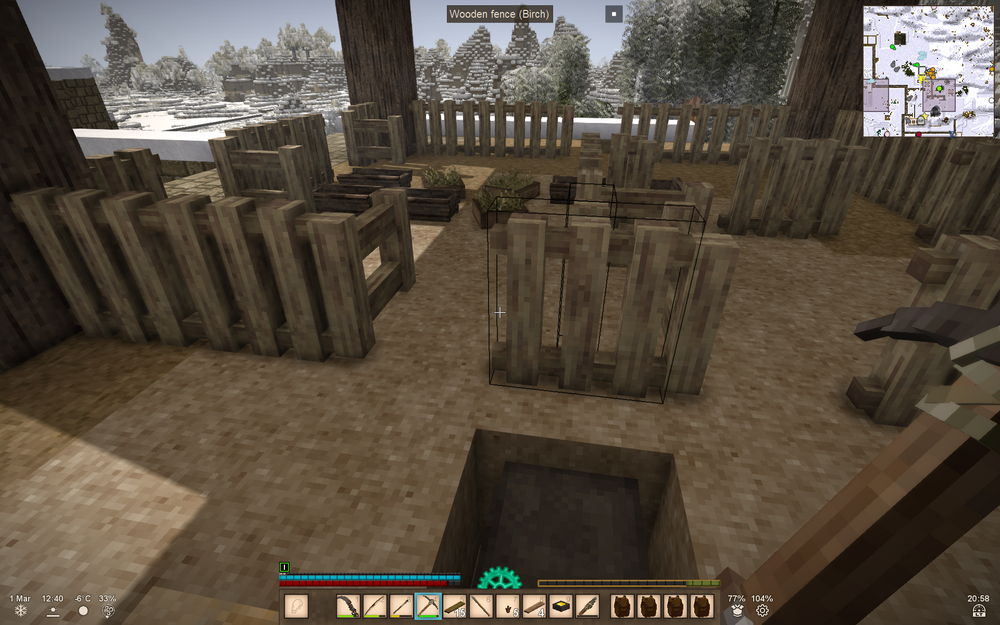
I have a theory: Dana tweaks. One of the tweaks is letting drifters open doors. I went back into my world and saw my chickens opening and closing the gates. That's how they escaped. I think Dana Tweaks "drifter opening doors" tweak also allows chickens to open gates. Ughhhhhhhh..... I worked so hard on them.
-
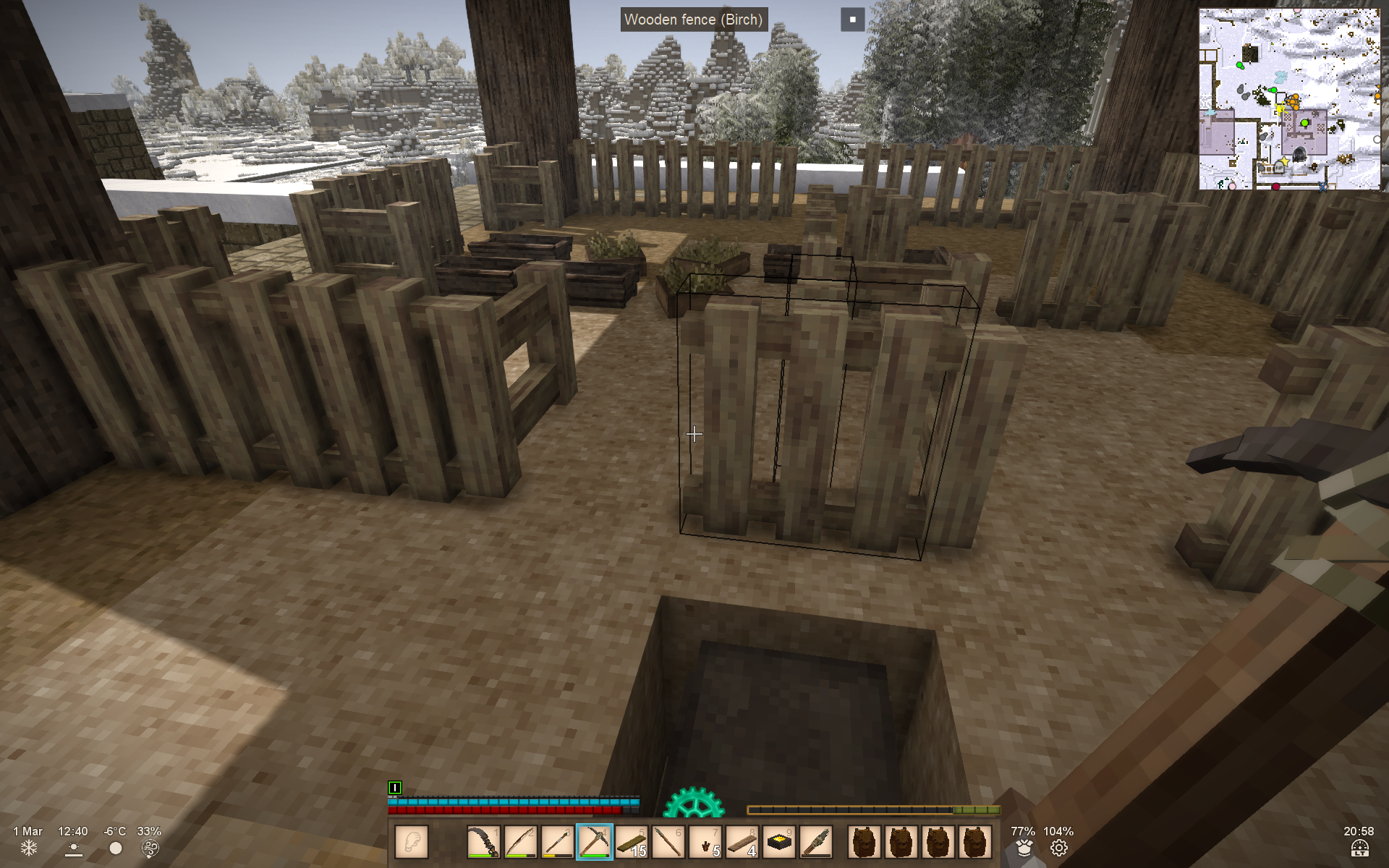
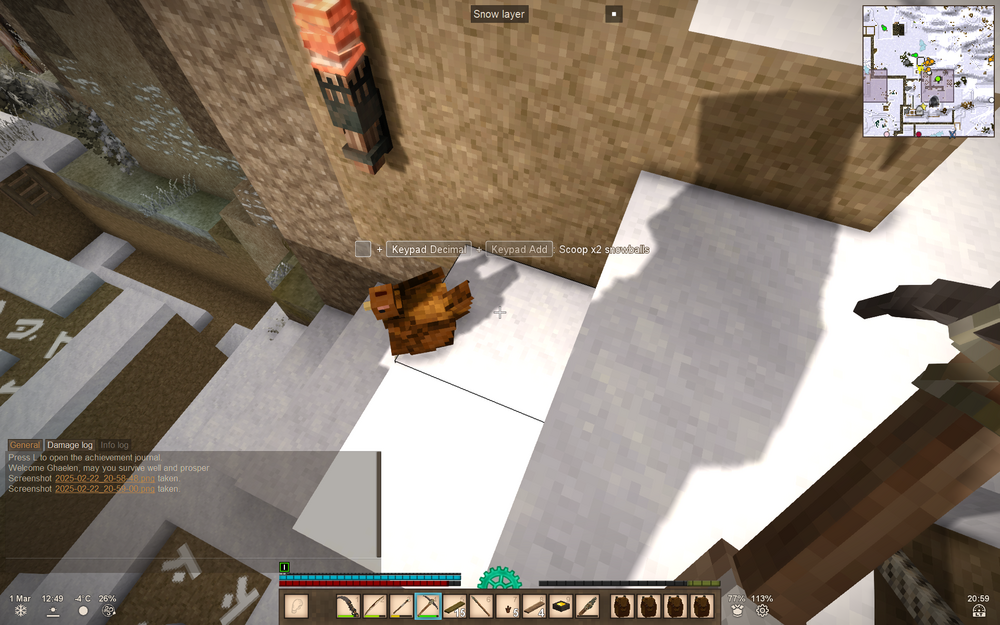
Played 1.18; took a break; now playing 1.20.4. I went to go feed my chickens, and to my horror, the gates were all wide open. Every single one. Just... open. So weird; all of them! Any ideas how this can happen? Can drifters and whatnot open gates? More importantly, I saw them chilling downstairs around the coop. Is there an easy way to get them back upstairs and in the coop? I don't mind cheaty suggestions since this blindsided me. They're all generation 11, so they don't really run away from me.
-
I once saw a post where someone had suggested "end goals" for the game. Can't remember if it was here or on Reddit. I remember a few of them, but was hoping to construct my own "bucket list". Can anyone please add to what little I can remember of that list (particularly Rustbound Magic since I haven't progressed very far with that mod so I'm very unfamiliar with it)? Are there good lore-based goals? And, finally, I noticed there's a quest system implemented as a mod. Can something like this list be implemented via VS Quest? Would it be difficult? Build a house you're proud of. Build a windmill Build a helve hammer Make a barrel of all available dyes Black Grey White Pink Red Orange Yellow Green Blue Purple Brown Make a full set of steel tools Steel axe Steel knife Steel shovel Steel hoe Steel pickaxe Steel saw Steel shears Steel scythe Make all the Jonas devices Rift Ward Night Vision Mask Terminus teleporter Base return teleporter Make every potion in the Alchemy mod Archer's Flask Fighter's Flask Healing Oil Hunter's Delight Looter's Delight Miner's Flask Potent Oil Purging Brew Predator Pheromones Scent Mask Settling Brew Spiked Oil Sprinter's Flask Vitality Flask Recall Flask Glow Flask Water Breathing Flask Conquer Rustbound Magic Make a mana stone Make a Light Nexus Make a Dark Nexus Anvils Make a copper anvil Make a bronze anvil Make an iron anvil Make a steel anvil Obtain one of each gemstone Obtain one of each precious stone Craft Sturdy Leather items Sturdy Backpack Sturdy Mining Bags Sturdy Saddlebags
-
This was it, which is a real shame because the sleek doors are so much nicer looking (and I'm a function over form person, so that's saying a lot). I still don't know the warmth mechanics of this game. Does this mean my base -- which has all sleek doors -- is not keeping as warm as it should be?
-
If you look at the picture, you can see that the slabs are placed correctly. Someone had suggested that sleek doors are not airtight -- turned out this was the right suggestion (which is a shame because they look so much nicer). Replaced the sleek door with a solid door and I saw the +5 degree buff on the soil.
-
I did know this. But I have SO much olivine -- more than I can possibly store -- counting half the space would take more time than just slapping all the glass down for the roof.