SallyTasmin
-
Posts
5 -
Joined
-
Last visited
SallyTasmin's Achievements

Wolf Bait (1/9)
7
Reputation
-
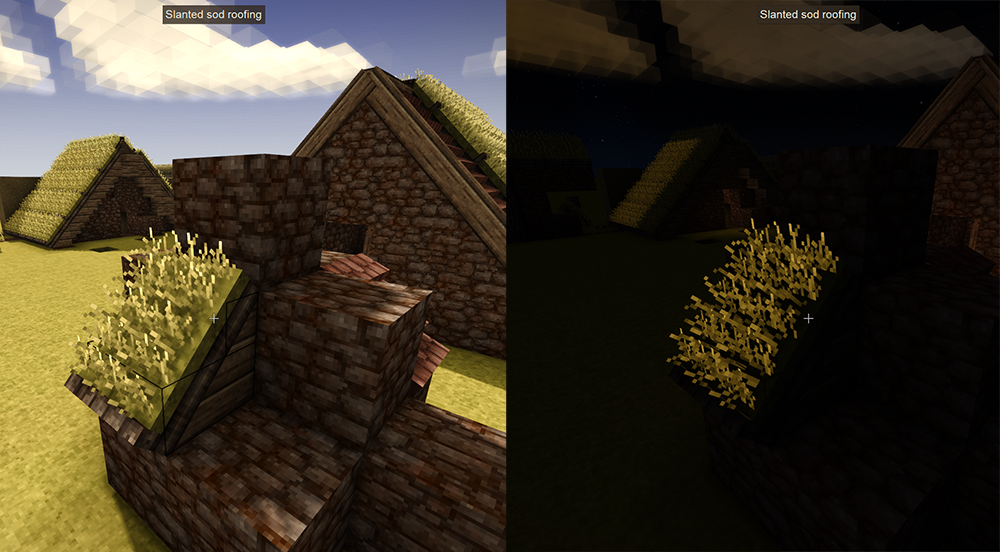
When a light source is placed below a sod roof the grass on top will glow at night. I've poked and prodded the json file but I can't figure out what would affect this. A solid block on the opposite and adjacent side does prevent neon grass but isn't practice in small builds. Any advice on what to look for or whether it's even possible to fix would be appreciated. Thanks! (I've put this in mod instead of bugs because I already managed to solve one of sod roof lighting problems by editing emitSideAo so I'm wondering if there is another property I can edit to fix this.)
-
- 2
-

-
I'm trying to toggle the coordinate overlay in my main survival save but the toggle button (V) does nothing. The strange thing is that if I go to any of my other worlds (survival tests and creatives) the button works fine and I am able to toggle the overlay like normal. I've checked my interface settings and coordinate overlay is enabled. Is there a setting I might have toggled in world generation or something that would explain why the coordinate overlay wouldn't work for one save file? I've tried googling it but I haven't seen anyone else with this problem. Any help would be appreciated. Edit: It feels like a universal truth that as soon as you post for help you discover the solution immediately (often it being your own silly error). So for prosperity - there is a setting in world generation for coordinate overlay. If you pressed it like me and regret it as soon as you discover what prospecting is there is a command to fix it: /worldconfig allowCoordinateHud true
- 1 reply
-
- 3
-

-
Oh that's a great idea. I did a quick and dirty texture swap for my play through but ultimately that would be the best solution. Thanks for linking the reading material. I would have never found that on my own.
-
Thank you! This was it. Although, in general I find the website does not play well with my browser. When I changed the modinfo.json I discovered that the zip I was uploading were empty and that the only way the website will properly upload a file is if you drag and drop it. Once I dragged and dropped the file the fields auto-filled.
-
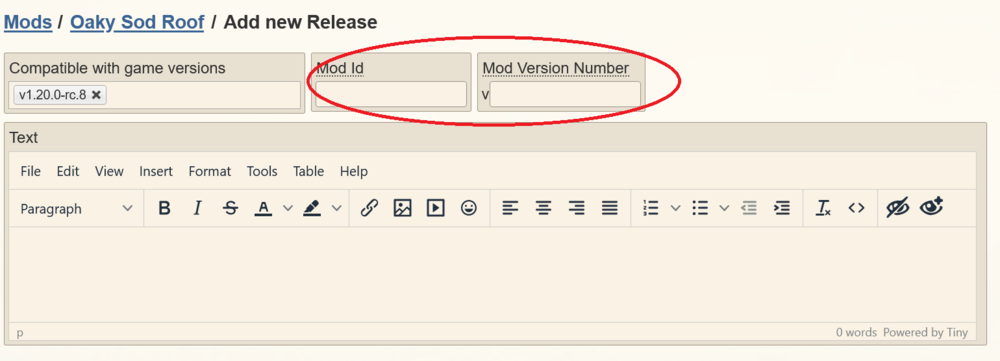
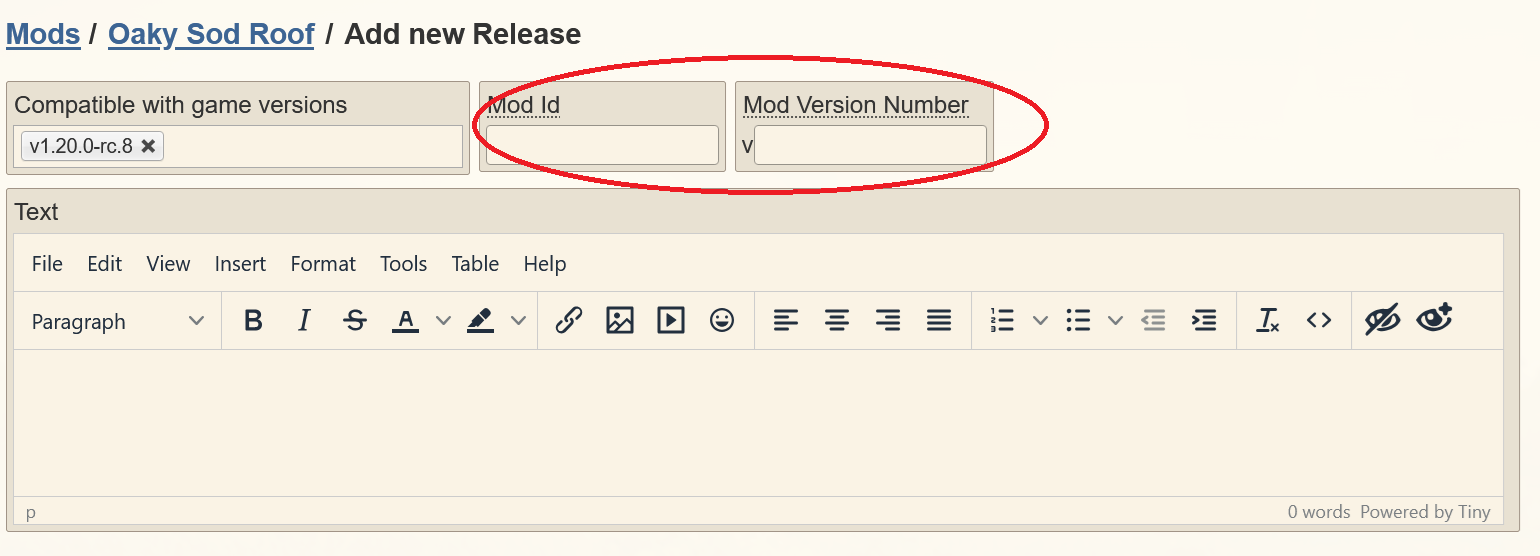
I am trying to upload mod to the ModDB but I can't type or select anything in the Mod ID or Mod Version Number and I can't upload a file without that info. I thought this might be a browser problem (I use mozilla) but I've tried Edge and I still have the same problem. I'm sure the answer will be an easy no-doy moment but I'm stumped. Clicking in the field does nothing. I tried tabbing over to it but tab just takes me down to the text. Any ideas? Thanks! Also tried searching the forums for an answer but I can't find any threads about it.