Belankar
-
Posts
2 -
Joined
-
Last visited
Belankar's Achievements

-
This led me on the correct path. My internet provider uses so called CG-NAT which means that I share a IPv4 with other people and thus can't connect via v4. Using IPv6 solved the issue. One can figure this out by looking up the connected IP address in the terminal: "curl ifconfig.me" it gave me a IPv6 instead of a v4. Check again with your IPv4: "curl -4 ifconfig.me". If it gives you a different IP than your router shows for your device on the routers website you have to use IPv6. For windows users, much luck getting to know your ipconfig i guess
-
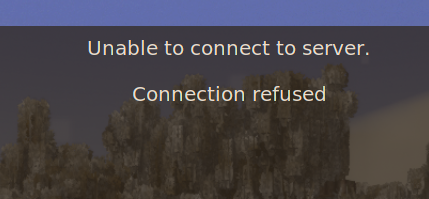
Hello, I have set up a server. The server itself works fine, I can connect via localhost but neither me nor anyone else can connect using my IP address. The things i checked: I'm whitelisted. The port forwarding is set up in my firewall. Opening it fully doesn't change anything. My router is also configured to allow the connection. The Server does not show up in the global list, even though I've set "/serverconfig advertise on", which makes me think that it cant communicate outwards at all. Currently it's a long loading time and the Message: Unable to connect to server. Connection refused. I'm running the Server on Linux Mint. Thanks in advance