cadsola
-
Posts
4 -
Joined
-
Last visited
cadsola's Achievements

Wolf Bait (1/9)
2
Reputation
-
Update to the original post: I switched from Windows to Linux and I'm still getting the same stutters as before.
-
@OldManYells Thanks for the suggestion! I had not tried using the tick profiler. I had the player character run around in game for several minutes while watching the fps graph and tick profiler with extended debug info enabled. I don't understand everything in the tick profiler, but what I noticed is that each tick took about 6.8ms. I didn't notice any slow ticks. And I didn't notice any correlation between the stutters and anything happening in the tick profiler.
-
An update to the original post, I tried a couple more settings: 1. Tried enabling and disabling Gaming Mode in BIOS 2. Tried changing PBO setting in BIOS 3. Tried updating game version to 1.22 rc8 No change, the game is still badly stuttering.
-
 cadsola changed their profile photo
 -
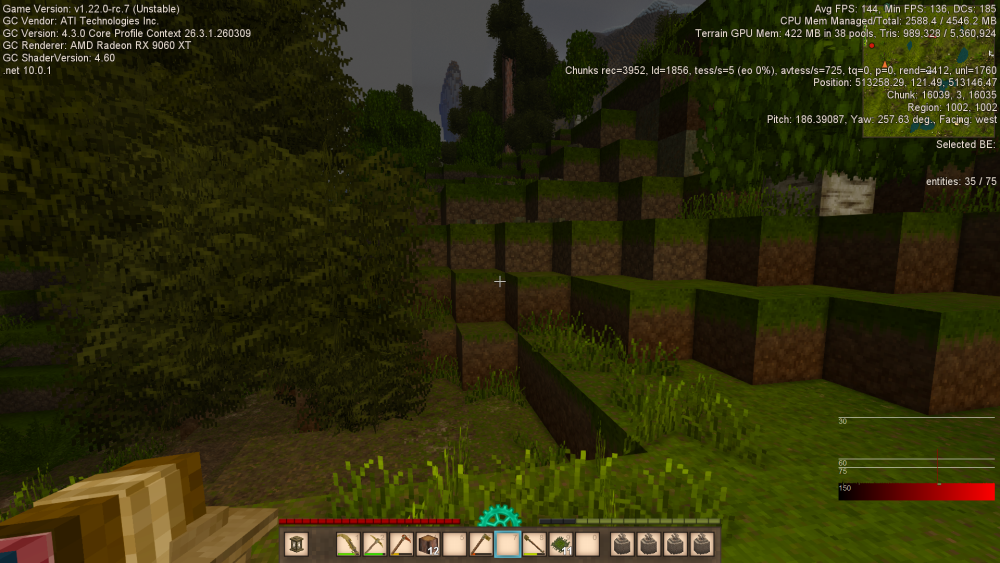
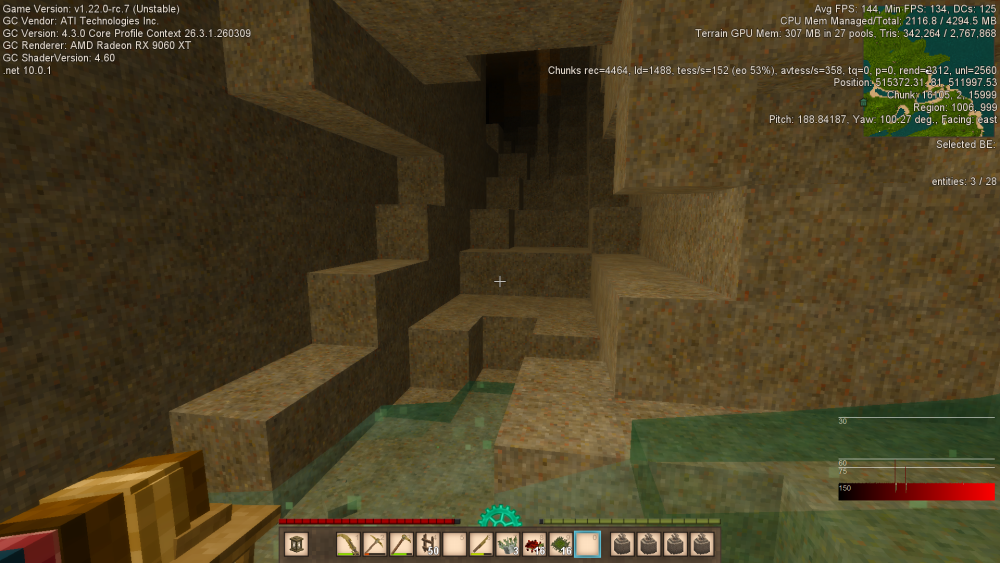
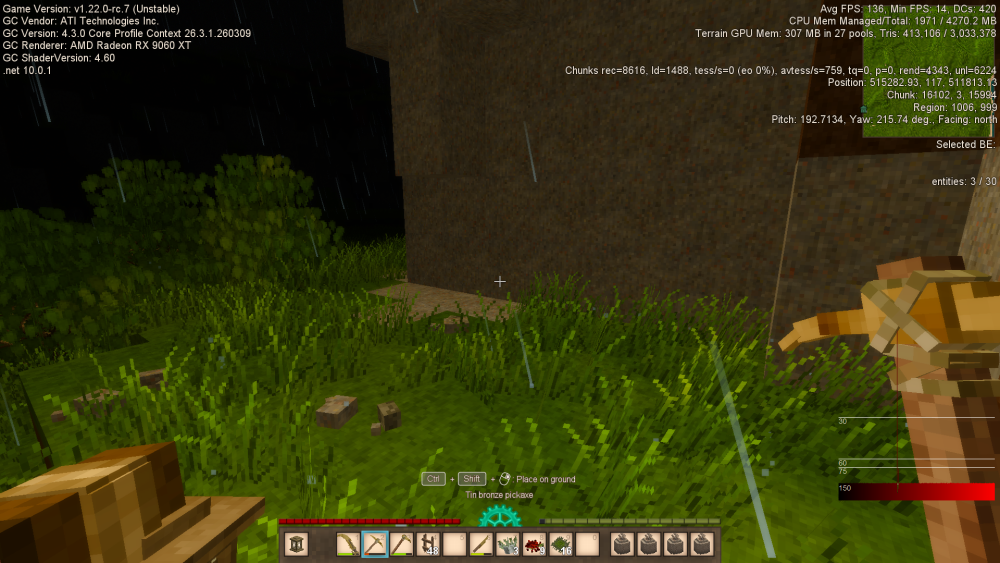
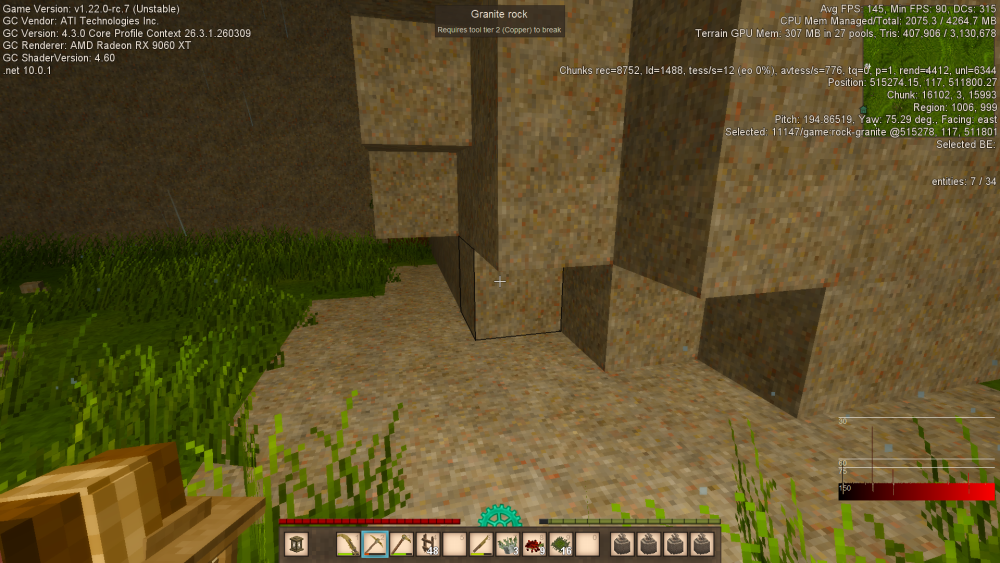
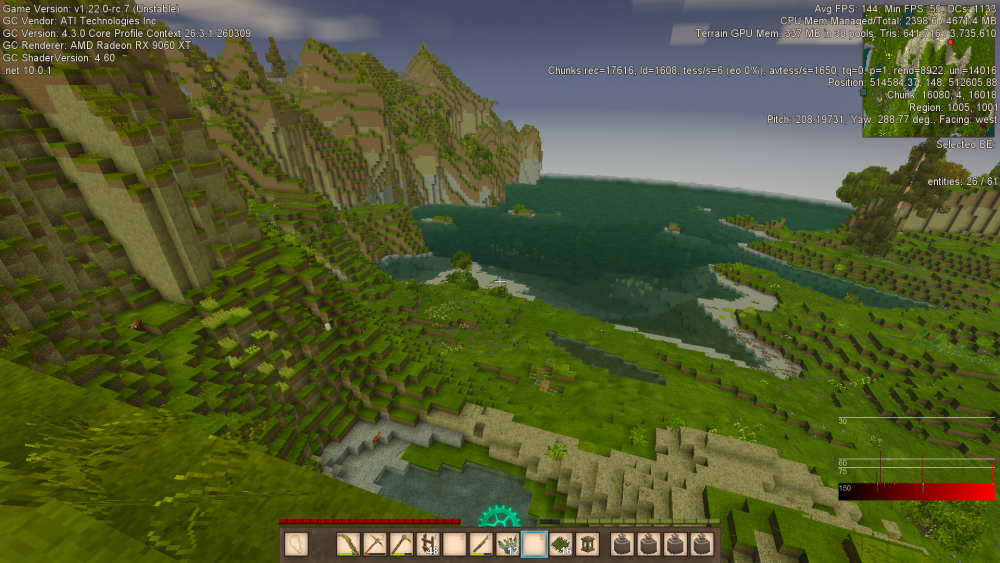
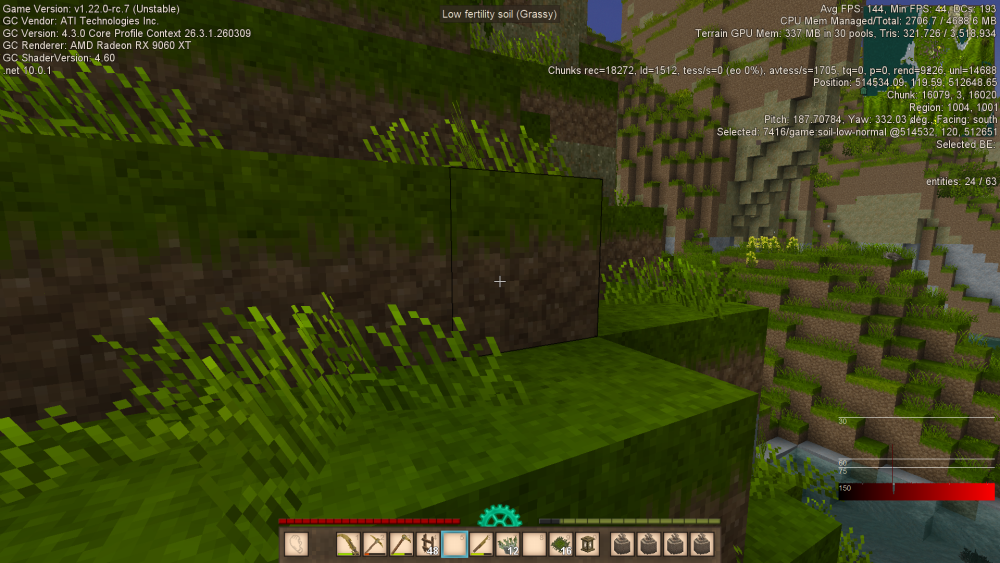
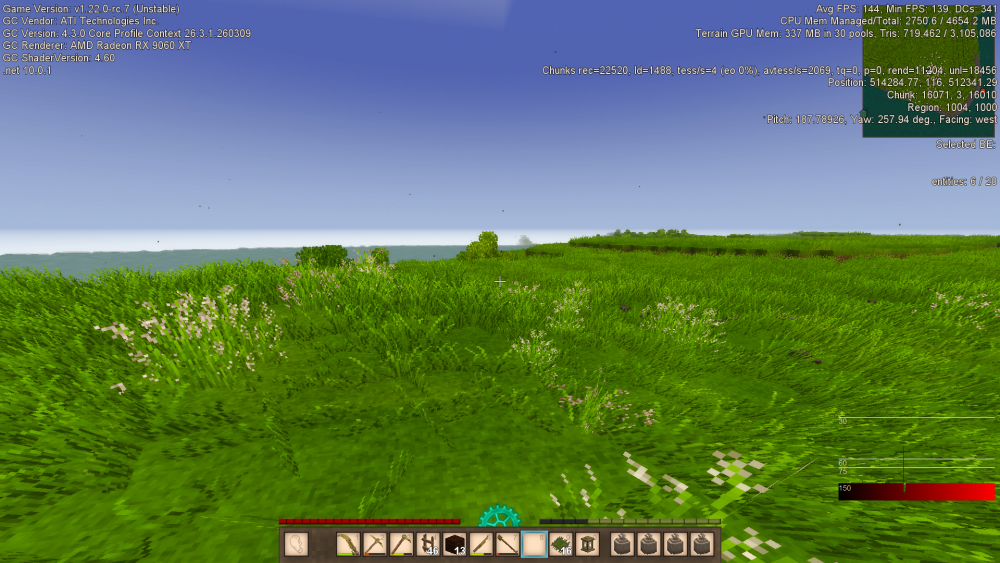
Hi, I want to share an issue with stuttering I have been having in Vintage Story. Please do share any help or similar experiences or commiseration. Problem Description: The stutter occurs at least once every few seconds. Sometimes more frequent, sometimes less frequent. Occasionally, the stutter is intense, like a short "hitch" or freeze where the framerate drops to zero. Usually it's more like a micro-stutter making the game feel noticeably unsmooth. The problem seems to persist no matter what I change in the graphics settings. From very low to very high settings. When looking at the task manager, the system is nowhere close to fully utilizing CPU/RAM/GPU resources. So I don't think it is a resource bottleneck. With the game active, CPU utilization sits around 2%-10%. GPU util sits around 40%. Disk util sits around 2%. Memory usage sits around 40%. It seems to use 1-2 GB of GPU Memory. The issue is not related to terrain generation, as the stutter occurs in already generated areas. The stutter may be slightly less intense when underground mining, or when I am not moving the player character or camera around. And it is somewhat worse above ground when moving the player character and camera around. The stutter exists when playing vanilla, no mods. The stutter issue exists in multiple versions of the game. I tested the latest release candidate (1.22 rc7) and the last stable release version (1.21.6). So, I don't think the issue is related to a particular game update. The problem does not appear to get any worse or better the longer the program runs. I don't think I had this problem a week or two ago. I remember the game running totally smooth, even with a long view distance setting. So I am thinking something may have changed on my PC sometime in the last week or so. My game stuttering looks pretty similar to this issue I found on the GitHub https://github.com/anegostudios/VintageStory-Issues/issues/8139 System Specs: display: 1080p 144hz monitor (and 60hz secondary monitor) gpu: 9060xt cpu: 7800x3d ram: 32gb storage: 1tb ssd os: windows 11 I attempted many fixes based on suggestions found online: Things I have tried in Vintage Story itself: Switching between fullscreen and borderless Enabling and disabling vsync (on, on+sleep, off) Setting limited framerate Enabling and disabling minimap Enabling and disabling Optimize Ram setting via the config file Enabling and disabling Dynamic Color Grading Deleting game files and reinstalling Vintage Story Tried different versions of Vintage Story (1.21.6 and 1.22 rc7) Enabling and disabling SSBOs with "cf allowSSBOs off" Changed mouse sensitivity Tried running VintageStoryServer.exe and connecting to it with the client separately Tested on multiple worlds Things I have tried outside of Vintage Story: Enabling and disabling freesync and enhanced sync Disabling Vsync in game and setting Vsync to Always On in Adrenalin settings Disabling windows Game Mode Disabling Game Bar Closed all other applications (discord, browser, etc) Increasing and decreasing mouse polling rate (tested from 100 to 1000) Tried a different mouse Enabling and disabling Smart Access Memory (rebar) in BIOS Enabling and disabling Core Isolation Enabling and disabling and C-states in BIOS Changing refresh rate on monitor Turning off second monitor Turning on "Show only 1" monitor in windows display settings Unplugging second monitor Setting a frame rate target in adrenalin software Clearing the shader cache in adrenalin software Reinstalling graphics drivers (without first uninstalling them) Uninstalling then reinstalling graphics drivers Downgrading to an older version of graphics drivers 26.3.1->26.2.2 Enabling and disabling Optimizations for windowed games in windows settings Enabling and disabling Hardware-accelerated GPU scheduling in windows settings Tried looking for stuttering in other games and did not notice any Tried running userbenchmark to look for any obvious issues with cpu/gpu/ram/ssd Disabling Adrenalin in-game overlay Unplugged non-essential peripherals Enabling and disabling Bluetooth in windows settings and device manager Tried "Default" and "Favor Performance" in Adrenalin settings Performance->Tuning->GPU->Tuning Presets Made sure that the GPU is using AMD driver in device manager Made sure EXPO is enabled in BIOS Enabling and disabling integrated graphics in device manager Applied recommended windows settings in OOSU10 Made sure hardware is not overheating In about a month, I hope to replace windows with linux on my pc. So hopefully that fixes the issue if nothing else can.