


iuno
-
Posts
12 -
Joined
-
Last visited
Content Type
Profiles
Forums
Blogs
News
Store
Everything posted by iuno
-
Also, make sure you have enough room on your hard drive, like Thorfinn said. The world generation can rarely freak out if there isn't room to store the generated chunks. And VS worlds can be very big. Make sure you have at least ~5 gigabytes of space free on the drive your world is saved on.
-
That's a really odd issue. To start, MAKE A BACKUP OF YOUR WORLD, then load the game up and enter creative mode with /gm c There are two ways you can try to fix this: Manually regenerating the missing areas Really, make sure you make a backup, because it is very easy to destroy everything you've built if you accidentally regenerate chunks that you've built stuff on. Fly over the missing/broken chunks, and type the following command: /wgen regen radius where "radius" is some integer. That will regenerate all the chunk columns around you within the radius you specified. So for example "/wgen regen 3" will regenerate 3 chunk columns in every direction. Keep that number low if you're near stuff you built or areas you don't want to be completely reset, and give it a few test runs at lower radius values to get an idea for how far it'll reach. Repeat this process over all the missing areas. Once you've regenerated all the missing stuff, just go back to where you were and enter survival mode again with /gm s Regenerating everything with db prune Seriously, make sure you have a backup for this one. Db prune will affect your entire world, and if something goes wrong there is no way to fix it other than loading a backup. The second, faster way to deal with it is to regenerate ALL the chunks you haven't built or broken blocks in with the db prune command. That will take much less time, but it'll delete every single chunk in the world that you haven't modified and regenerate them as you get close, just as though those chunks have never been explored. They should regenerate exactly the same as they were, but make sure you have a backup just in case you need to roll back. To do that, run the following commands in order: /wgen autogen 0 That stops the worldgen thread so that the prune command isn't fighting worldgen the whole time. /db prune 0 keep confirm This command will go through every generated chunk and check how many blocks a player has placed or broken. If that value is less than or equal to the number in the command, the chunk column will be deleted so it can be regenerated when a player gets close. Setting the number to 0 means that every chunk column that you have ever broken or placed a block in will be saved. "keep" just means that the game will keep all player land claims. This does nothing in singleplayer. "confirm" just tells the command to execute for real instead of just doing a dry run. After this has finished running, you can resume the worldgen thread with /wgen autogen 1 Then exit and reload the world and with any luck, all the missing chunks should fill in. After that just pop back into survival mode and you should be good to go! If something goes wrong, you can always load up the backup and either try again or just regenerate the missing area manually with the first method.
-
Thanks for catching those! I managed to fix the Z-fighting, that was on my to-do list anyway but I forgot about it as I was busy working out all of the other patches. I believe I've worked out the other patches now too. I was gonna say that all of the animation patches were already loaded on the server side only but it turns out that I capitalized "server" there which isn't very useful.
-
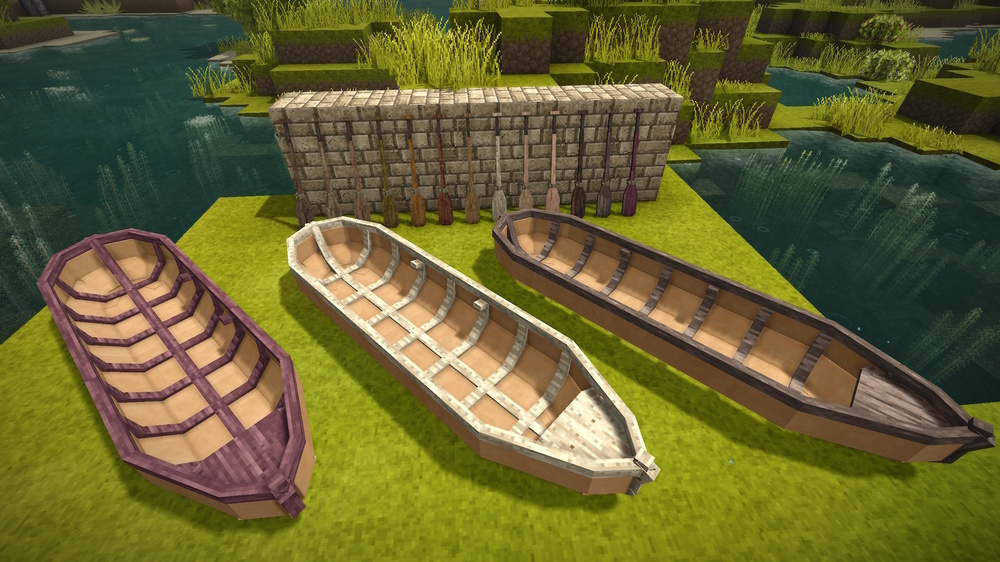
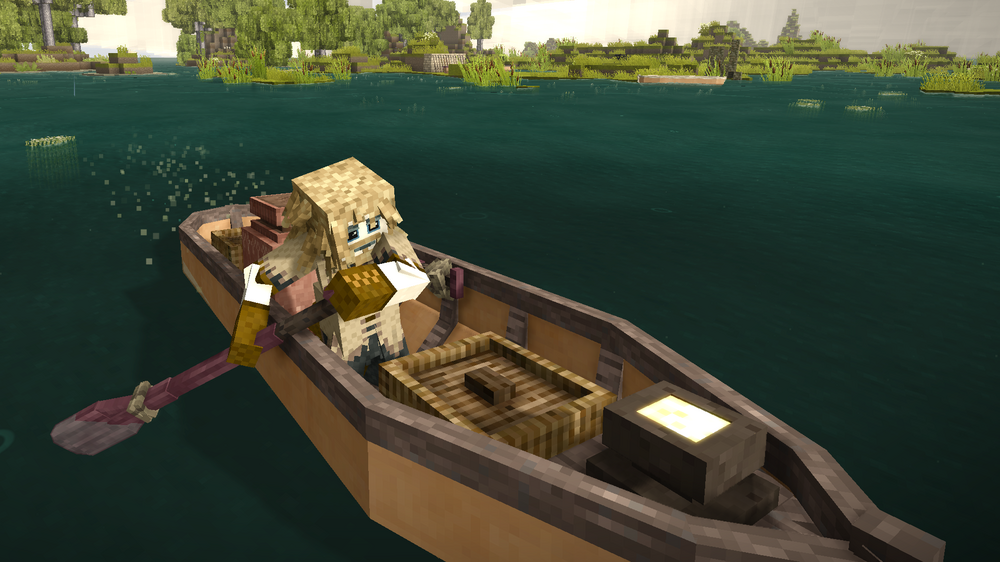
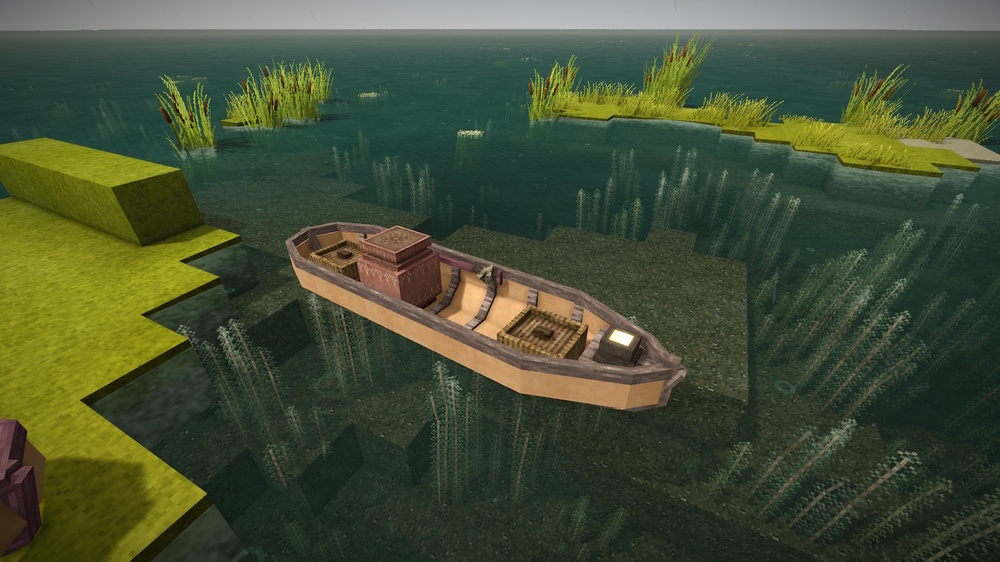
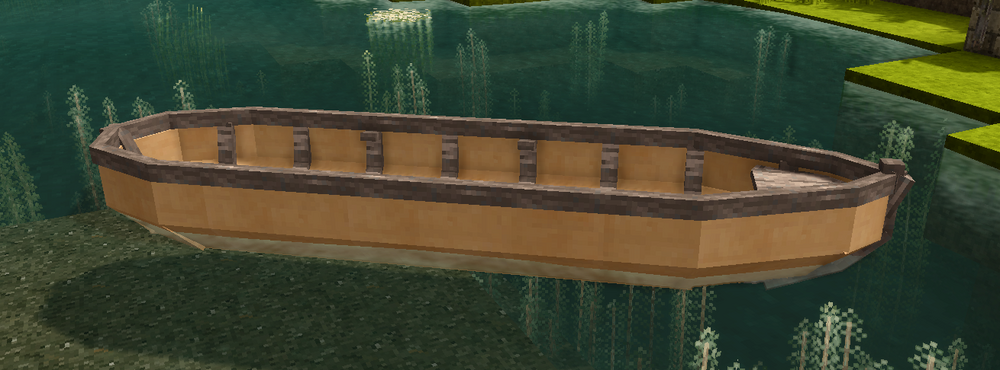
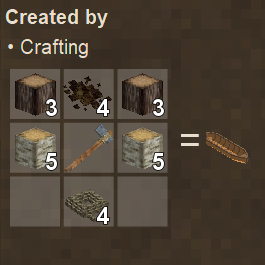
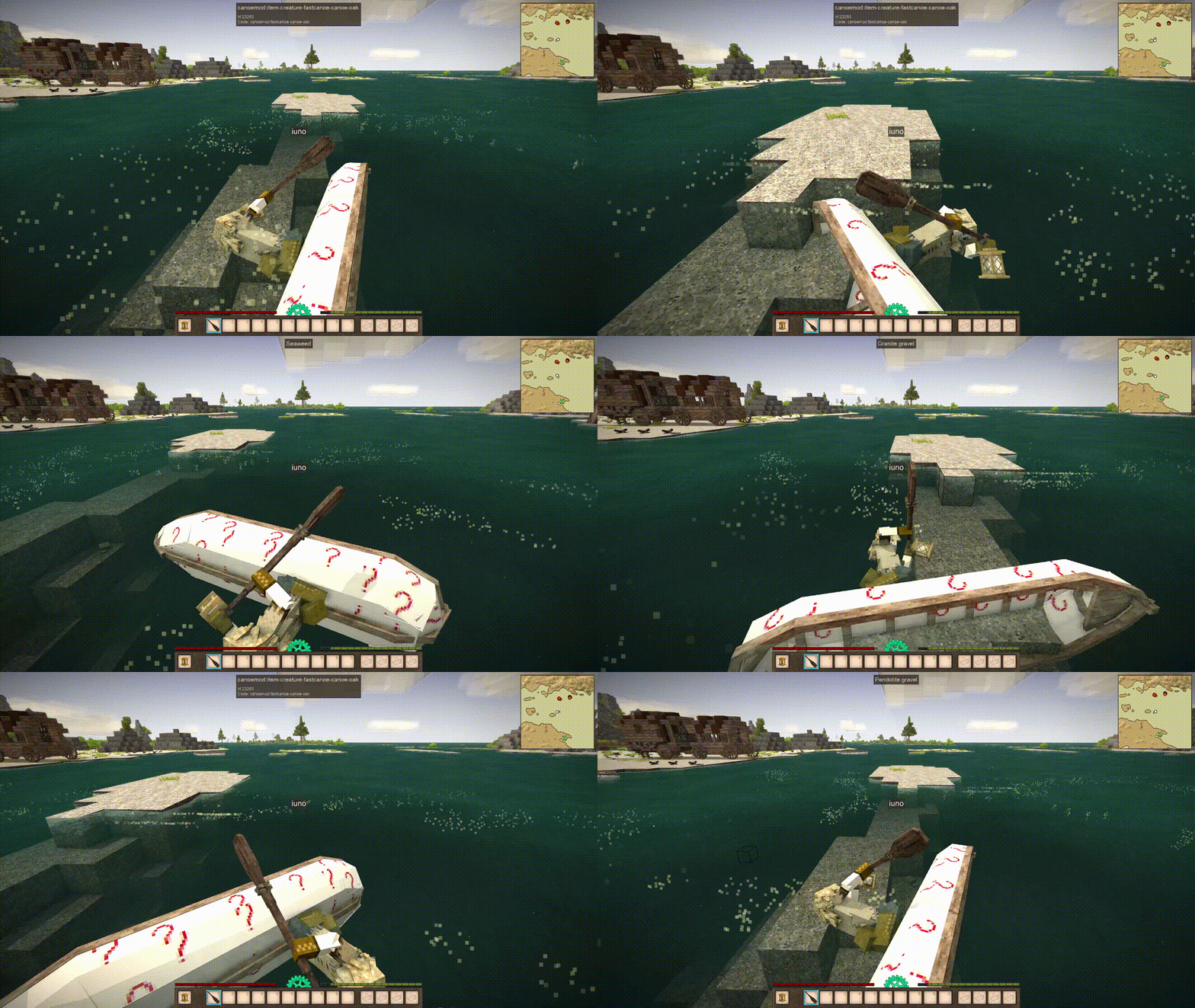
Do you want more watercraft in your game? This mod adds woodtyped oars and a woodtyped birchbark canoe as an intermediate option between the makeshift raft and the massive (and expensive) sailboat. Mod DB page: https://mods.vintagestory.at/canoemod Canoe Types Screenshots v1.0.1 fixed some Z-fighting textures on the birchbark canoe fixed a piece of the keel poking through the stern of the birchbark canoe resolved some ambiguous texture references patches that only need to be loaded serverside should now only be loaded serverside added the ability to pick up the birchbark canoe with a free bag slot added a portaging animation for moving canoes around Version 1.0.0 Added woodtyped Oars, a woodtyped birchbark canoe, and all the relevant animations (hopeful) Planned Features Feel free to post issues, ideas or suggestions below!
-
It's a lot of patches, but fortunately you can pretty much just copy-paste the same patch for every animal, aside for the attachment points. Alternatively I'm pretty sure you could write some code to hook into the JSON patch loader directly and apply the patches you want to make to every entity in a given category, but it's probably still a more robust solution to just patch them all individually.
-
There's a little more to it than that, but not too much I don't think. You will also need to add in seekfoodandeat and useinventory tasks to the aitasks of all the entities you want to patch, as well as a mouthinventory that can accept all of the food items you want the patched animals to eat. Then you will probably need to patch all the models to have an attachment point at the mouth to get them to carry the berries around like the racoons do. It should all be doable with some JSON patches I think, you'll just need to do quite a few of them.
-
I've been messing around with adding some new watercraft to the game and I was trying to change up the speed of a test boat just to see what would happen. Does anyone know if this is possible without writing some code? It seems pretty easy to change that stuff in in the EntityAgent class but as far as I can tell it's not a thing in EntityBoat at all. As far as I can tell the raft and sailboat both have the same speed as well which probably indicates it's not going to be easy to change.
-
The command is /setstorystrucpos and it takes an argument for the name of the structure. So I'm almost certain that it'll work for the new structures as well given that it was specifically designed to be extensible. You definitely do spoil yourself a bit and you lose the challenge of exploring to find them, but ultimately that's pretty minor. The devs have been really careful to maintain world compatibility so far so I don't see why that'd change unless they do something like modify worldgen.
-
Giant giraffe dragon in the sky zooming around skybox.
iuno replied to Nelthazar's topic in Discussion
You might need to bump your render distance up a bit. I believe he's juuuust too far away to see normally on the default graphics settings. -
Yeah, you always start in the northern hemisphere. If you didn't touch any of the world size settings then the pole-equator distance is 100,000 blocks meaning you've got a good bit of walking to do to get to some of the hotter biomes. Hopefully you'll get lucky and find a few translocators or something to help you travel. You don't need to go all the way down to the equator to find deserts and the like, but you will need to go a significant distance, probably at least 25,000 blocks or so.
-
This is very late, but no you should be good to go. Once the remapping commands get executed and you restart everything should function as expected, assuming all your mods are up to date.



