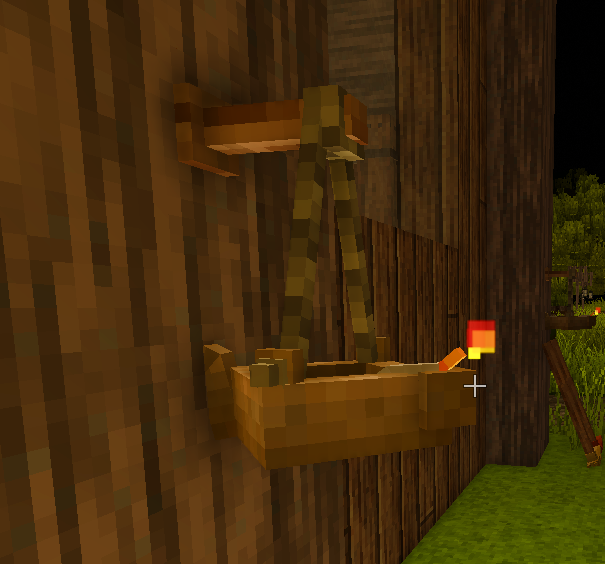
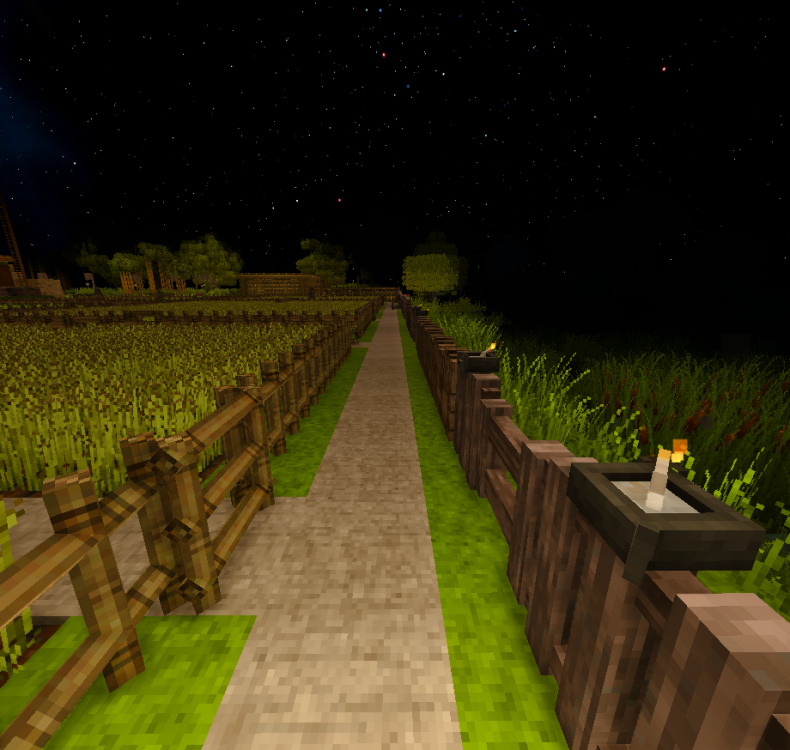
There's an inconsistent behavior with oil lamps: when they're placed on a wall, there's no colliding with them, but when they're on the ground, a fence, in other words, are placed on a horizontal surface, they have collisions. I can't see why it's important to have lamps collide with players when placed this way, this makes the movement feel clunky and inconsistent. Also you can jump over the fences if there's a lamp on the ground or on the fence itself (not sure if animals can do it too, but I'd guess so). See examples below.
There's no collisions here, which is nice, otherwise you'd often bump into lamps on walls:
I'm colliding with the lamp right here, despite not even touching it. I can't go further because there's a huge collider, and have to step left.
Also right here if I jump, I can jump over a fence. Same if the lamp is on the ground and I'm jumping from it.