.png.d3464d0bf9188b6d2f915e73cb4c1363.png)

surio
-
Posts
17 -
Joined
-
Last visited
surio's Achievements

Berry Picker (2/9)
8
Reputation
-

1.19 Ancient Military Technology (AnMiTech) 1.1.2 - updated for 1.19.8 and beyond
surio replied to surio's topic in Mod Releases
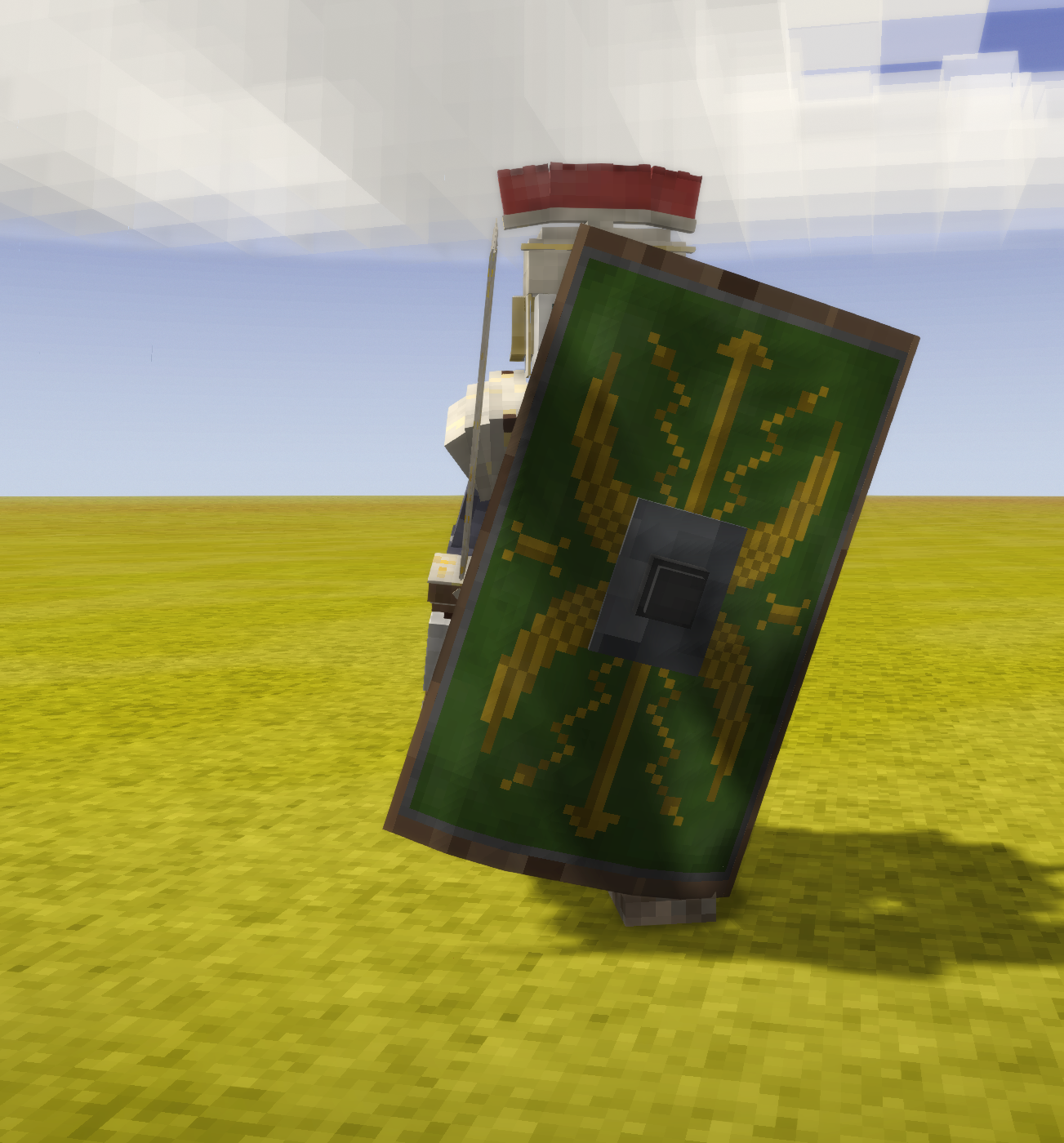
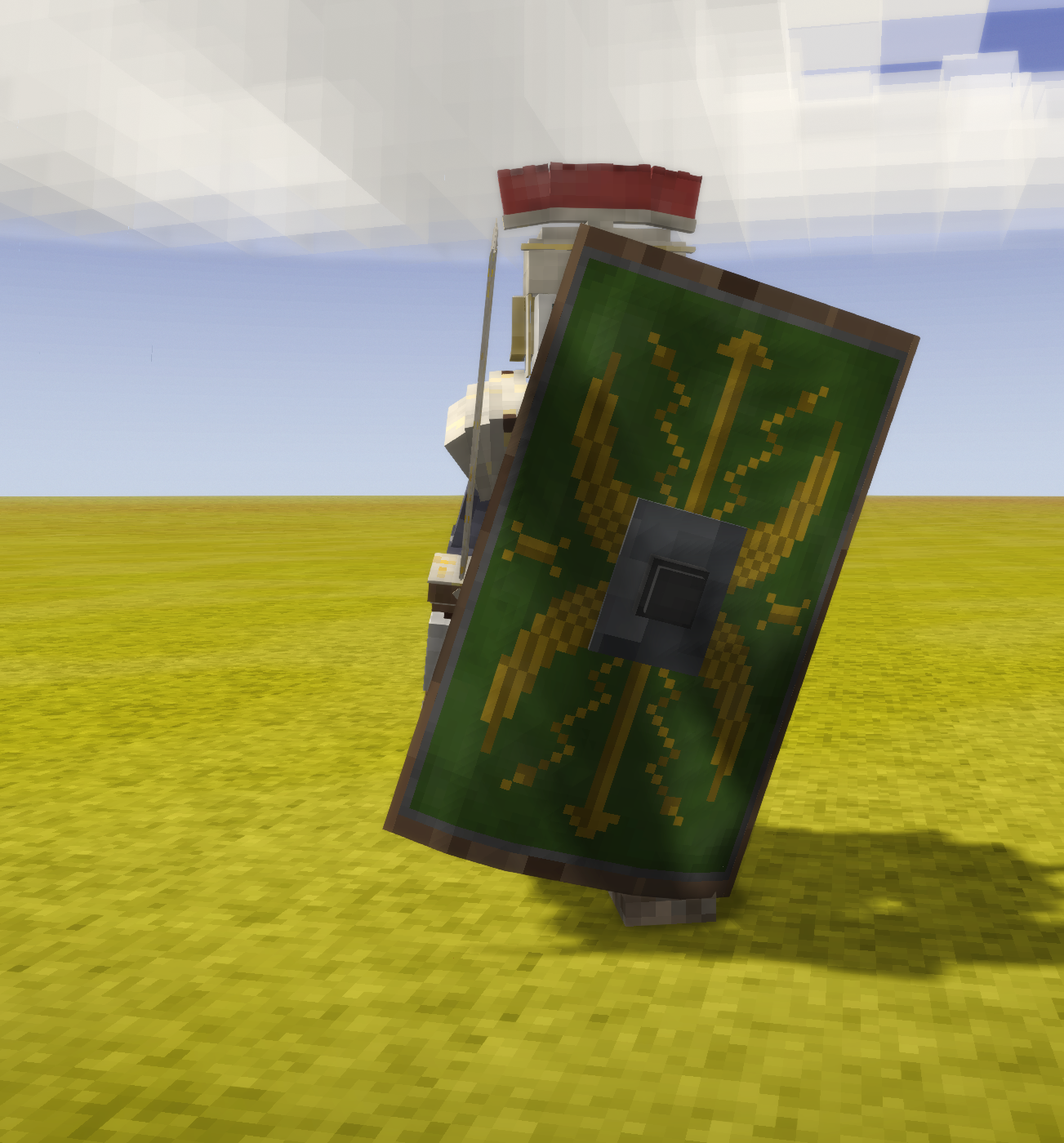
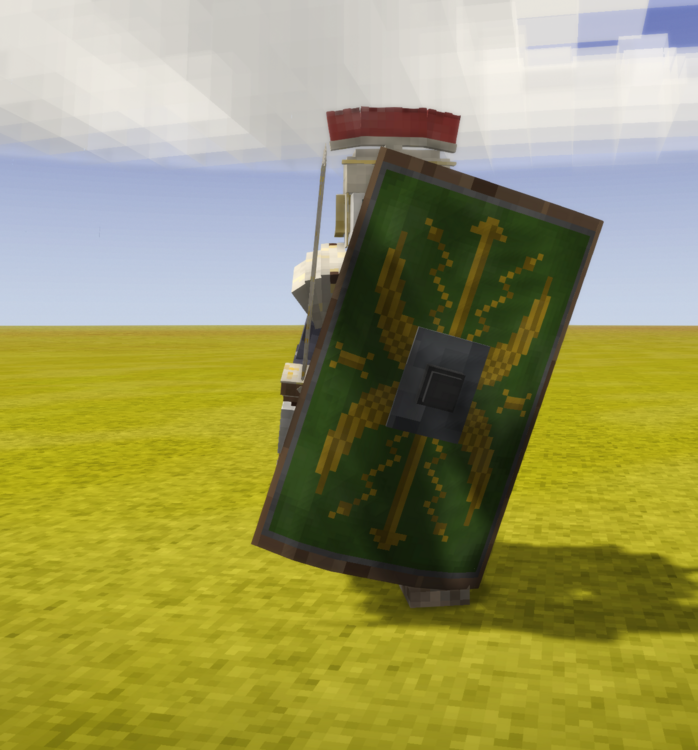
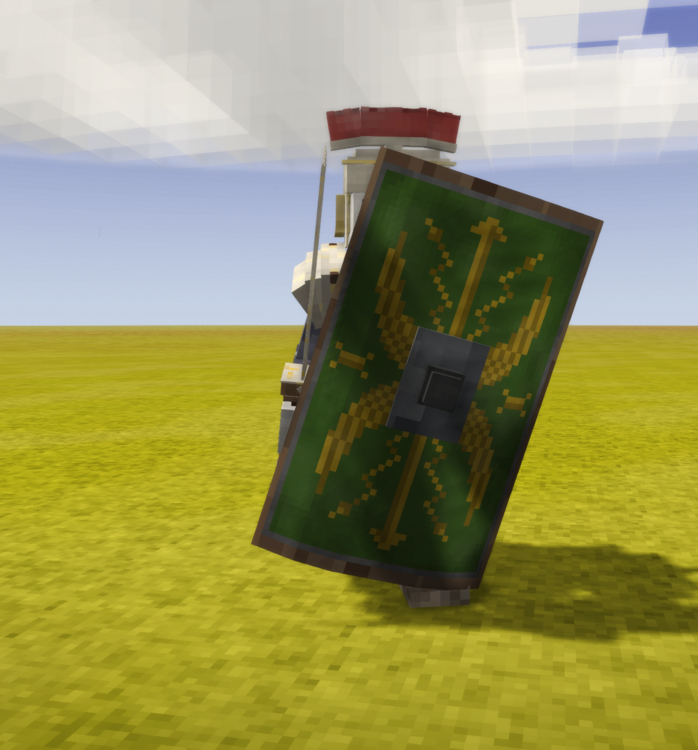
Version 2.0.0 is now released and features Roman Scutum - late game somewhat OP shield to make your stand and announce your aesthetic presence in game! To the Emperor! The Emperor protects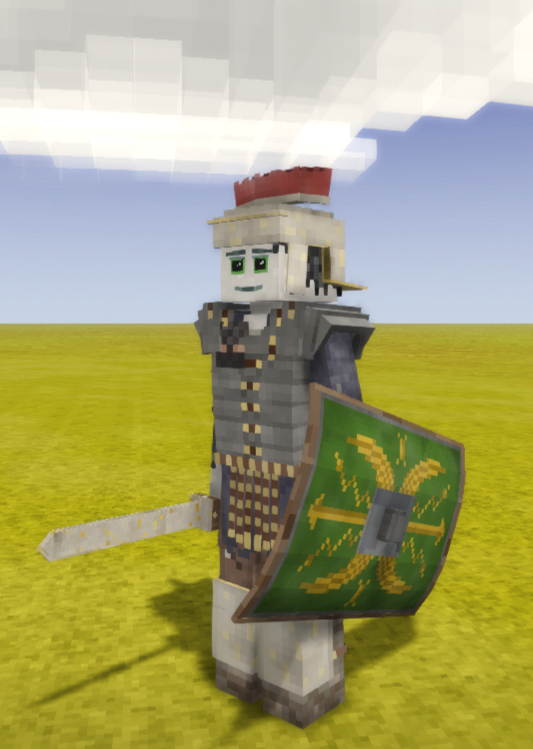
-
https://mods.vintagestory.at/show/mod/14800 Shields have been re-added to mod. Latest version is 2.0.0
-
1.19 Ancient Military Technology (AnMiTech) 1.1.2 - updated for 1.19.8 and beyond
surio replied to surio's topic in Mod Releases
Oh well, another one! For luck! -
1.19 Ancient Military Technology (AnMiTech) 1.1.2 - updated for 1.19.8 and beyond
surio replied to surio's topic in Mod Releases
Reserved for the future - per forums tradition! -
Here's a link to the original post by tonzag, introducing the mod and all the items in its full glory: Just an announcement, that I have updated this awesome, aesthetic mod for 1.19.8 and fixed the following issues from the original. Since the 1.19.x game update, the animation overhauls in-game messed up the weapon hitbox and player animations. Those have all been updated and fixed to be super responsive and accurate. No more swing-and-pray-and-miss! Player feedback on deliberately slowed swing speeds for many weapons like mace and axe was unfavourable. That debuff has been removed in this release. So, you can make a steel pernach and bash that tier 4 drifter now! Some of the weapons such as Sabre, Katana, Mace, etc. have been rebalanced (based on historical battle recreation video feedback) Many steel and steel tier armours in game were incorrectly tiered but now fixed. As Tonzag hasn't been active on here for a long time, I've taken it upon myself to continue maintaining this mod until tonzag returns to take back his baby. As everyone will agree after using the mod, this is a great mod and deserves to be enjoyed by players well into the future. Request you to use this thread to continue further discussions for the mod to ensure quicker responses. Without further ado, https://mods.vintagestory.at/show/mod/14800 I hope all of you will treat this iteration of the veteran mod with the same love that you did while it was in the hands of the amazing tonzag. And I hope I can do justice to his legacy. Thanks in advance for all your love and support as I get to grips with this new role/responsibility.
-
For those who are still interested in this mod, I have worked with other modders and updated it to work in sync with 1.19.8. I also hope to continue maintaining this mod until tonzag comes back and wants to take it back. tonzag really had a winner in this mod, and I don't want to see it fall by the wayside yet. Thanks are due to all the die-hard fans of this mod both here and in the mod page comments section. They were the ones (along with my son) who inspired me to take over this mod. Here's the link to the latest mod release page on moddb https://mods.vintagestory.at/show/mod/14800
-
[Bug] dry fruit mash doesn't stack properly and behaves weirdly
surio replied to CatNolara's topic in Discussion
They are in different stages of getting dried, hence they might not stack. Once they become dried fruit completely, they end up stacking against their respective fruits such as "dried cranberry". There is the other problem too that if you place a fruit in press it does allow you to take it out before you use the press. But it transforms the fruit into a mash once you place it. The mechanic is quite finicky as you mention. -
You know, I was just speaking to my PC guy to go through this. I've had it with the snakes in the plane at this point!
-
So, me again. Logged into the game after a break of 2 weeks. Things are back to the same buggy problem with the laptop. 17.2.2024 12:42:46 [Warning] =============================================================== 17.2.2024 12:42:50 [Warning] Texture asset 'game:textures/block/wood/debarked/.png' not found (defined in : alternate:0). 17.2.2024 12:42:50 [Warning] Texture asset 'game:textures/block/wood/debarked/.png' not found (defined in : alternate:0). 17.2.2024 12:42:50 [Warning] Texture asset 'game:textures/block/wood/debarked/.png' not found (defined in : alternate:0). 17.2.2024 12:42:53 [Notification] Wow, client daytime drifted off significantly from server daytime (22.4 mins) 17.2.2024 12:42:53 [Notification] Track music/to-dawn.ogg now started 17.2.2024 12:42:56 [Fatal] Caught unhandled exception in thread 'networkproc'. Exiting game. 17.2.2024 12:42:56 [Fatal] System.OverflowException: Arithmetic operation resulted in an overflow. at Vintagestory.Common.ArrayConvert.ByteToByte(Byte[] data, Int32 length) in C:\Users\Tyron\Documents\vintagestory\game\VintagestoryLib\Common\Convert\ArrayConvert.cs:line 73 at Vintagestory.Common.CompressionZSTD.Decompress(Byte[] fi) in C:\Users\Tyron\Documents\vintagestory\game\VintagestoryLib\Common\Convert\Compression.cs:line 678 at Vintagestory.Client.TcpNetClient.TryGetMessageFromIncoming() in C:\Users\Tyron\Documents\vintagestory\game\VintagestoryLib\Client\Network\TcpNetClient.cs:line 80 at Vintagestory.Client.TcpNetClient.ReadMessage() in C:\Users\Tyron\Documents\vintagestory\game\VintagestoryLib\Client\Network\TcpNetClient.cs:line 51 at Vintagestory.Client.NoObf.SystemNetworkProcess.NetworkProcess() in C:\Users\Tyron\Documents\vintagestory\game\VintagestoryLib\Client\Systems\NetworkProcess.cs:line 135 at Vintagestory.Client.NoObf.ClientThread.Update() in C:\Users\Tyron\Documents\vintagestory\game\VintagestoryLib\Client\ClientThread.cs:line 75 at Vintagestory.Client.NoObf.ClientThread.Process() in C:\Users\Tyron\Documents\vintagestory\game\VintagestoryLib\Client\ClientThread.cs:line 61 17.2.2024 12:43:00 [Notification] Window was resized to 0 0? Window probably got minimized. Will not rebuild frame buffers 17.2.2024 12:43:14 [Notification] Destroying game session, waiting up to 200ms for client threads to exit 17.2.2024 12:43:43 [Notification] Exiting current game to main menu, reason: client thread crash 17.2.2024 12:43:45 [Warning] Texture with texture id 41 is leaking memory, missing call to Dispose. Set env var TEXTURE_DEBUG_DISPOSE to get allocation trace. 17.2.2024 12:43:56 [Notification] Exiting game now. Server running=False. Exit reason: Main screen quit button was pressed This time, running the DISM and SFC fixed some problems, but the bug still remains. VS client loadsbut when trying to join the game, bails with the above error. No amount of restarts or reruns of the commands fixes the issue now NB: It's the same old Windows 10 update that's causing the update manager to fail and cause issues.
-
In the interests of fairness, here's my resolution to the game failure issue. The discussions I had with others here helped in closure. Special thanks to @Miguel Coelho who suggested sfc /scannonw that set this entire course. I have given the full account, so it can help someone facing the same issue. - surio.
-
Dear all, I updated my second post to provide closure and resolution on this issue. It was in the end, a poorly rolled out windows update failure that silently caused all this. My many thanks to all who helped and engaged. Seems that my issue is resolved for now, and we were able to have an uninterrupted, error free gaming session over LAN for nearly an hour since my steps to fix things. Thank you.
-
The machine that bugs out has always been a client. The stable machine has always been the server. To answer both of you, the machine currently bugging out played very well for over 100 hours for the same game game/same world with 100s of mods. Now it won't play for even vanilla. I don't think the hardware/timing/etc straws we are clutching at decided to suddenly manifest as a gremlin *after* 3+ weeks of good behaviour and precisely after making a JSON recipe change.
-
The "dialog" I attached has featured a few times as has the "networkproc" error, both in github and in these forums. I both cases it was an errant mod. This is why I wiped clean to test plain vanilla. Since that has also failed on same error I have made my complaint officially. Laptop works well for all other activities except this gameplay. I also reinstalled the game to ensure any corruption at that level doesn't replicate. I do not see a hardware issue.
-
Thanks for noticing it. I wanted to avoid all obvious questions, hence the detailed post, which might also lead to overlaod and people missing it on first read. I missed that other point you made but I have also installed/upgraded to latest .NET 7 and it still doesn't resolve.
-
Glad everyone that has responded seemed to have a great time with the game and the support. I'll address some points people brought up. For what it's worth, I will chime in and be the dissenting voice. I can relate as I am also in a similar situation. Like OP it's the only way I play this, LAN multiplayer with family. I have three machines running this and it's crashing only on one machine. It's a new SSD and a powerful laptop. I removed all the mods, tried vanilla and ever reinstalled VS on this machine hoping that will fix it. Alas no. FWIW, I have been debugging non-stop to try and fix things. My situation is odd because the client running the world and another pc running a similar setup (modded and vanilla) works well. only one machine bugs out. I have pinged team members on discord as well on this. Not a single one responded or said Boo. So, all hypotheticals aside, "contacting support and they'll fix it for you" doesn't always pan out how you want it. I have made an entry in forums as well hoping that someone can provide a way out. You may check it and help if you can. Happy to work along with someone in dev team to get it resolved as I paid for 3 licences and not playing at all. And the worlds seem to develop an issue around the 80+ hours mark. The last one that I am struggling with seemed to give problems for one machine at 100 hour mark.