


lawn
-
Posts
92 -
Joined
-
Last visited
-
Days Won
8
Content Type
Profiles
Forums
Blogs
News
Store
Everything posted by lawn
-
Haven't had much time or brainpower to play survival much lately, which means new interior build time. Made it in creative but _should_ be possible to make in survival. (Though the clutter items would be a pain to get I'm sure) Let me know if you want more info one how to make the glass painting or more angles of the room.
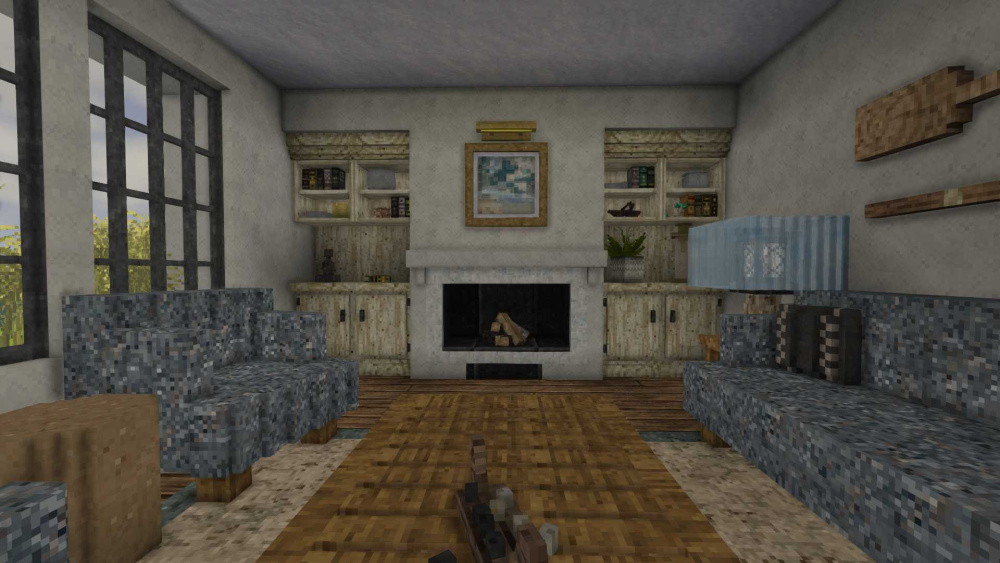
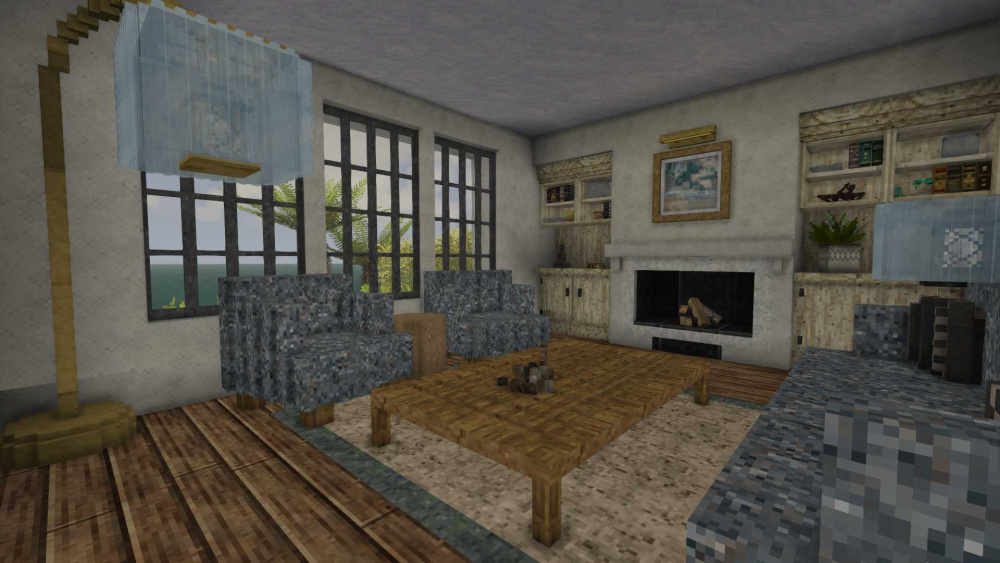
-

Has Anybody Else Experienced Glitchy Crafting Output Slots?
lawn replied to ThePeterCopter's topic in Questions
I keep getting it on my single player world with rammed dirt. (Though I've see it for flint knives and shovels too in the same game) Works for a few hours, but once it starts, restarting the game is the only way to make those usable blks/items. I still managed to play for a while after, and kind of used it as a challenge to see how long I could last without the knife once, but restarting the game always seems to fix it. The weirdest part was getting the unusable/disappearing duplicates if you manage to click quick enough. Oddly I added mods to that world and it's been behaving since, but correlation does not causation make, so idk, probably from just crafting less bulk blks now. -
I find I'm missing my old TOPs base. Was very pleased with how the textures worked out for this old bookstore sign.
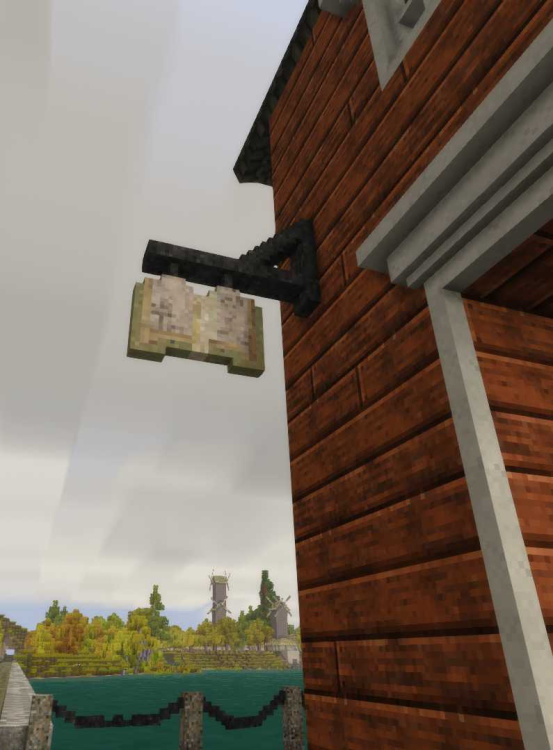
-
Btw, just for those who also read the glass painting build post, I would categorize this one as a solid dominant glass painting verses the glass dominant glass painting like the water lilies and impressionist sunrise. I break the category into two now since the techniques you use are different, but the split comes from where most of the color is created. From the solid base painting, it's solid dominant and uses glass to tint or darken and lighten; from the glass, it's glass dominant and uses layering.
-
Nice! I do love this style in Vintage Story.
-
I've done a large field on a complex slope. You can put water sources under the first block of the next level and a few selected other blocks as water sources in as random a pattern as possible. (while making sure every field blk will get some water boost) Then I added in a mud brick slab in all the water source blocks so they read just as muddy patches in the field. You could also try something like breaking up the field into multiple fields by using walls or lines of berry bushes. Takes a bit more effort than doing rows, but quite doable.
-
Predators might be able to spawn on the cliff edges and fall on top of the fence from above to get in depending on your location. And I think bears have a 3 blk climb ability, unless it got updated. Also an open field like this will need a lightning rod positioned high above. Keeping animals in a lighted stable is the safest option, but don't let that stop you from using an open field if you like the look. They just take a little more thinking to keep all the animals safe or you can just assume you may have some animal loss and keep a breeding pair safe somewhere nearby, which is what I usually do after I reach gen 3. (Since it's easier to move them about at that point.)
-
I'm love all the painted glass! The round one in particular. Is it the side windows that are causing your dissatisfion? Because you could try these techniques. Too contrasting, you could add a layer of the quartz glass to the back to tone the color down, or if it's that it's too primary, you could switch the green to blue? All depends on what you want, personally I think the shape on them is great.
-
Wanted to try a Victorian painted glass window only using a single paired pane.
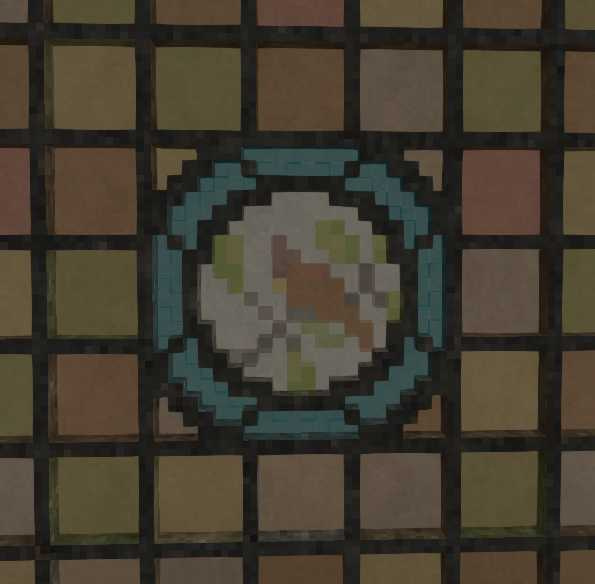
-
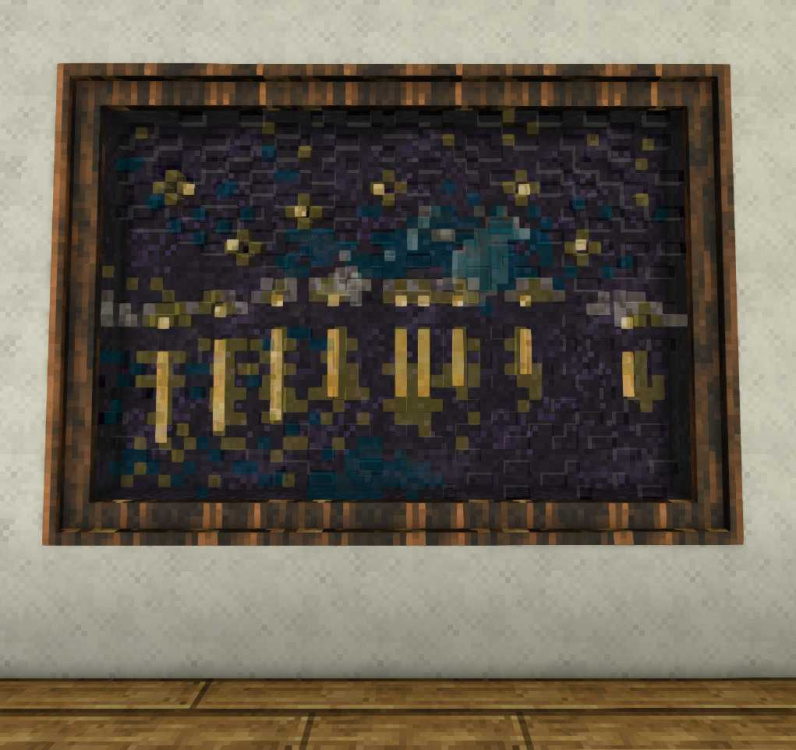
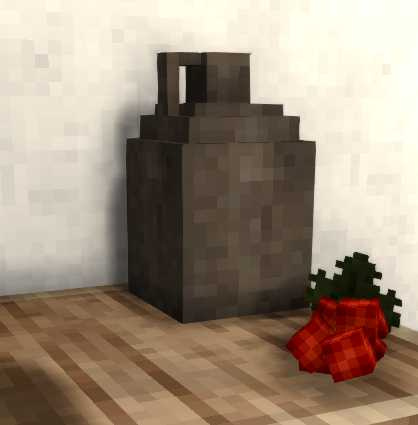
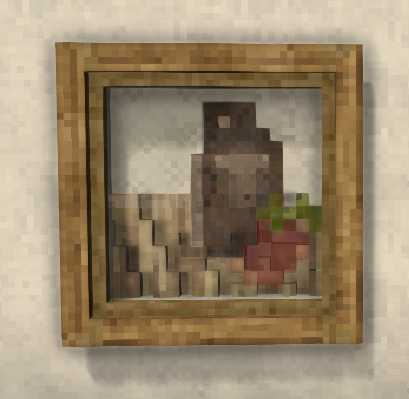
Two more glass paintings. The first is "Starry Night" by Van Gogh. It didn't come out as well as I wanted, but I wanted to see how far I could push using glass as texturing. Next is me trying to recreate as still life based of a screenshot. I think it came out pretty well.
- 19 replies
-
- 12
-

-

-
- stained glass
- art
- (and 3 more)
-
Updated the photos on this post since the new update will change the berry bushes, and since this uses sheared and unsheared bushes heavily, I wanted to release it before the update. If anyone wants to take a closer look or steal some chisels from it, here is the build. claim-teaHouse.json
-
That is my TOPS neighbor's windmill who lives across the lake. His name was Chokomix. (Though I am probably misspelling it) I remember he made a beautiful Ukranian style chiseled oven as part of his build and loved sailing about the lake.
- 4 replies
-
- 1
-
-
- interior
- chiselworks
- (and 1 more)
-
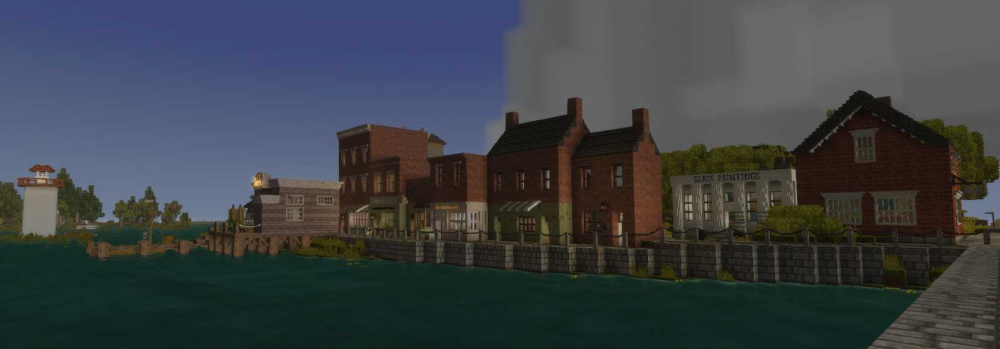
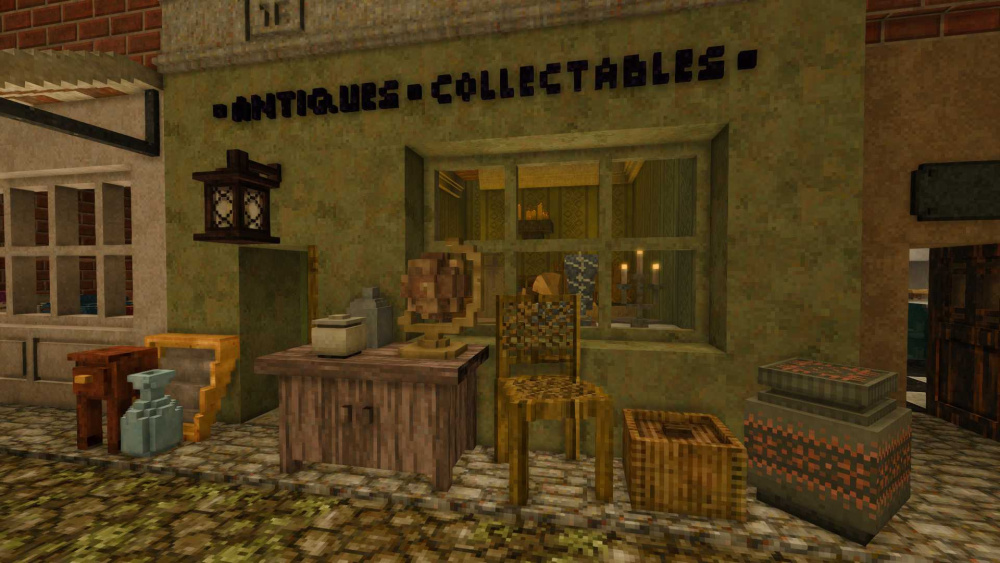
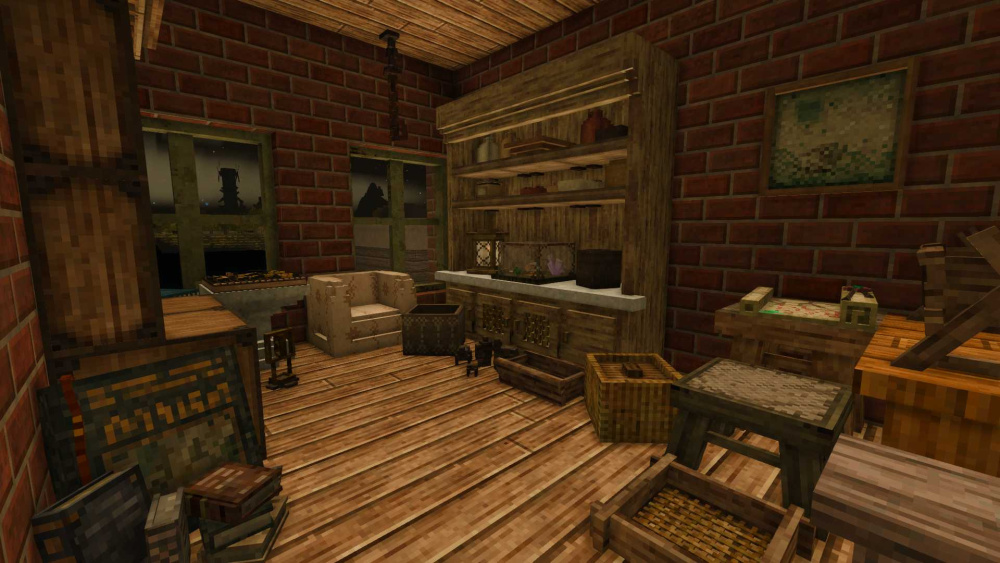
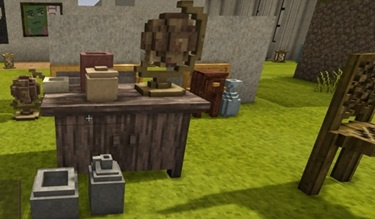
Just thought I would show the antique store I made on the TOPS server. Was trying to go for that cluttered look that is unique to antiquing.
- 4 replies
-
- 15
-
-
-
- interior
- chiselworks
- (and 1 more)
-
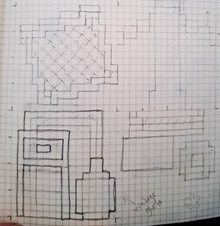
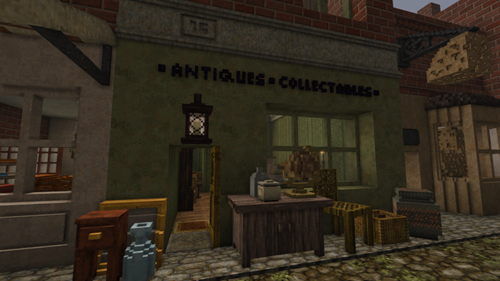
For me, I keep a graph notebook around with me, and when I get an idea I can do a quick sketch and ensure the sizing will work. Then I do a rough test in creative to figure out the colors and flow of the build. Then if the blk pallet isn't too impossible to gather, I can make it in survival. As for interior vs exterior first, it depends on the idea I'm excited for. If it's furniture, I start with interior; if it's a building style I want to try, exterior first.
-
Just a quick video showing another trick with glass. You can purposely surround some colored glass with another glass so it will only show up from certain directions. This one is basic but the trick could be useful for other applications or make various patterns/pictures with different shapes. Btw, I made it at my TOPS base as well, right next to the south road (8700 straight down). So there's a month viewing time if anyone want to see it.
-
So I'm wondering if I should finish off this build and see if I can get a claim nearer spawn once TOPs wipes... thankfully I'm getting some help now on the wording on the signs. Helps to get another player's perspective.
-
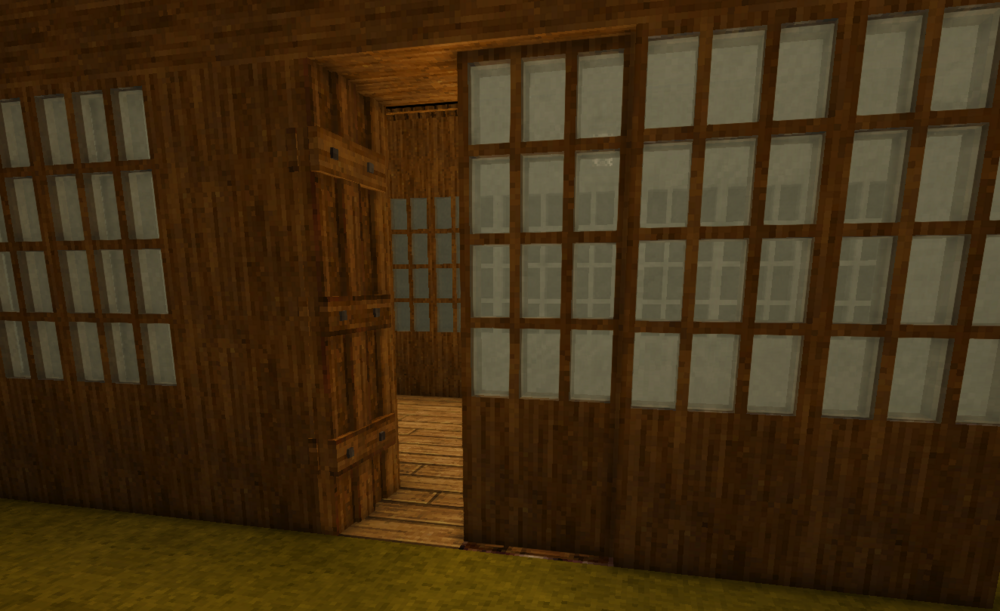
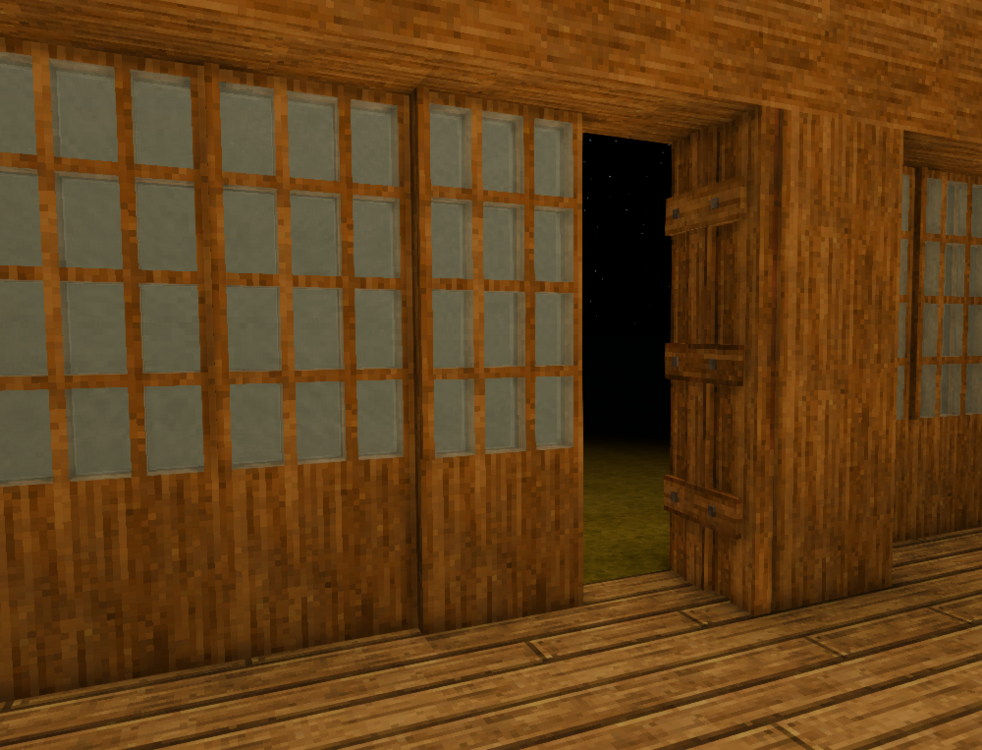
It might be interesting to do two doors side by side but try to force the game to open them it opposite directions so that they look like a beam when closed. Not sure if possible... someone should try, or maybe a row of doors would look like those old Japanese shutters?
-
Quick proof of concept, something like this. You would just have to close the door when the baddies are out and add it to other pillars to even out the design sometimes but it kindof works.
-
Yeah sliding doors would be tough to sell vanilla. The closest way I can think of is to use the 1x3 door up next to a pillar of matching wood type then chisel a "door" creation that looks partially open by one blk. I did something similar to create the illusion that a greenhouse was bigger and open and it can sell the illusion sometimes.
-
They are made from ceramic tiles, the ones you get from the traders. Since they have the ones that make a simple 2x2, I think it sells a good tufted cushion when chiseled on the grout lines. Not sure when those got added to the game. Has to be a newer block though.
-
I'm thinking of trying a portrait next. Anyone know a good impressionist portrait that would look good swapped to Saraph colors?
-
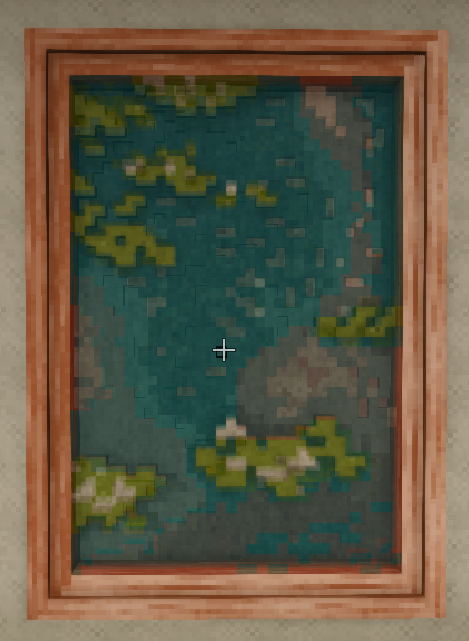
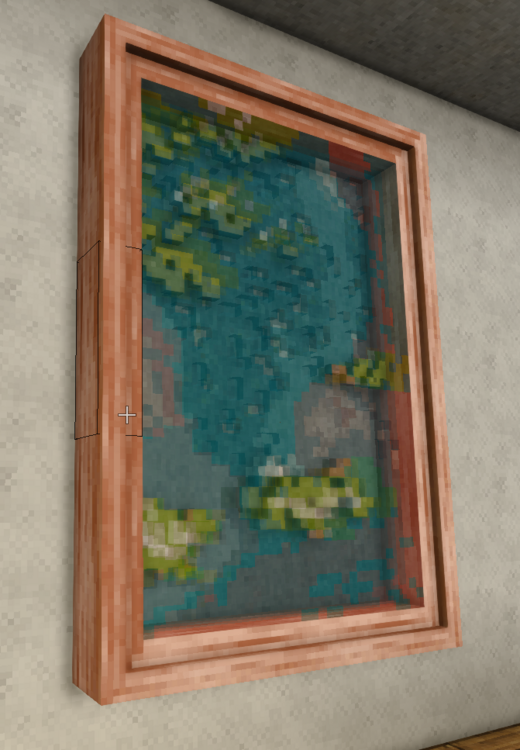
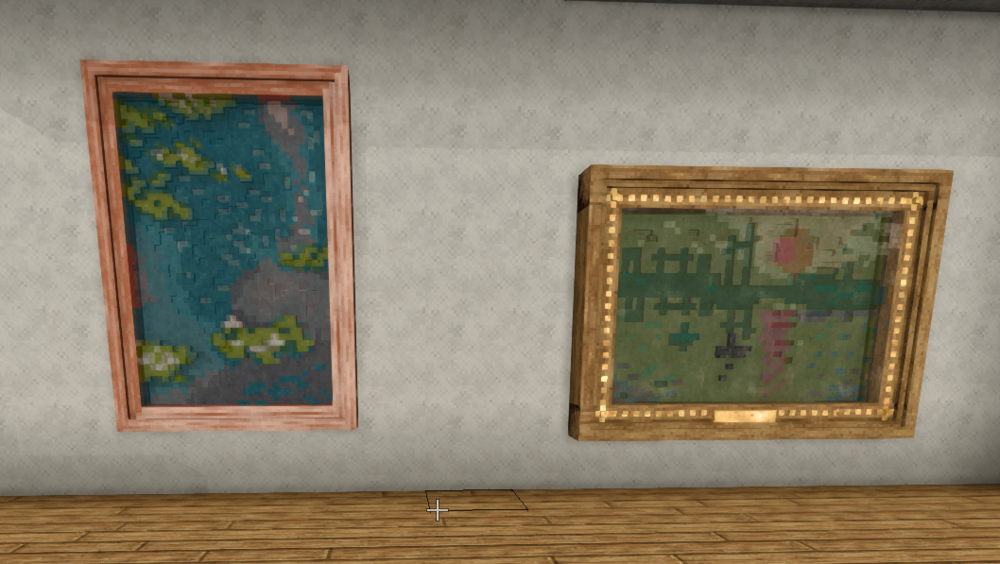
Been working on this painting for awhile now. A version of "Water Lillies".
- 19 replies
-
- 14
-
-
-
- stained glass
- art
- (and 3 more)








