


lawn
-
Posts
92 -
Joined
-
Last visited
-
Days Won
8
Content Type
Profiles
Forums
Blogs
News
Store
Everything posted by lawn
-
I suppose if anyone is interested, I made a really long video going a while ago with way too much info on how to use glass when chiseling.
- 19 replies
-
- 2
-

-

-
- stained glass
- art
- (and 3 more)
-
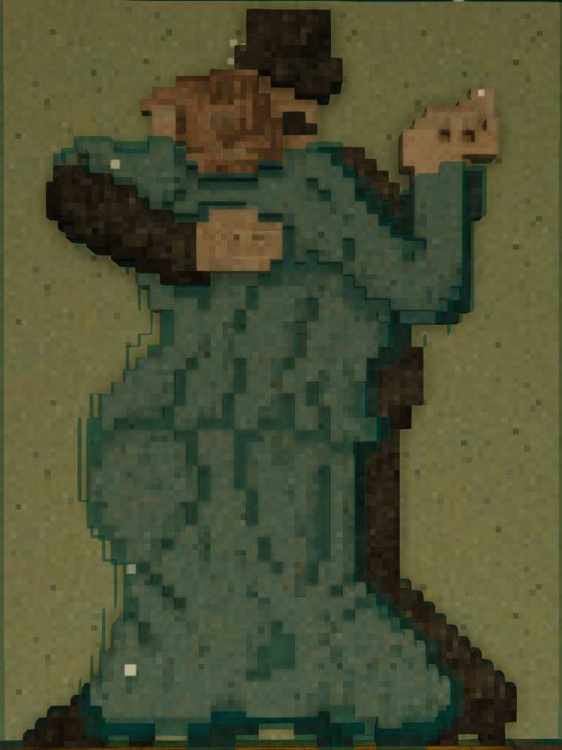
Both. Most of the ones in this thread were made in creative, but I have others that are 100% done in vanilla survival. For instance, this one I made on TOPs. And all of them will work in vanilla survival either way. But it definitely helps to do color testing and the learning phase in creative so you don't end up wasting glass.
- 19 replies
-
- 2
-
-

-
- stained glass
- art
- (and 3 more)
-
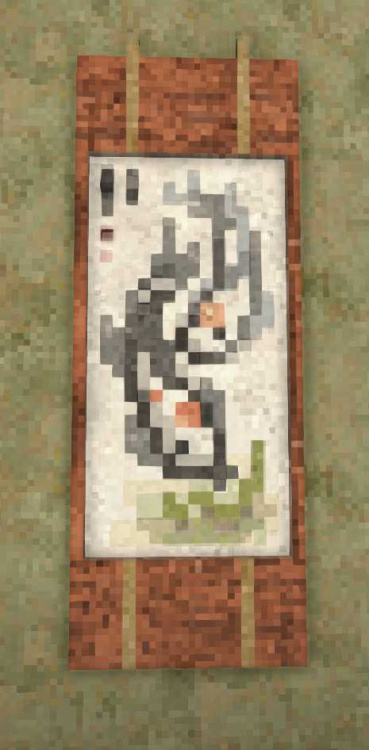
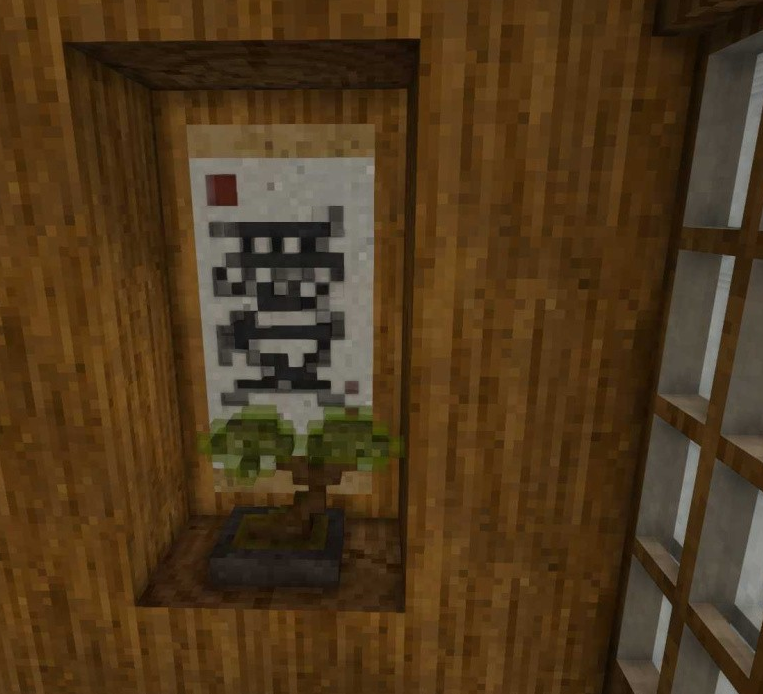
Been looking for an excuse to try some more brushwork.
- 19 replies
-
- 3
-
-
-
- stained glass
- art
- (and 3 more)
-
When I hit my limit, I went back and found all the pictures I used, changed to jpeg, and resized them to med quality. Which is easy to do using the default windows picture viewer. Though I have also opened up a screenshot in my browser and then downloaded it back to get the at just the right quality as well. Then I edited all my posts replacing with the smaller files and deleting the matching pictures as I went along. They all look the same but I only take up a forth of my limit now. The screenshots from VS are a much higher quality than browsers actually use.
-
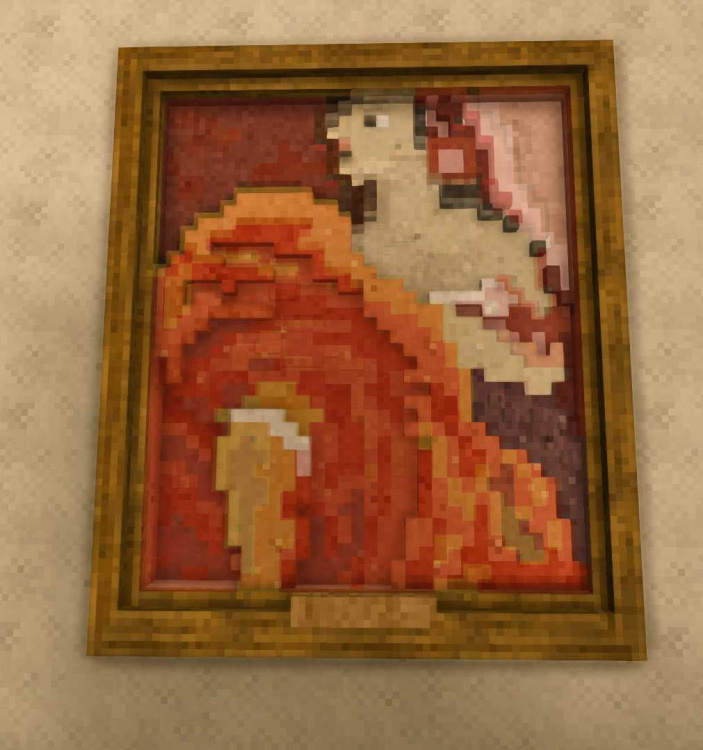
I ended up doing the "Red Dancer" painting for a TOPs chiseling competition. Man, it did badly. Oh well. Just in case anyone is scared to try their hands at making a glass painting, once you get the hang of it, they don't take as long as you might think. I chiseled this one in one day. I recommend planning out glass paintings on graph paper, it speeds it up incredibly for me and lets me know the scale and if it will read correctly before actually starting to chisel.
-
Beautiful wallpaper designs
-
Nice, painted glass with lake ice!
-
These curtains are just quartz glass with a vertical line taken out every other pixel. Quartz has an odd texture which can be helpful or not depending, but if you want it without the texture, curtains also work with lake or glacier ice but come with a blue tone.
-
Nice, I play with my siblings too! I find I need a bigger kitchen when playing with family, somehow we always end up hanging around it. I love the shape of the build.
-
Thanks! It's kimberlite, but andesite should work equally well. I will say for the rug I use the cracked variants because the texture reads a touch more like a rug to me, but it will work just as well with the normal rock versions too.
-
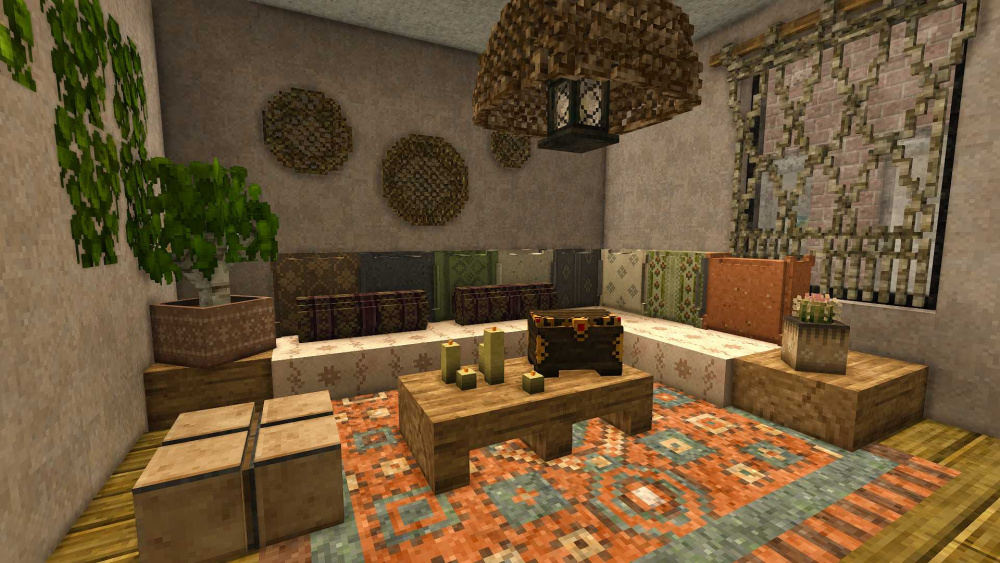
Just trying to see how far you can push wallpapers for pillows. With careful planning it works but making this room count as enclosed if you want to put two different pillows on top of each other along a wall like this would be interesting.
-
Thanks Rainbow Fresh! I can definitely cover some tricks for those questions. I have a few functional chiseling builds and spacing tips. For instance, would showing builds like a resonator cabinet that can hold cylinders and the resonator and "cabinets" that use shelves (instead of the built in one since they take longer to place bowls, etc) be useful? And tips like how tall should chiseled seating be and the minimum width between chiseled furniture to be able to walk through it? Or were you thinking of something else?
-
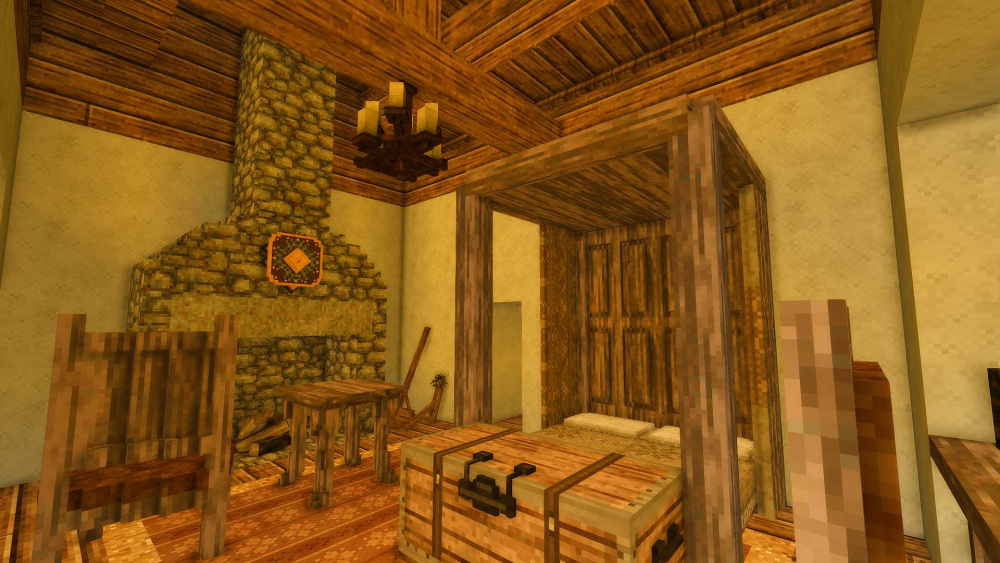
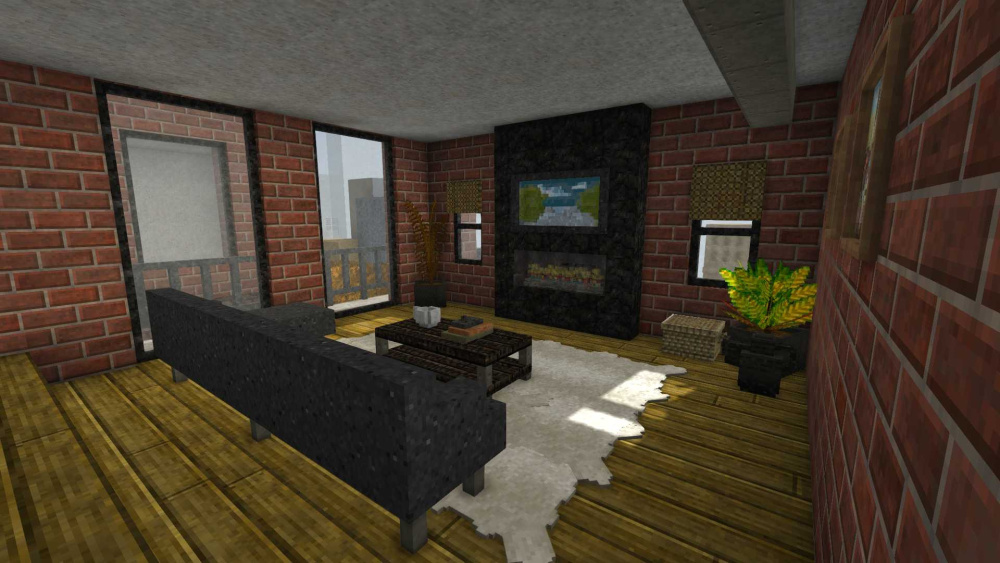
First pass of two interiors. The first one is my house on TOPS which is next to Twonutzheim, so I matched their tutor style. And this on is an industrial style living room. I'm wondering if doing a tips and tricks for doing interiors would be handy? If so, where do people tend to get stuck?
-

cinematic camera Fix recording speeds in-game? (.cam rec command)
lawn replied to HugoCortell's topic in Questions
I keep having that same problem too. My best guess is that the camera is doing something like dividing the time by the number of segments between points instead of total distance traveled along the points. This is especially a problem when adding big camera swings for me. I don't think there is any way to control the camera speed directly without using a mod. (Though I saw that Salty's has that ability, though I haven't used it yet.) I usually can get it to work by adjusting the path to more even segments or sometimes by increasing the total time to something that works then adjusting it in post. Though maybe I should take a closer look at the settings... -
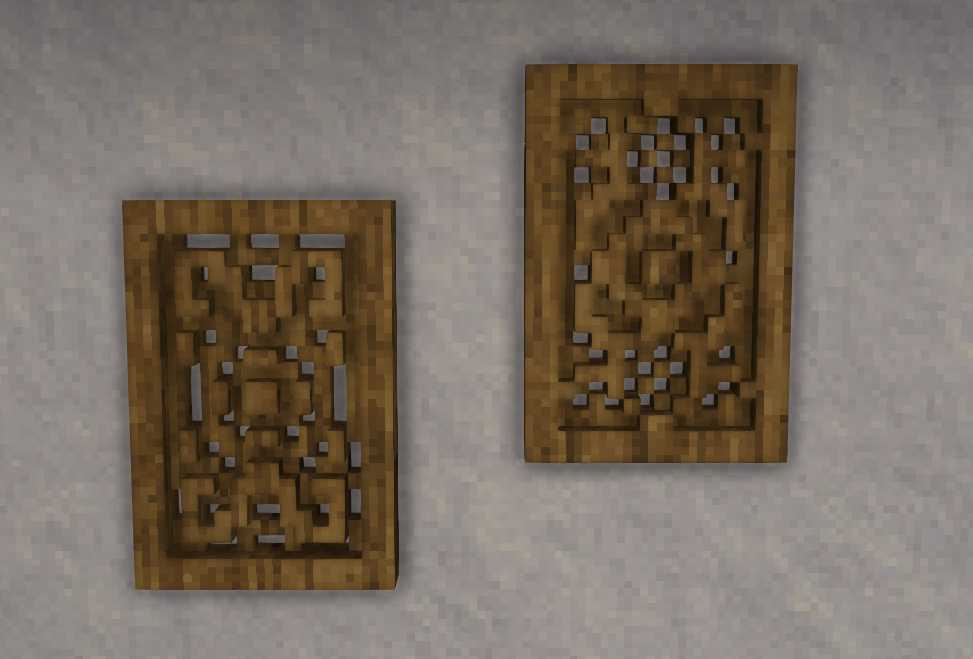
And just because, here's a closer view of the wood carvings from one of my modern living rooms. I really like how they came out.
- 19 replies
-
- 2
-
-
- stained glass
- art
- (and 3 more)
-
These are two quick paintings I did in a morning and then have been fiddling with since. I wanted to see if emulating Van Gaugh's style using brighter colors would work better and then see how believable small portraits would work. Seems like the bight Van Gaugh colors do work well but the small portraits are much more hit or miss depending on what color seraph you are trying to do.
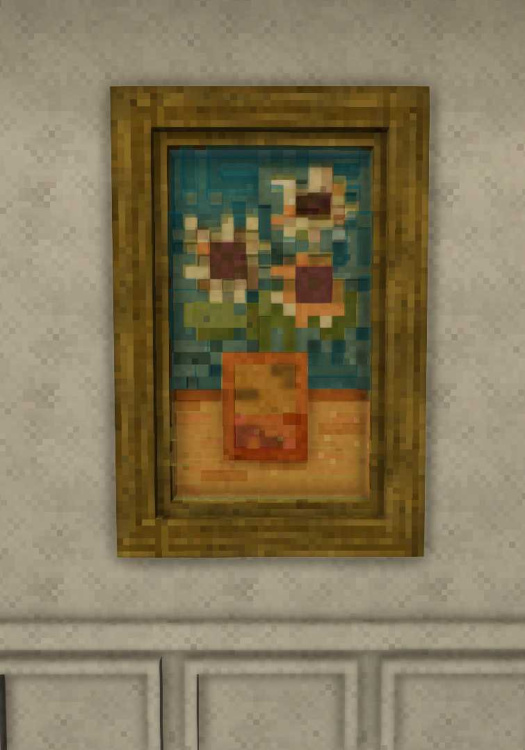
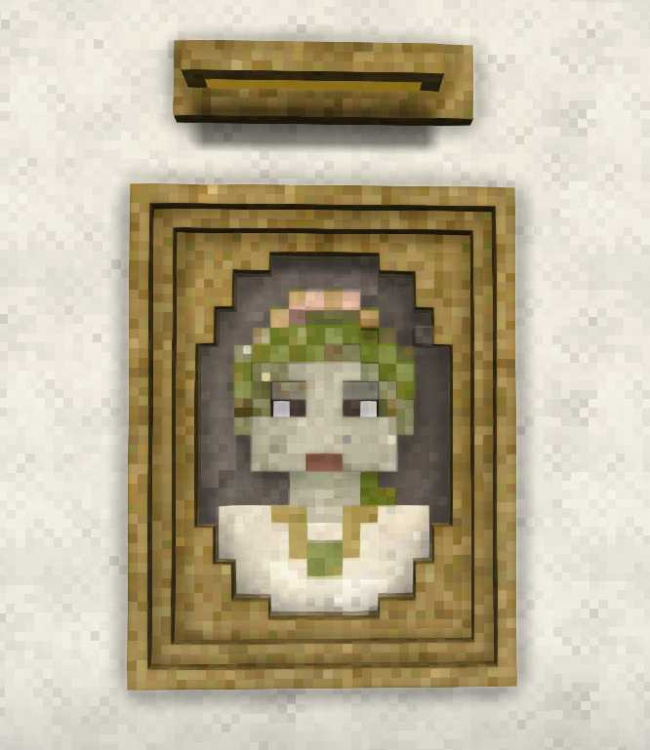
- 19 replies
-
- 2
-

-
-
- stained glass
- art
- (and 3 more)
-
I have chiselwiz, but honestly it isn't that useful for glass paintings. The ability to plane and replace a color with another can sometimes help, but I've made plenty of glass paintings just vanilla. The problem with using a mod is that the paintings just require a voxel by voxel touch. I did use the plane in this video to try to speed up the process for the video, but in the end it didn't help much. Still the plus to a glass painting is that they are much smaller than the murals usually needed to convey a scene using just solid blks, so it's either less of a grind to get materials vs more time chiseling per blk. I would suggest starting with creative mode just because duplicating blks is very useful when learning (or for using smoky glass which is a pain to find), but making them during vanilla survival winter on a world where you can easily trade for colored glass isn't all that much more difficult once you get a hang of it. It is definitely an art where it's going to take a lot of time on the first few paintings, but it gets quicker for each painting after that.
-
Thanks 7embre. I think it might work with andesite instead as well. I will have to try. Usually I don't like pairing phyllite with andesite, because one is warm and the other is cool, and I went with the darker one in this case, but it probably would work with one or the other or both in a greyscale. For sure. I inset the pupils a bit for this one and they do follow you are bit, but the illusion breaks down looking from the side too far, probably because some of the levels around the eyes interfere. Give me a bit and I'll see if I can capture it. Though I do have a rough outline for a painting based on a Cezanne that I've never finished where that illusion does work. That entire eye for that one is one color, so maybe that is why that one works better.
-
Testing how far I can push using just regular glass to increase the number of colors you can get for a greyscale. Probably still needs some tones between the chalk and phyllite. Here is the before adding the regular glass vs after. Found that some of the basalt shifts lighter with the glass when compared to the shale.
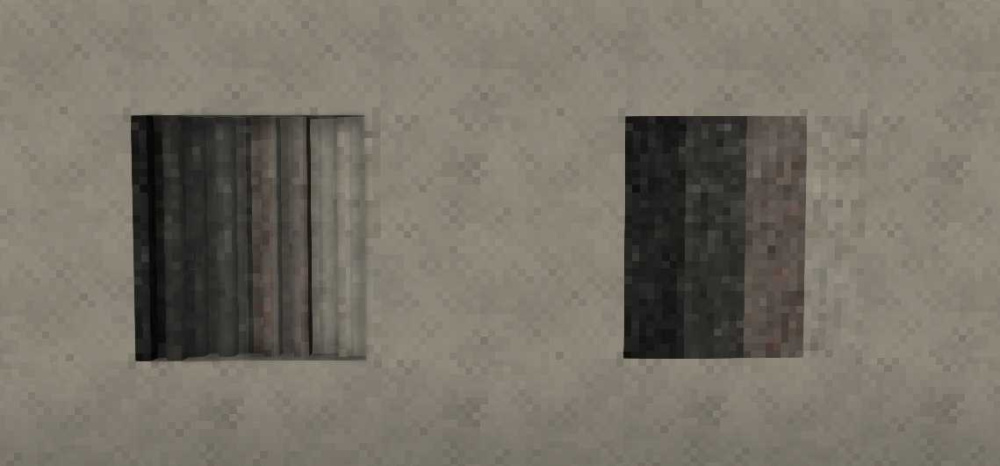
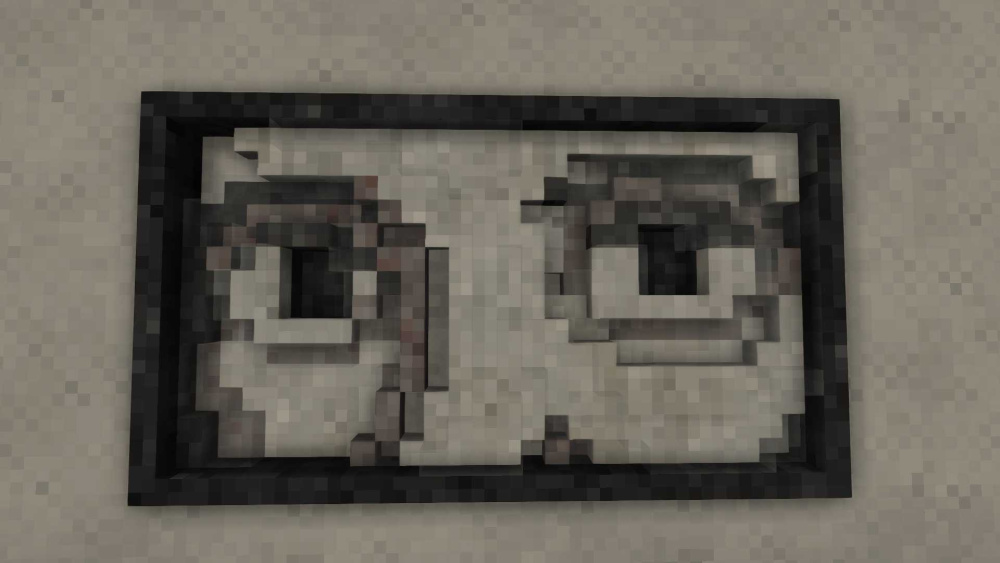
-
Just wondering, I have a big painting planned out. If I was to do another video, what parts of the process do ya'll want want to see? It's most likely going to be half glass dominate and half solid dominate, kind of like the heron painting, but is based on a Fauvism portrait called Red Dancer by Dongen and will probably be 2.5 blk high by 2 blks wide. So will take too long to record the whole chisel process, but I'm happy to document anything that would be useful along the way.
-
Nice to see another modern VS creator! The firepit is clean.
-
Thanks! I guess by anti-alias you mean the edges on the voxels aren't as apparent. That effect is from staggering the depth of the "underpainting" (aka solid blk layer) and semi filling gaps and adding a layer of transparent blks (aka glass and ice) on top. The transparent pixels when added over the solid pixels create slight fridge colors since the viewer's angle causes the transparent color to mix with several pixels beneath. So it kind of works like anti-aliasing.


