DarkWalf88
-
Posts
5 -
Joined
-
Last visited
DarkWalf88's Achievements

Wolf Bait (1/9)
0
Reputation
-
template Incorrect Template setup for code mods
DarkWalf88 replied to DarkWalf88's topic in [Legacy] Mods & Mod Development
Thanks you -
Need Help Understanding this ConfigLib Error
DarkWalf88 replied to jun1per's topic in [Legacy] Mods & Mod Development
The error suggests that there is a problem with the parsing of your config file to .json format. This happens when there are character in your file that shouldn't be there, if you could attach your config file or paste it in a message, I could help you better at understanding what's the problem. -
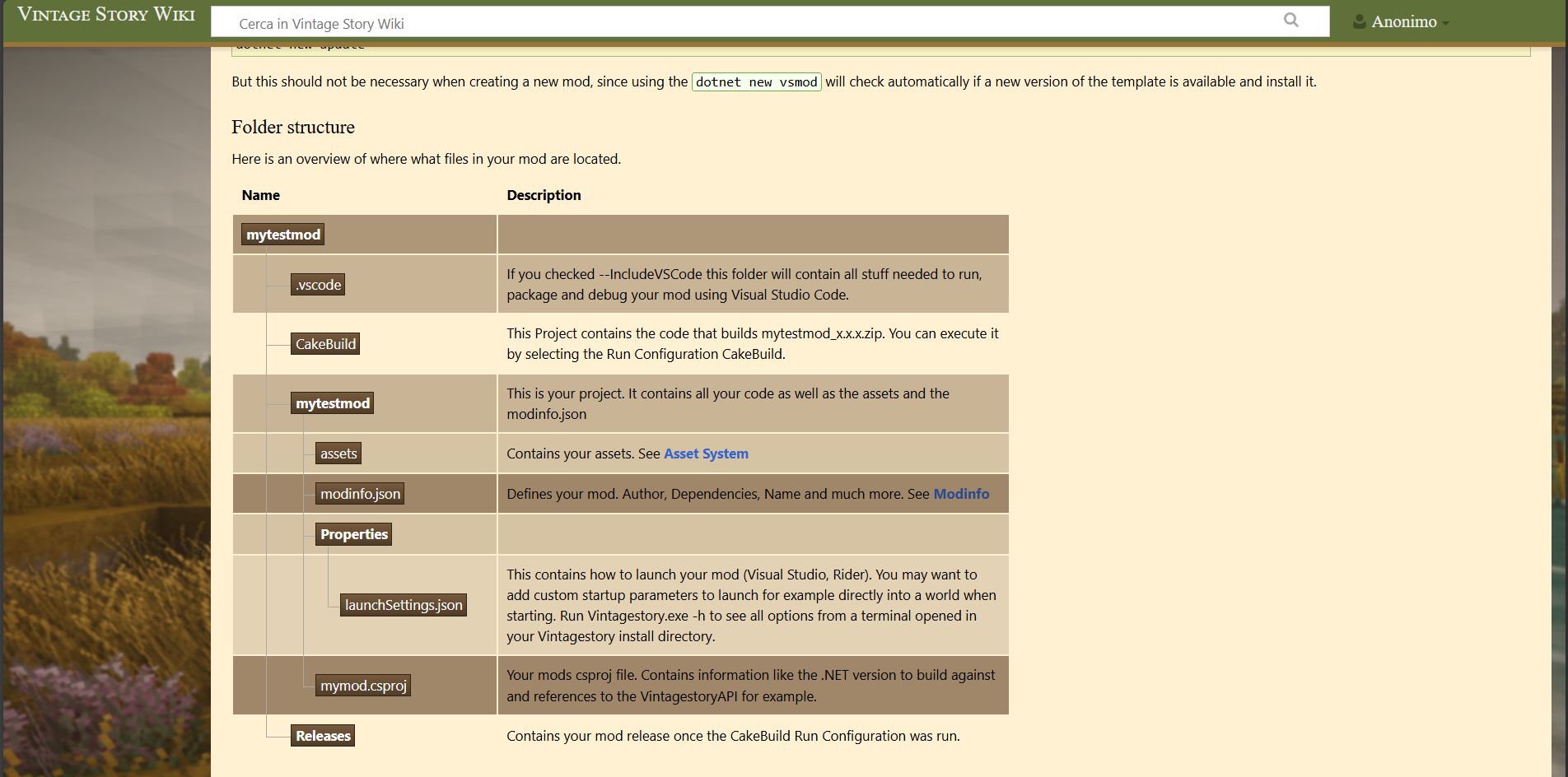
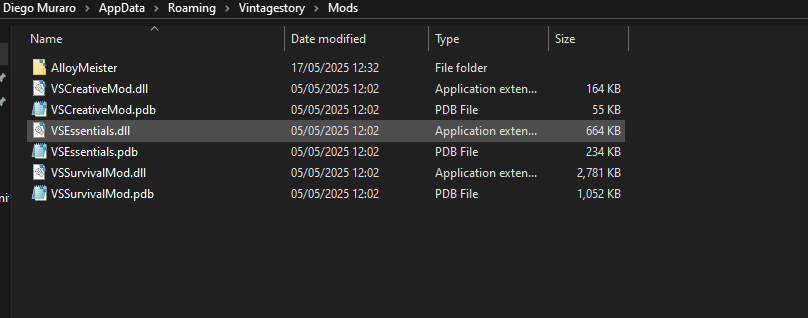
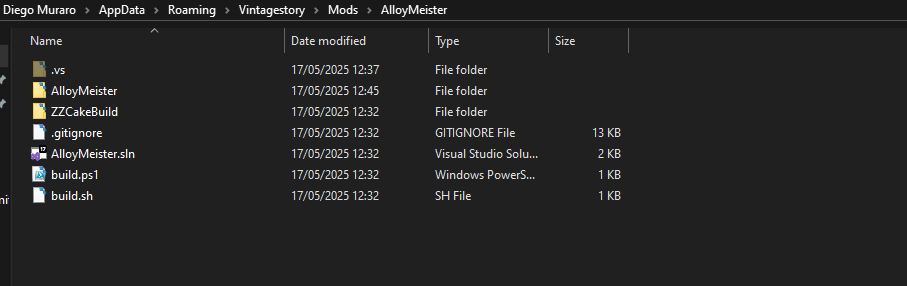
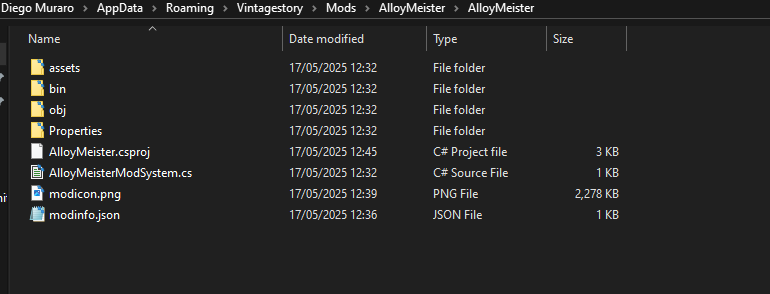
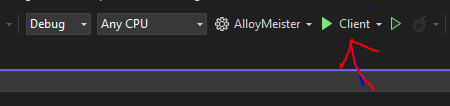
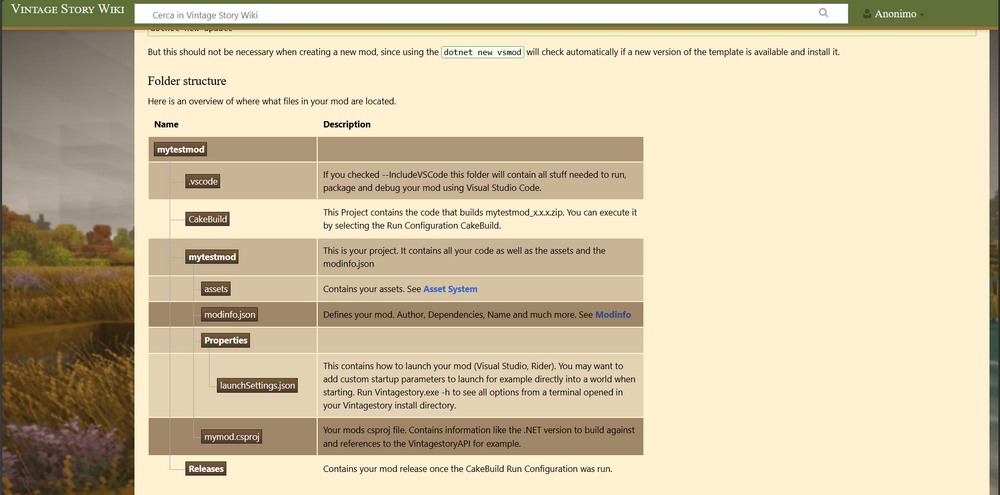
Hi, I started to create my own mod for vintage story a month ago. I followed the steps on the wiki: import the templates, update the templates, open visual studio, create a new project, select the vintage story base template, set the staging folder to vintagestory/Mods and then create the project. Now my mod folder looks like this: https://media.invisioncic.com/r268468/monthly_2025_05/Capture.PNG.caf770c0a3a7ec3eca33c87d8bb875f8.PNG Inside AlloyMeister there's: https://media.invisioncic.com/r268468/monthly_2025_05/Capture2.PNG.13a3ee96722a65cbf70965a9fe196c32.PNG An then there's this: https://media.invisioncic.com/r268468/monthly_2025_05/Capture3.PNG.59cc57fba18c6520d2e5d3b99a5682a7.PNG My problem is: when I open the solution, lauch the client:https://media.invisioncic.com/r268468/monthly_2025_05/Capture4.PNG.fa8dd6bcabaebe6e7d7937b15ddd627b.PNG The console gives of this error: https://media.invisioncic.com/r268468/monthly_2025_05/image.png.1dbe5aed32b3923b84f8daed9be68f52.png And my mod looks like this: https://media.invisioncic.com/r268468/monthly_2025_05/image.png.15da68b12224e734dda17c0aa5526c8b.png I think there is a problem when the game search for the modinfo.json file, but i dont know where i should put it, as i have the same folder structure as the one on the wiki (if I move modinfo and mod icon to the outer folder the game finds them, but the project doesn't compile): https://media.invisioncic.com/r268468/monthly_2025_05/image.thumb.png.1ceb670672f8f7e4cd502fe9fd1692e8.png https://media.invisioncic.com/r268468/monthly_2025_05/image.png.f2253d11e6cfb23d86b15e1890c7ee3b.png



-
Hi, I started to create my own mod for vintage story a few hours ago. I followed the steps on the wiki: import the templates, update the templates, open visual studio, create a new project, select the vintage story base template, set the staging folder to vintagestory/Mods and then create the project. Now my mod folder looks like this: Inside AlloyMeister there's: An then there's this: My problem is: when I open the solution, lauch the client: The console gives of this error: And my mod looks like this: I think there is a problem when the game search for the modinfo.json file, but i dont know where i should put it, as i have the same folder structure as the one on the wiki:
-
Hi, I'm using 1.7.1 version of the mod and when i download the mod and it keeps failing to download the foods textures