Tj Pepler - Critcher
-
Posts
159 -
Joined
-
Last visited
1 Follower

Recent Profile Visitors
1834 profile views


.thumb.png.41e0865123aca524bc1c1f275a233cab.png)


Tj Pepler - Critcher's Achievements

-

🎃 Vintage Story Pumpkin Carving Contest! 🎃
Tj Pepler - Critcher replied to Decorem's topic in Builds
Happy Halloween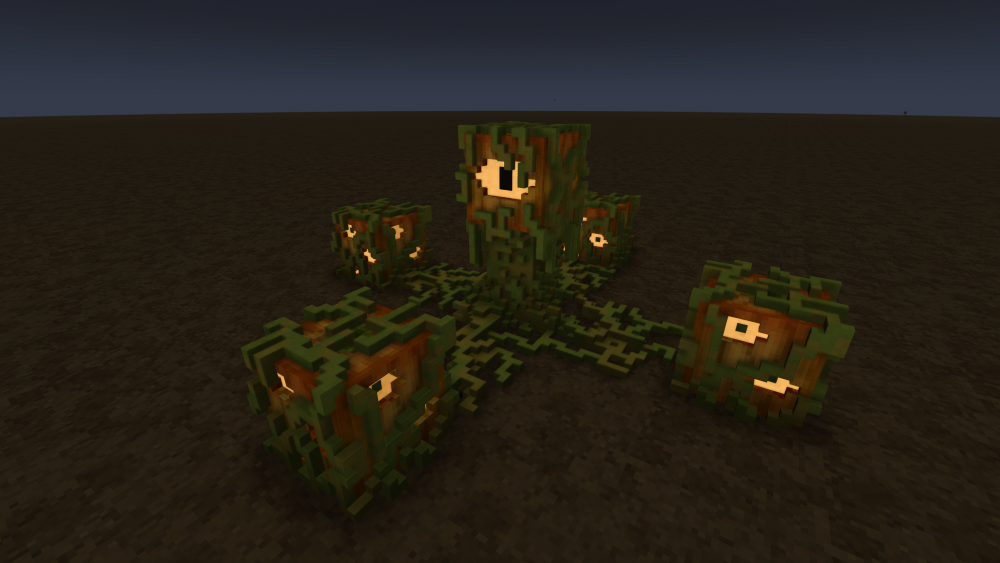
-
I would look into machines, maybe poke the auto rotor, powered querns can go much slower, the rotation speed doesn't line up between manual and machine, manual the quern animation is quite slow and is around 8 seconds I think to grind a stone, but the machine is slower up to around .8 or .9 then it's about the same as hand grinding but the animation is very fast. Otherwise you are right, there is no setting in the stone itself, just density which seems not used?
-
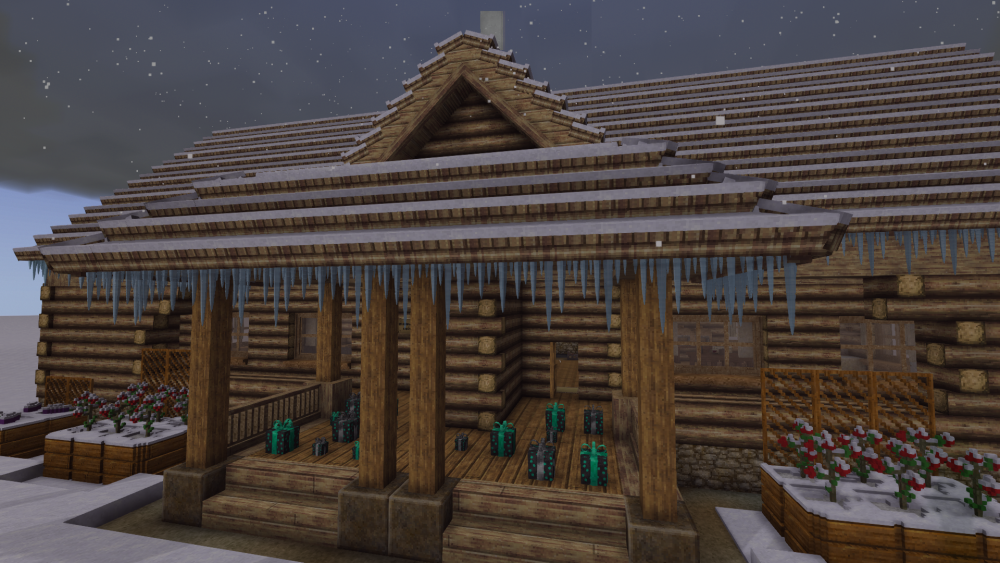
I decided not to stop posting after all I have added icicle trim for all of your winter building adventures.
-
I really am asking for opinions here please. I would like to know what people actually prefer but, I can't do that without some input If you think you might use a mod like this private or on a server... Would you rather if everything were available for free or would you prefer if everything had a crafting recipe? Also I said I'd stop but I wanted to post one more little thing to show that they are all actually twinkling lights, not a flat texture... twinklelights.mp4
-
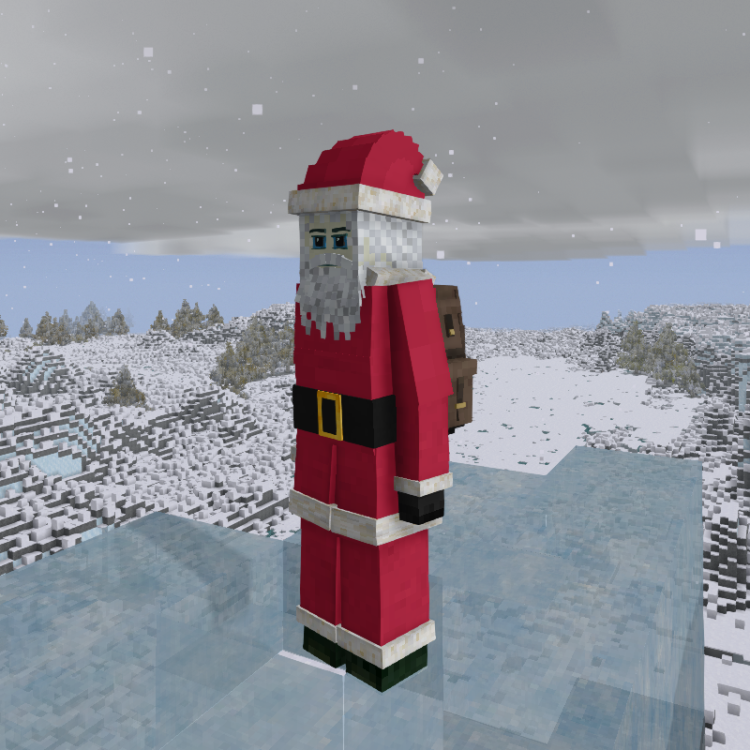
One more and then I'll stop
-
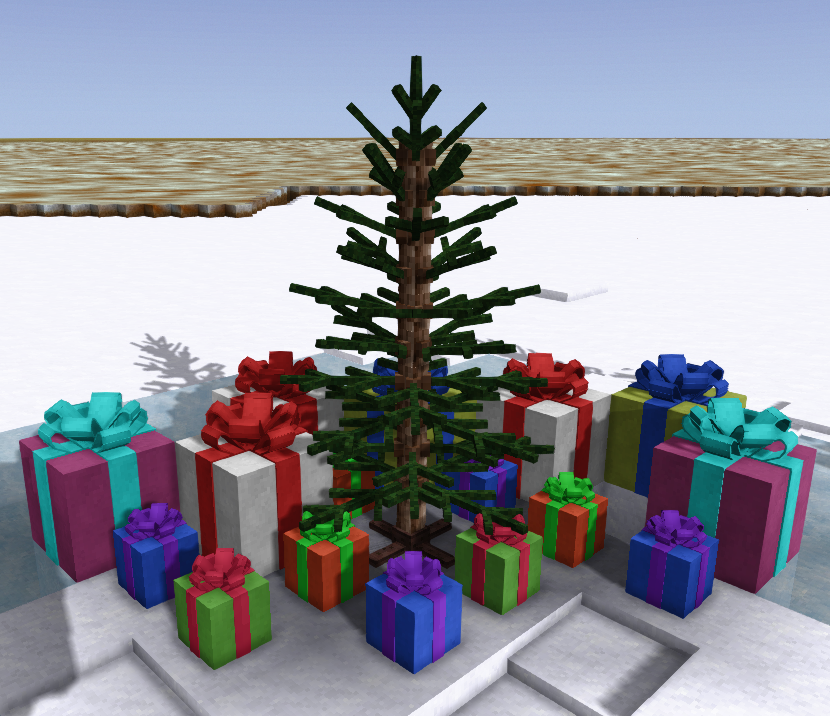
I forgot presents... (1 and 4 slot 'chests' for giving)
-
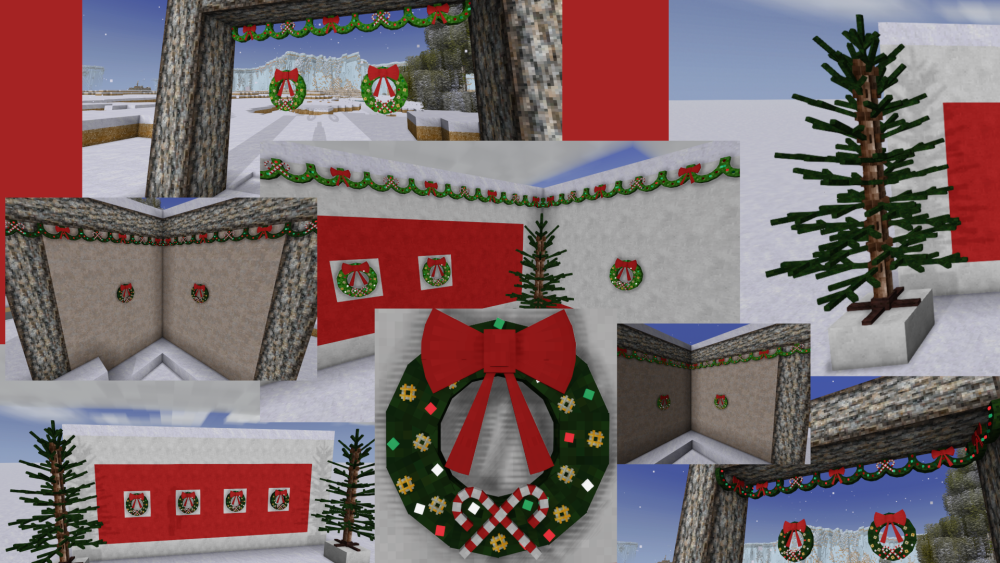
Hello folks, It has come to my attention that I am in fact an old man, with a big white beard, and a belly that may in fact jiggle somewhat like a bowl of jelly so this seemed like a perfectly natural project. I am going to be releasing a Christmas themed mod on Nov.01 I am quite far through the process now and the package will contain the following, Dark and light trims featuring either a bow or candy canes, also a matching corner attachment for both. Lights are multicolored and function, they twinkle randomly. Dark and light wreaths, also have working twinkling multicolored lights An artificial 6 foot Christmas tree* current plan is fully pre-decorated and lit, but if time permits I may try making each tree level a shelf so you can place your own decorations (maybe maybe maybe) An artificial 9 foot Christmas tree* same as above Gift boxes you can fill and place or give away Stockings you can fill that have an empty and full state (maybe...) Christmas music cylinders And finally, having a couple of issues right now, but almost for sure a Santa suit I would like opinions on dispersion though, would people prefer everything in a free gift box or would you prefer everything actually be crafted and earned? Currently there are no recipes but that is super fast .json stuff so I'm good either way.
-
Disable Specific Mob Spawns?
Tj Pepler - Critcher replied to PhotriusPyrelus's topic in Mod Requests/Ideas
I'm sorry I missed this when you posted it! You can come to https://www.critchersmods.ca I have an application called mod maker, you run it run there and you can change almost anything about your game including enabling and disabling any of the creatures (I almost always disable bowtorn) then just download the zip and drop it in your mods folder. You can get to it from my link in the Mod DB too Critcher on the Mod DB Just uncheck any creature you don't want, or slow him down, weaken him or make him blind! LOL. Can do any creature and their spawn rates so another good one I do sometimes is double the bee spawns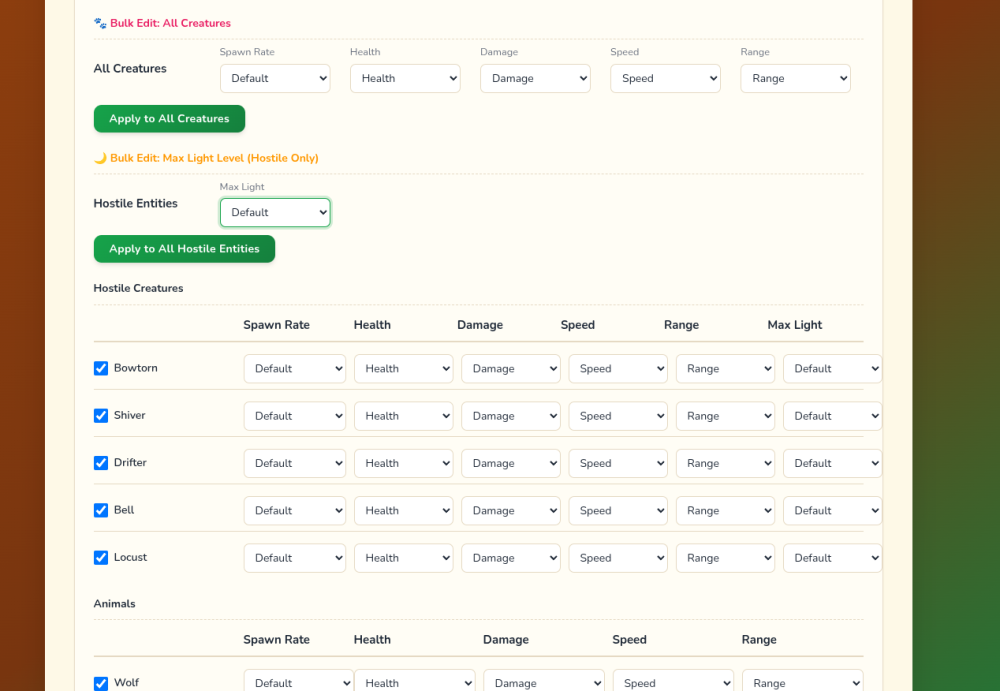
-
AHEM... I am wrong, I made a mistake because one of the mods I am running changes black coal to tier 2 as a mining requirement and seeing that made me think everything was broken. Since without mods tier 3 tools are required, that breaks my entire argument. Everything is fine, return to your seats folks!!! This is me right now, a derp

-
I think the best solution is to create 4 ore bombs, Tier 1 - The existing bombs, can do copper / tin / zinc / bismuth Tier 2 - New bomb that requires (copper / tin / zinc / bismuth) one of these metals as an ingredient it can do gold / silver /iron and below Tier 3 - New bomb that requires (gold / silver /iron) one of these metals as an ingredient it can do nickel / uranium and below Tier 4 - New bomb that requires (nickel / uranium) one of these metals as an ingredient it can do chromium / titanium and below (A bomb that requires uranium, what could go wrong ) If anyone has any input I'm all ears, otherwise this is a fairly simple mod I will post it in a few days.
-
Hi all, I came to the realization that ore blasting bombs have got to be changed, at least for my server. I will make the mod and post it, but I'm looking for a fair idea. This is why... I wonder if there should be tiered bombs? That would be easy, tier 1 could blast up to tier 3 ores, tier 2 could do tier 4 ores and tier 3 could do tier 5 ores maybe, with each tier of bomb having proper ingredient requirements? Another way around the issue would be to make it so hammers are restricted to what level they can break so they can't turn the advanced ores into bits at all? (eg, you need a bronze hammer to break an iron ore) Input and ideas greatly appreciated!
-
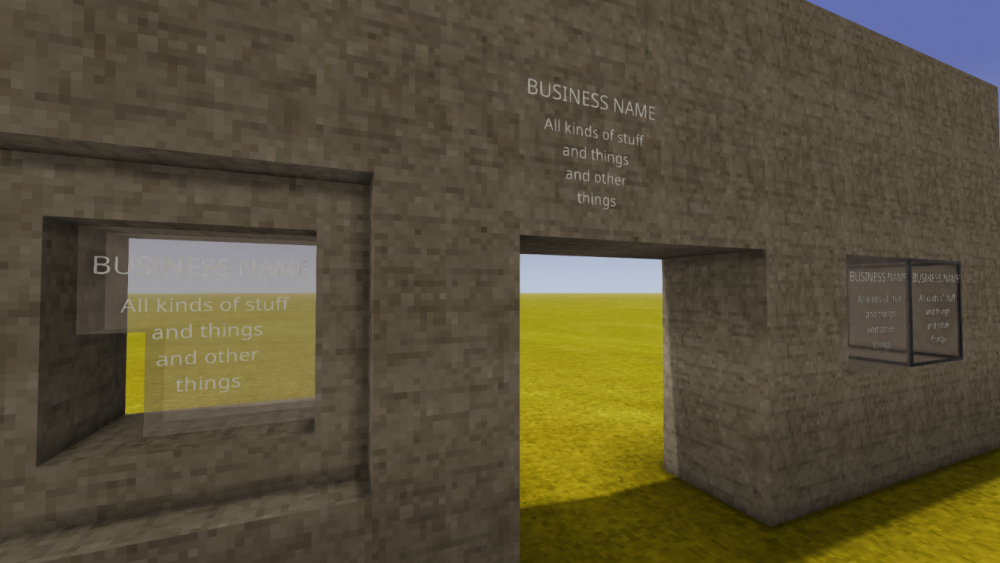
You want a layer. It can be used for a million uses It's the same as in game moss, dirt and fungus layers. This doesn't require any code and is a basic system in the game. Layers can be applied to chiseled surfaces so you can apply it to thin windows, hanging signs, anything you want really. No charge or anything, this mod can be used and modified by anyone who wants it. Go into the mod, change the textures, make sure it's reversed like the existing signs and re zip or don't it's not really required, just don't keep the zip and the unzipped mod both in the folder, one or the other. Signs_1.0.0.zip
-
The current AI/Low effort blocking system doesn't work.
Tj Pepler - Critcher replied to godlikeion's topic in Suggestions
This is my point, we can argue technicalities but your statement is based on what you consider 'no use' but a data center enemy would say that your tools are products of AI and thus you use it. And that is just a way of saying why I get so upset, there is no standard, there is no 'level of acceptable use' because they all have a different definitions depending on what influencer is their favorite. But almost every single thing in computing is influenced or built by AI, so what is the line here? And if the problem is slop then let's try and remember how many people lost their systems to malicious code on olden days code sharing sites because they just copy pasted replies so, slop comes from humans too. And some of the folks out there are just bad coders, that too is slop. If people would be clear that would be helpful, are you anti AI or are you anti slop? What do you actually want? Or is it both? -
The current AI/Low effort blocking system doesn't work.
Tj Pepler - Critcher replied to godlikeion's topic in Suggestions
First I would like to know which mod programmer (code mods) you know that doesn't have any AI influenced tools in their workflow? Can you name a single mod? No. Then I would like very much for an AI protester to show me a workflow and tools I or anyone could use to create these mods for you for free as we do? What can I use as my OS? I don't even know of a AI free OS, but after you solve that, what IDE do I use that is not AI??? Can I go to coding sites and copy code? What if that was made by AI and I don't know? I will need a new language and compiler because .NET is of course heavily developed by AI systems. Gee that makes me wonder how this very game is compiled... Imagine how dumb someone would sound trying to prevent AI from being used in a mod for a game in which AI was used in development... that would be something eh? So let's make a rule then, if you want to complain about AI use, then you provide the author with the tools and workflow to produce it to your standards. (hint : no such thing exists anymore)