


Spear and Fang
-
Posts
493 -
Joined
-
Last visited
-
Days Won
8
Content Type
Profiles
Forums
Blogs
News
Store
Everything posted by Spear and Fang
-

Crash Report/Potential Mod cause?
Spear and Fang replied to CrazyCoin's topic in [Legacy] Mods & Mod Development
That looks a lot like the fruit tree crashes that were plaguing some of the earlier 1.17.x releases. Definitely get your server and client to the same version if they're not, and ideally 1.17.9. Haven't seen a fruit tree crash with that version. -
Wait what? Pretty sure I added smoked meats to basic meal recipes and pies as well.
-
no animals were harmed Primitive Survival
Spear and Fang replied to Spear and Fang's topic in Mod Releases
Sweet! Thanks! -
no animals were harmed Primitive Survival
Spear and Fang replied to Spear and Fang's topic in Mod Releases
Thank you, I have fixed this for the next release They are actual names, but they are all "friendly" names or regional names that I pulled from the internet, rather than official classifications. Many of them are likely from the USA. Sorry! I am hearing about this for the first time, and expected them to be translated using these sorts of entries (this entire section alone is only for fish fillets)... "game:recipeingredient-item-fishfillet-raw": "Fish", "game:recipeingredient-item-fishfillet-raw-insturmentalcase": "Fish", "recipeingredient-item-fishfillet-raw": "Fish", "recipeingredient-item-fishfillet-raw-insturmentalcase": "Fish", "game:meal-ingredient-soup-primary-fishfillet-raw": "Fish", "game:meal-ingredient-soup-secondary-fishfillet-raw": "Fish", "game:meal-ingredient-stew-primary-fishfillet-raw": "Fish", "game:meal-ingredient-stew-secondary-fishfillet-raw": "Fish", My language file is large and quite complicated, so thank you so much for this Azuli! I will include this translation in the next release. -
no animals were harmed Primitive Survival
Spear and Fang replied to Spear and Fang's topic in Mod Releases
They don't work. I started working on them and then turned my attention to mod compatibility with all the new VS releases, and playing the new versions of VS. So I disabled the recipes. Sorry. -
no animals were harmed Primitive Survival
Spear and Fang replied to Spear and Fang's topic in Mod Releases
Indeed, the current version appears to be working aok with 1.17.2 stable. I've just now updated the modDB to indicate that. Thanks @Zeeny! Thanks @l33tmaan! -
help with proper mod etiquette help!
Spear and Fang replied to Sukotto82's topic in [Legacy] Mods & Mod Development
Hey, the attached version should work for you. Notice that: - in your grid recipe, I prefixed the ingredients with game: That's because those assets are in the game's domain, as opposed to items from your mod. - in your clothbag item, I prefixed the shape with game: as well, for the same reason. That asset (linensack) is in the game's files, not in your mod. The textures on the other hand are in your mod, so they don't need a prefix, although you COULD prefix them with your modid if you like (see modinfo.json). So this sort of thing is perfectly acceptable, and perhaps more readable "textures": { "linen": { "base": "clothbag:item/bag/clothbag/linen" }, "top": { "base": "clothbag:item/bag/clothbag/top" } }, Likewise in your grid recipe, you could prefix your mod's assets if you like...i.e. "output": { "type": "item", "code": "clothbag:clothbag" } -I changed up your modinfo.json slightly but I don't know if that was necessary. Some of the things in that file are a little forgiving. I moved your assets into a folder called assets. This is mandatory. Inside that folder, I renamed your clothbag9 folder to clothbag. That folder must exist, and I always like to name it the same as my modid (although I've heard that isn't necessary). Other than that - things got reformatted when I made those changes - the editor I was using is configured to automatically do that - apologies. I tested the mod out and it all seems to work. Cheers! clothbag9.zip -
no animals were harmed Primitive Survival
Spear and Fang replied to Spear and Fang's topic in Mod Releases
Hello ArtsyFreya, Since you are using a hosting service, it's pretty safe to assume that you are running the latest stable version of VS - 1.16.5 Stable. Verify that if possible. If so, ensure that you have the same version on your Mac, and ensure you are putting Primitive Survival v2.9.5 on the server - that is the newest compatible version for that game release. -
no animals were harmed Primitive Survival
Spear and Fang replied to Spear and Fang's topic in Mod Releases
Use a worm grunter to collect up a bunch of worms (like 20-30)...forest floor is the best for this but last time I did this I covered the floor of my house with med fert soil and did this at night in the comfort of my own home. Then dig a couple/three one block holes. The bottom of each hole needs to be soil (any soil will do). Hoe it so it's farmland. Place about 10 worms in the hole (it's easier to place them if you target the wall of the hole rather than the bottom). It won't take long for 10 worms to convert that one block of farmland into worm castings. Wait 5 seconds after the transformation for the worms to settle into the block of castings. Either start picking up worms, or break the block of castings and jump in the hole to retrieve the worm casting fertilizer. Pick up all the remaining worms. Wash/rinse/repeat. You can look at the farmland in the hole to see the progress. When all the slow release fertilizers reach 150% the transformation happens. -
Suggestion: Sluice Box
Spear and Fang replied to Osiris 72's topic in [Legacy] Mods & Mod Development
https://mods.vintagestory.at/show/mod/25 -
no animals were harmed Primitive Survival
Spear and Fang replied to Spear and Fang's topic in Mod Releases
Glad it got sorted out, and thanks yet again - I've added that issue to my to-do list. Much appreciated. -
no animals were harmed Primitive Survival
Spear and Fang replied to Spear and Fang's topic in Mod Releases
Yeah I noticed the same things. I think you'll either need to (a) update your game to pre.3 or (b) downgrade Primitive Survival to 3.0.0. EDIT: Thanks for the detailed report btw. Above and beyond! -
no animals were harmed Primitive Survival
Spear and Fang replied to Spear and Fang's topic in Mod Releases
Still working on that so I disabled the recipes. -
no animals were harmed Primitive Survival
Spear and Fang replied to Spear and Fang's topic in Mod Releases
Thanks for the bug report@PhyDoesStuff I've added to my to-do list and will investigate. -
no animals were harmed Primitive Survival
Spear and Fang replied to Spear and Fang's topic in Mod Releases
That's correct, they won't take damage after the initial fall, but will take more damage if they fall further or if you use the bed of nails. They will take a bit of damage if they walk off the spikes and back on, so leaving a square or two clear of spikes may produce the desired results. -
no animals were harmed Primitive Survival
Spear and Fang replied to Spear and Fang's topic in Mod Releases
Yes, giving worms a little more tlc is on my to-do list, and has moved up the list now that I've added that worm grunter. I definitely want to make them a more viable option to simply place on your farmland AND flesh out a better way of making worm castings. But alas, my to-do list is long. -
no animals were harmed Primitive Survival
Spear and Fang replied to Spear and Fang's topic in Mod Releases
Could be a temperature related issue. It needs to be really warm at night. Something like +30C between midnight and 3am. Perhaps you are just in too cold of an area, or in the wrong season. -
Here you go. Enjoy! https://mods.vintagestory.at/translocatorengineeringredux
-
no animals were harmed Primitive Survival
Spear and Fang replied to Spear and Fang's topic in Mod Releases
If for example you have a three by three hole, and you place a bundle of spikes into the middle of one side, you can stick another bundle of wood spikes into the side of the first bundle you placed...both sides in fact. From there you can keep on "weaving" and actually cover any sized pit with some sort of convoluted cross hatch pattern. -
1.16.0+ [Discontinued] CarryCapacity v0.6.5
Spear and Fang replied to copygirl's topic in Mod Releases
I always forget that my off hand has to be empty. -
Do you know how to make texture blocks?
Spear and Fang replied to DX65's topic in [Legacy] Mods & Mod Development
Nope, I only use Vintage Story Model Creator. -
Do you know how to make texture blocks?
Spear and Fang replied to DX65's topic in [Legacy] Mods & Mod Development
And I'm a pretty average modeller.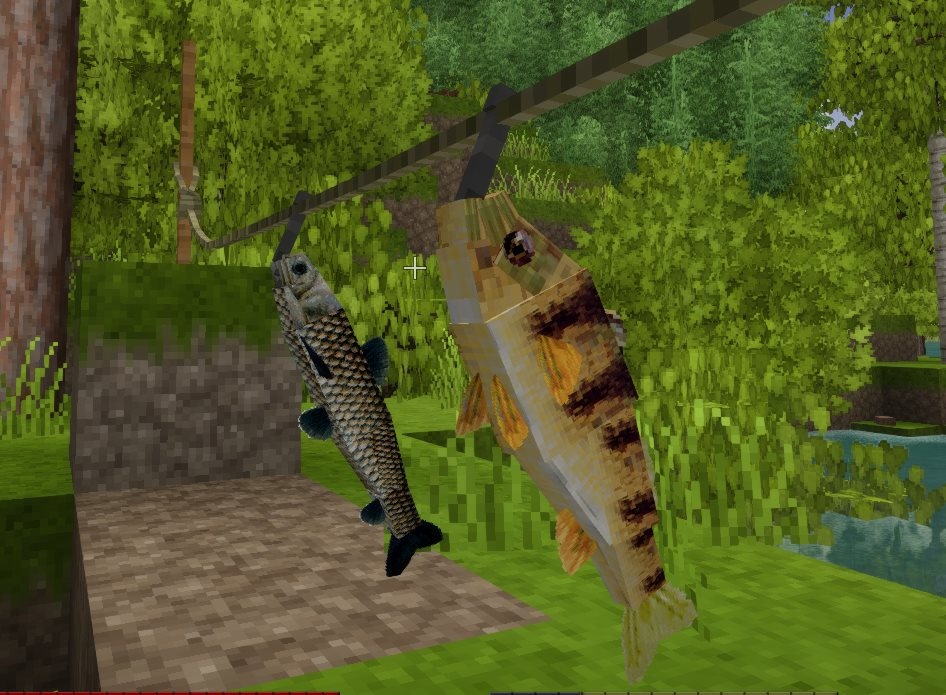
-
Do you know how to make texture blocks?
Spear and Fang replied to DX65's topic in [Legacy] Mods & Mod Development
Nope, just flats and cubes. But you can rotate them on any angle and overlap them if you're careful. The skies the limit.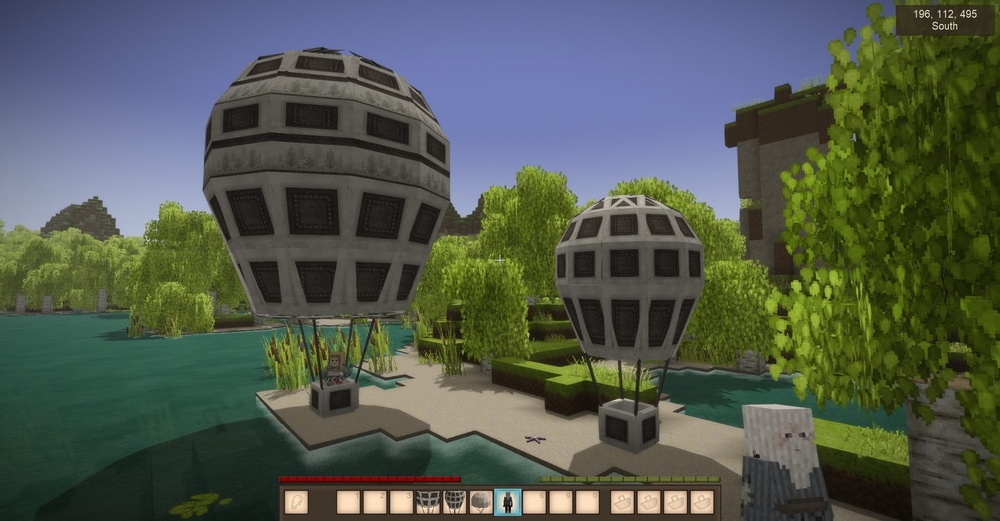
-
Do you know how to make texture blocks?
Spear and Fang replied to DX65's topic in [Legacy] Mods & Mod Development
You must learn to walk before you can run, young Padawan! -
Do you know how to make texture blocks?
Spear and Fang replied to DX65's topic in [Legacy] Mods & Mod Development
Ha! I cannot explain it you to like you were 5. It's a little too complicated for many 5 year olds. But the gist of it is this: An in-game BLOCK needs only one thing. A json file, located in the blocktypes folder of your mod. I will now and forever more refer to this json file as block.json. To be clear - block.json is not something you create in Vintage Story Model Creator (VSMC). It is NOT a shape. block.json is built entirely using a text editor (like notepad++), and consists of one or more json properties. These properties describe many many things about the block. Variants, shapes, sounds, textures, hitbox sizes, collision box sizes. The list goes on and on and on. There are many examples of these that you can look at where your game is installed. Windows i.e. C:\Users\<userid>\AppData\Roaming\Vintagestory\assets\survival\blocktypes In your mod you can name block.json whatever you want - something like myfancyblock.json. And have as many as you want. It can be in any sub-folder you want. But it has to be in that blocktypes folder. Look at the folder structure of your mod. It has a correct folder structure. It doesn't have all the possible folders you can have. Those are listed under AssetCategory in the table here: https://wiki.vintagestory.at/index.php?title=Modding:The_Asset_System Before I ramble on any further - The "Modding the Game" section of the wiki is how I learned all of the basics about modding. There's a ton of information, I read it all, and it took me a week to digest it. That's how many of us learned how to mod Vintage Story. https://wiki.vintagestory.at/index.php?title=Main_Page The one property that every block.json must have is a code. This code is used to uniquely identify a block in the game. (Well not a single unique instance of the block, but a unique type of block....i,e, soil, cobblestone, etc.). If you look at one of your block.json files, you'll see it. It's almost always the first property. But it doesn't have to be. The properties can be in any order. code: "dx65flower", ------ Another common property that block.json has is a shape. This is just a link to the file you created in VSMC. I'm just going to call this shape.json. You can rename these shape files to whatever you want. All of your shape.json files MUST live somewhere in the shapes folder. Look at your mod. I stuck the shape files in there. Then, in your block.json, you can link your block to that shape. shape: { base: "dx65flower" }, That's saying "hey, for this block.json, use a shape file with the name dx65flower.json in my shapes folder." ------ Yet another common attribute that block.json has is a texture. Textures are always .png files (pictures), and they must always live somewhere in the textures folder of your mod. Look at your mod. You have that. Now there's a couple of ways of of linking a texture to your block.json, but one common way is to add a texture property. In your mod you have one...this: textures: { all: { base: "block/color/flower/dx65flower" } }, That's saying that for block.json, use the .png file located in your textures folder, in a subfolder block\color\flower, and the file is named dx65flower.png Don't worry about the all: or base: parts of that, for now just always copy paste that property and then replace the part in quotes. Then cross your fingers and hope for the best! ------ And another common property that block.json has is the variantgroups. These describe "sub types" of that block if you will. i.e. lowfertility, mediumfertility, highfertility. So if you have a block with the code "soil" and the variant groups "lowfertility, mediumfertility, highfertility", you actually are creating three different blocks, all at once in that ONE block.json. soil-lowfertility soil-mediumfertility soil-highfertility Your mod doesn't currently use the variantgroups property, but it's a big time saver if you have many similar blocks. All those similar blocks can live in one block.json. ------ PROPERTIES, PROPERTIES, PROPERTIES, so many properties: https://wiki.vintagestory.at/index.php?title=Modding:Block_Json_Properties Click on the dark brown squares on that page to expand the sections. There's a lot of properties! Now when I created my very first block I followed these instructions: https://wiki.vintagestory.at/index.php?title=Modding:Basic_Block And when I fixed up your mod, that's where I ripped some properties from to create your block.json files. In fact, every time I create a block.json in my mod, I copy the properties from somewhere else. I don't memorize them, I don't start from scratch. I think to myself "what's a block in the game that's most like the block I'm trying to make" and then I track down that block.json and copy/paste it's properties. Finally I tweak it to my liking. Whew. Maybe that will help. Maybe not. idk.




